Operation
67
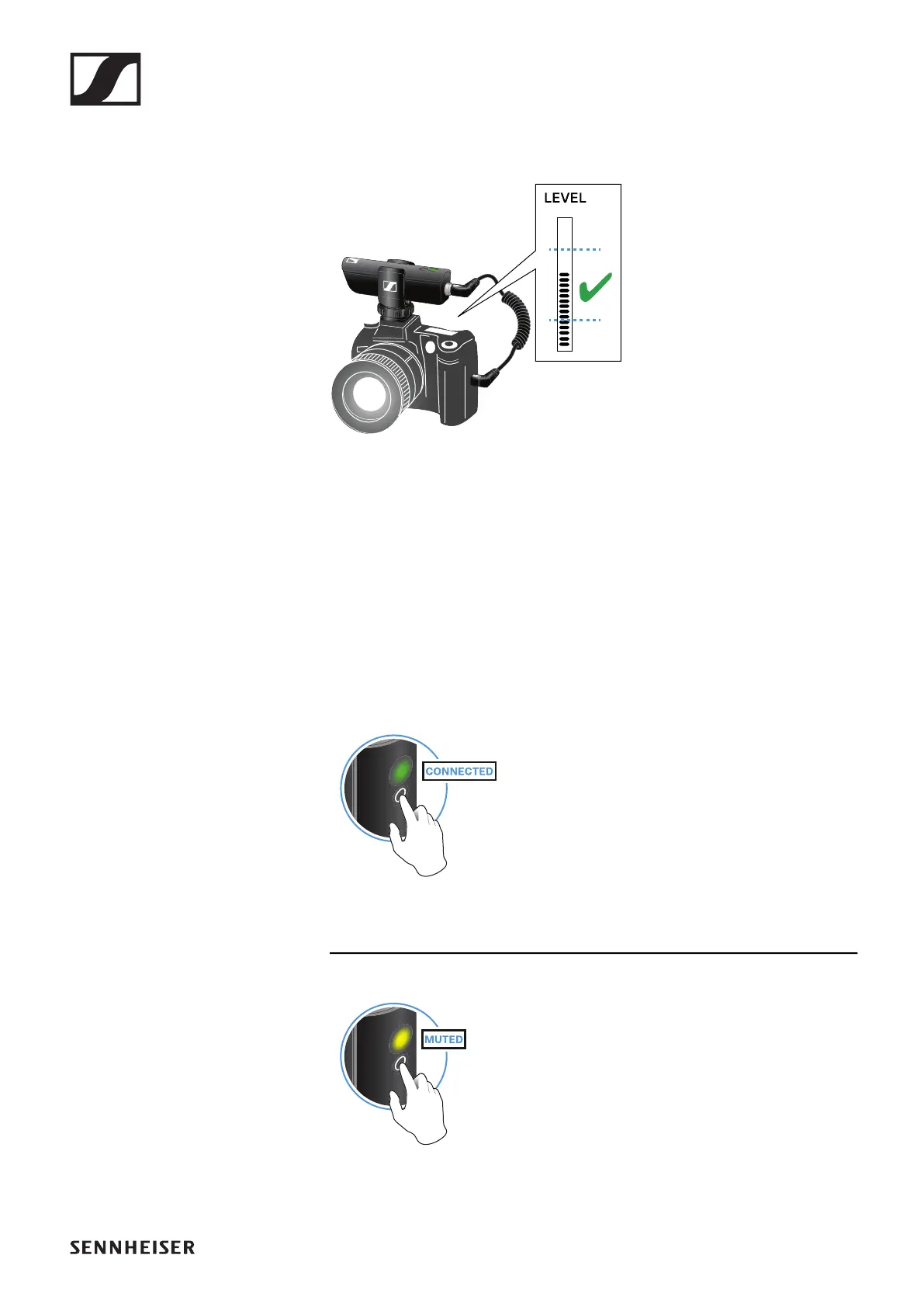
Adjusting the input level on the camera
Once you have connected the receiver to the camera and switched it on,
you have to adjust the input level on the camera.
►
▷ If the camera has automatic gain control (AGC), you should disable this
function.
▷ Set the input level in the camera’s menu so that the audio signal does
not overload the input.
▷ During recording, regularly check the input level on the camera to make
sure that the audio signal is not overloading.
Muting the audio signal
When using a set, you can mute the audio signal. The audio signal can then
be unmuted.
►
▷ To mute the audio signal: Briefly press the button on the transmitter or
receiver.
►
▷ To unmute the audio signal: Briefly press the button on the transmitter
or receiver.










 To Next Page