6X Multispectral Sensor Reflectance Panel User Guide
www.sentera.com Page 12 of 13 Updated August 13, 2020
844.SENTERA © 2020 Sentera, LLC. All rights reserved.
3. When holding the sensor over the panel, avoid shadowing the panel, and try to keep the sun at your
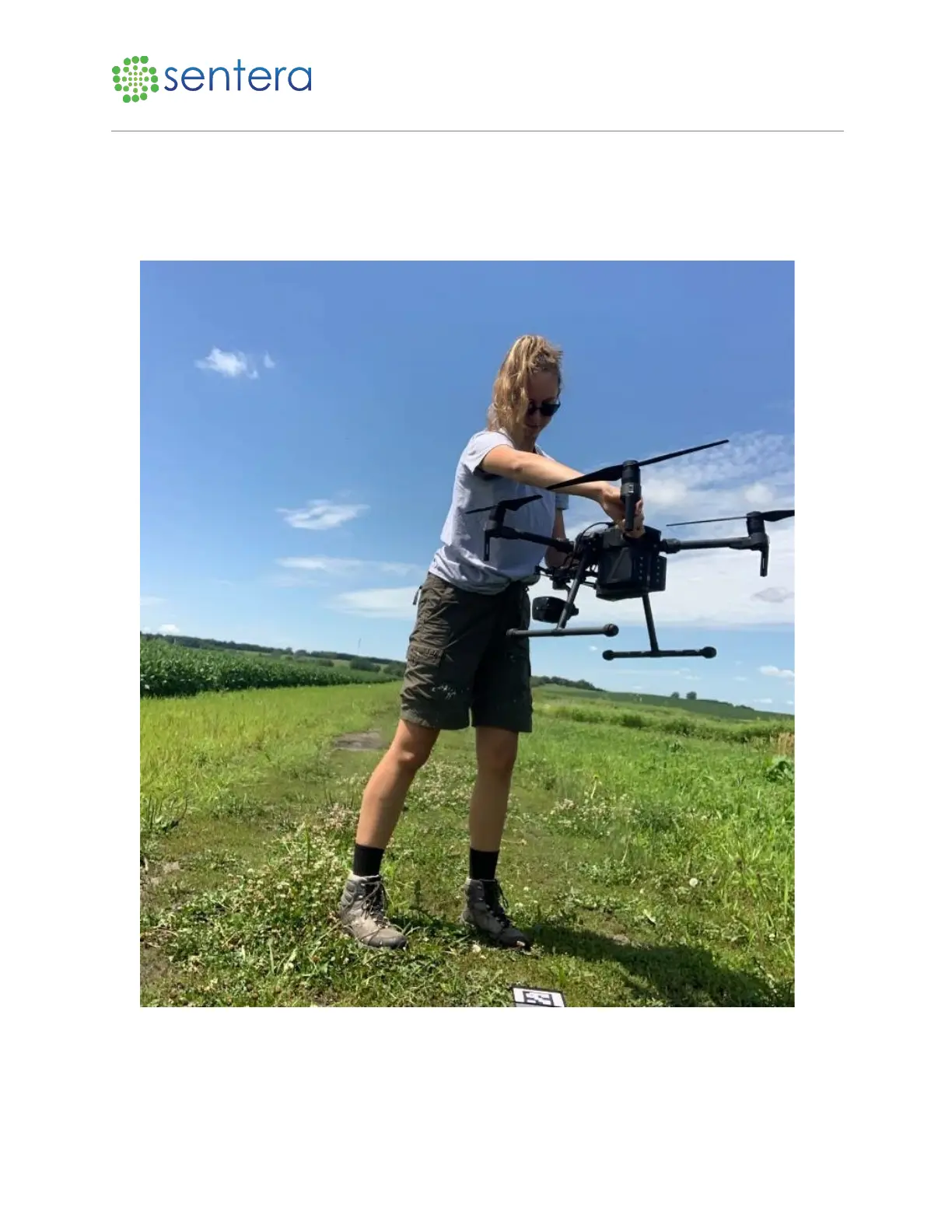
side, as opposed to in front or behind you when capturing the reflectance panel images.
4. Quickly unplug the adapter end of the ethernet cable from the drone’s sensor, and lift the drone
waist-high and centered over the reflectance panel. Ensure that your shadow does not cover the
panel, as shown in Figure 10.
Figure 10: Hold Drone Above Panel
5. Watch the LED lights on the camera. They will begin blinking green, then white, then turn solid
green, which indicates the images were catpured.



 To Next Page