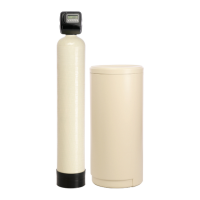
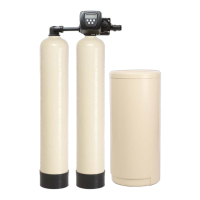
Control Valve Programming
Step 3 - Day Override: This setting should be set to 15. Press NEXT to go to Step 4.
Step 4 - Regeneration Time: The system regenerates at 2:00 AM. This setting is adjustable. No
water should be used during regeneration. (Typically this is the middle of the night.)
Press NEXT to exit programming.
The control valve has been pre-programmed from the factory with the correct regeneration cycle
program and cycle times. The gallon capacity between regeneration can be changed by adjusting
the water hardness.
Step 1 - Press the NEXT and the UP Arrow buttons at the same time and hold for 2 seconds.
Step 2 - Raw Water Hardness: Adjust to the correct hardness by pressing the UP or DOWN arrow
button. Default setting 20 grains per gallon. Press NEXT to go to Step 3.


 To Next Page
 Loading...