17
5-2-1 Using the Measured Values
a.Select the(Ev, x, y)mode first and measure a light source.
1.Press the HOLD button to hold these values that you want to
use as your reference values.
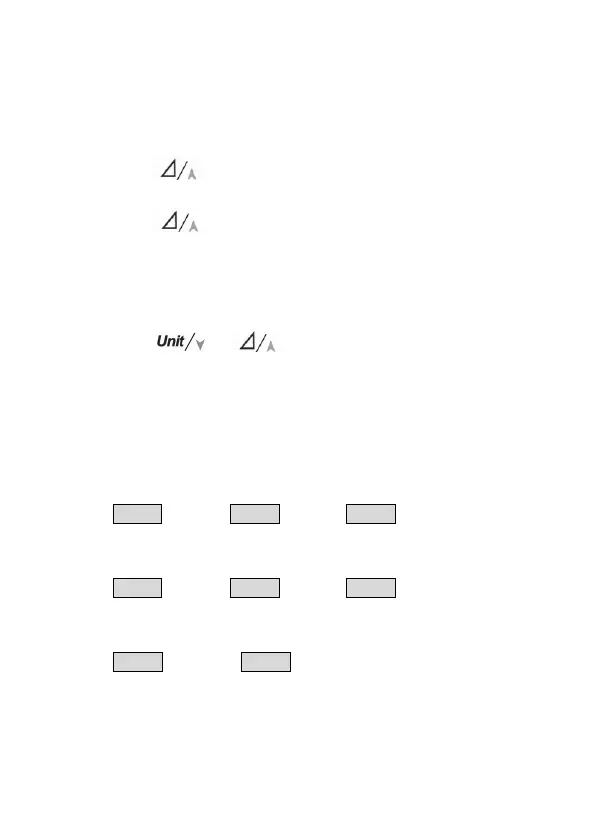
2.Press the button once to toggle the color difference
mode.
3.Press the button again and hold for 3 seconds to
toggle the set reference values mode. The SET symbol will
appear and the Ev symbol will flash on the LCD. In the set
mode, the default of Ev reference will show the measured
value that you held previously.
4.Press the or button to adjust the Ev reference
value(Ev
ref
)if necessary.
5.Press the MODE button to toggle next reference value(x
ref
).
6.Repeat the step 4 and step 5 to adjust the rest reference
values(x
ref
and y
ref
).
7.Press the MODE button again to back to color difference
mode.
EV
ref
→ MODE→ x
ref
→
MODE→ y
ref
→
MODE→ Color difference mode
b.Select the(Ev, u', v')mode and repeat step 1~7 to set the u'
and v' reference values.
EV
ref
→ MODE→ u'
ref
→ MODE→ v'
ref
→ MODE→ Color difference mode
c.Select the(Ev, CT, ⊿uv)mode and repeat step 1~7 to set the
CT reference values. (522)
EV
ref
→ MODE→ CT
ref
→ MODE→ Color difference mode
Please note that the Ev reference value in the three modes(Ev,
x, y ,Ev, u', v' and Ev, CT, ⊿uv)is the same.


 To Next Page