4
./4%sStore combination (and keys if equipped) in a secure
location (other than in the safe).
sCombination can not be changed.
sSentrySafe offers a secure online location for the
entry and retrieval of your combination. Go to
www.sentrysafe.com and register your safe.
1
Ensure any shipping screws have been removed. Located on
the inside of the door.
sDO NOT RETURN! Questions or concerns, call us at
1-800-828-1438.
2
Find your combination on the back of this owner’s manual.
Warning: Test your combination several times before putting valuables inside.
1
FOR DUAL KEY/COMBINATION LOCKS ONLY, insert key into
the lock, turn to the ‘unlocked’ position, then remove the key.
This is a secondary locking feature not an override key.
Without the key you will not be able to open your safe.
2
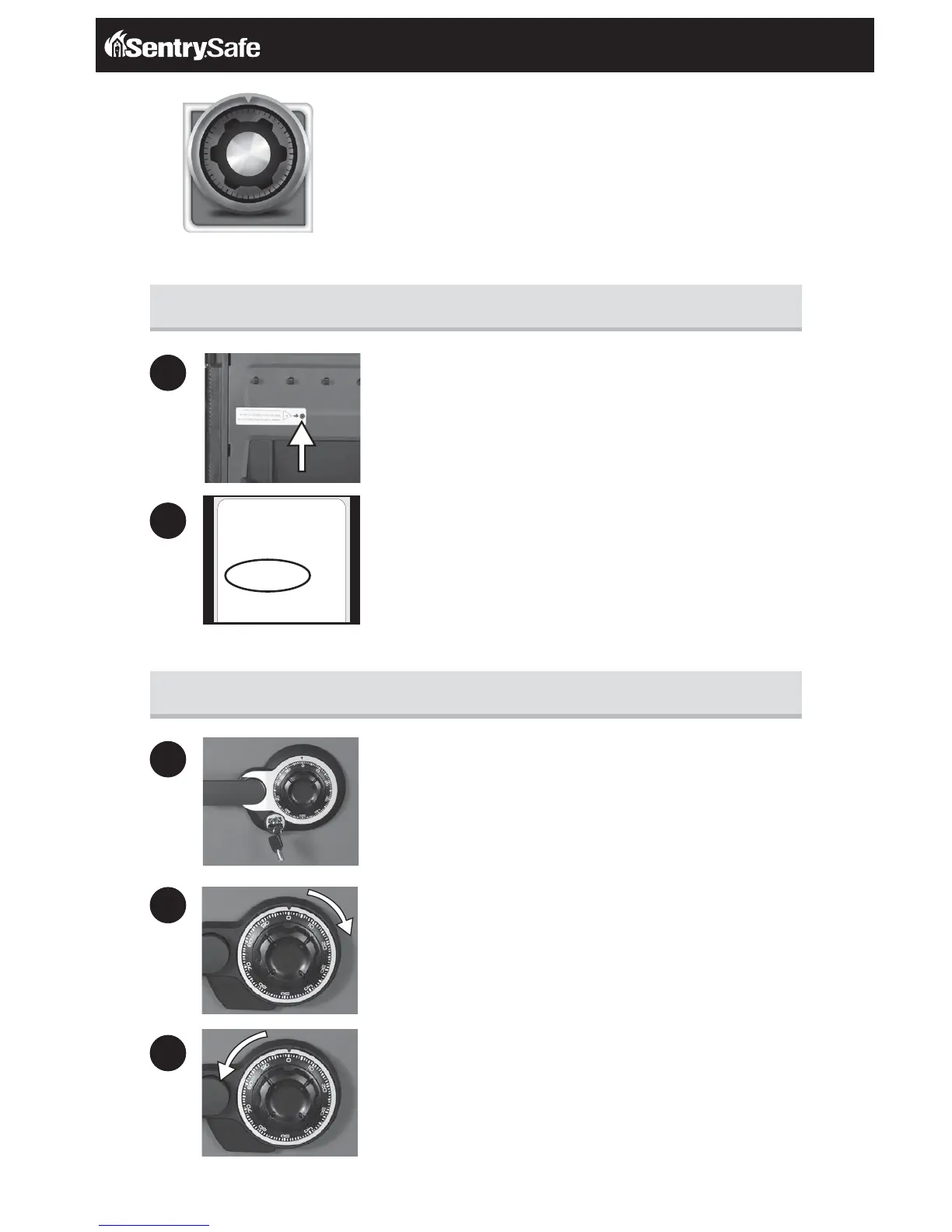
Rotate dial to ‘0’, then rotate right (clockwise)
passing ‘0’ three times, continue rotating until you reach the
first number in your combination.
3
Rotate dial to the left (counterclockwise). Go PAST the second
number of your combination ONCE and stop the SECOND time
the dial reaches the number.
Mechanical Combination Lock
M100TEST
SN100TEST01*
10-22-33
RLR
2075
Preparing your safe for first time use
Unlocking your safe


 To Next Page