4
Performance Pads
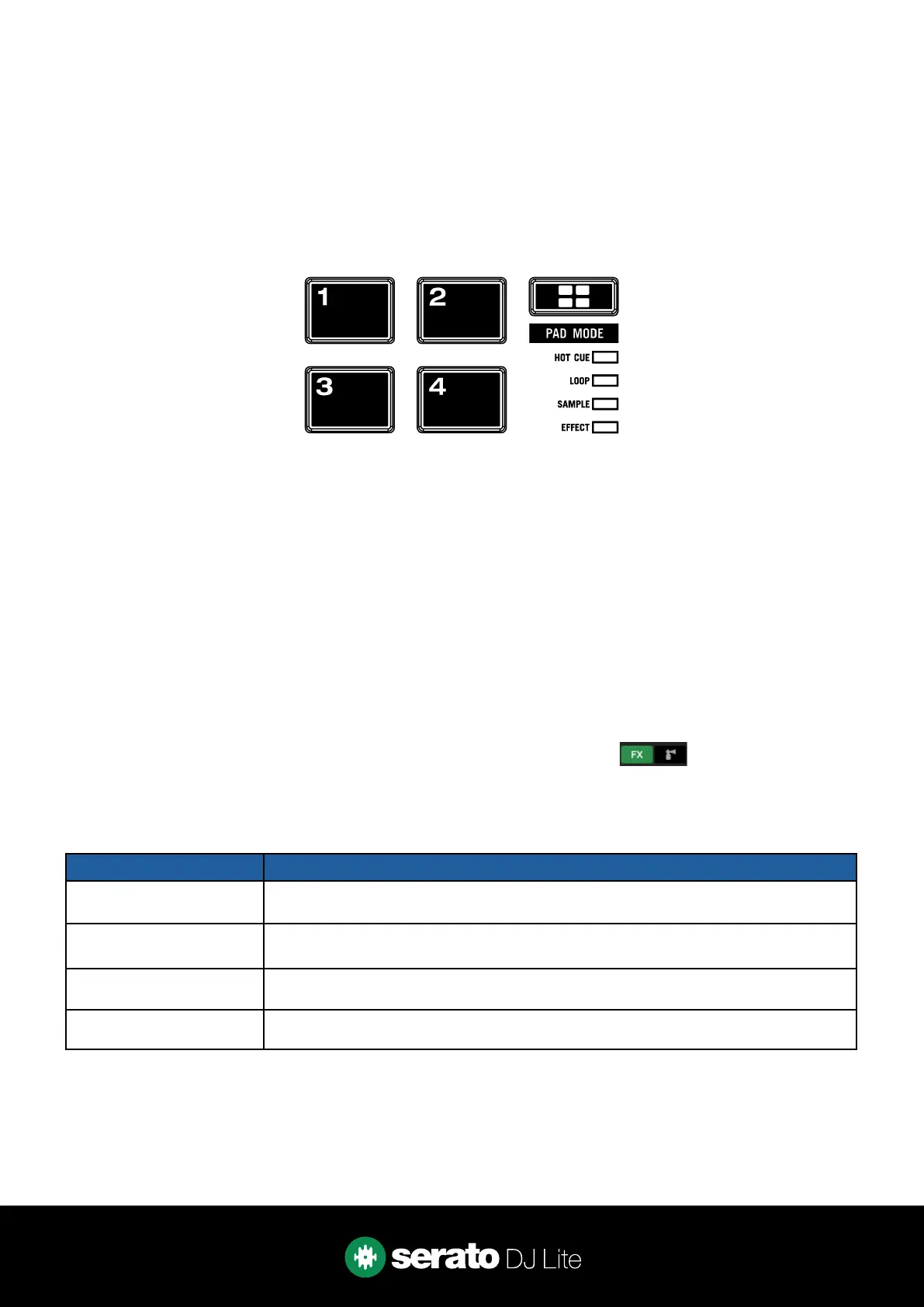
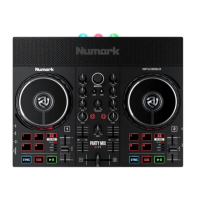
The Numark Party Mix Live comes with 4 performance pads, that can be used across 4 dierent
performance pad modes.
Repeatedly pressing the PAD MODE button will cycle through the available pad modes, lighting up that pad
modes respective LED to indicate a selection.
These consist of:
CUE mode: Pads 1-4 trigger Serato DJ Lite Cue points, and if no Cue point is present on that slot/pad,
pressing that pad will set a Cue point.
LOOP mode: Pads 1-4 trigger triggers an autoloop of variable sizes. Use the loop selection area in the
Serato DJ Lite user interface, to inuence the 4 available autoloop sizes.
SAMPLER mode: Press pads 1-4 to trigger samples loaded into the Serato DJ Lite Sampler.
EFFECT mode: Press pads 1-4 to trigger FX via multi & single FX modes.
DJ-FX
The DJ-FX in Serato DJ Lite are powered by iZotope™. Click the FX button to open the FX panel.
Serato DJ Lite’s Multi FX Mode allows you to select up to three eects per FX bank, and adjust one
parameter, the FX Depth.
Party Mix Live Control Multi FX mode
PAD 1 Hold & release for Slot 1 Eect
On/O
PAD 2 Hold & release for Slot 2 Eect
On/O
PAD 3 Hold & release for Slot 3 Eect
On/O
PAD 4 Cycle Beats multiplier


 To Next Page