9
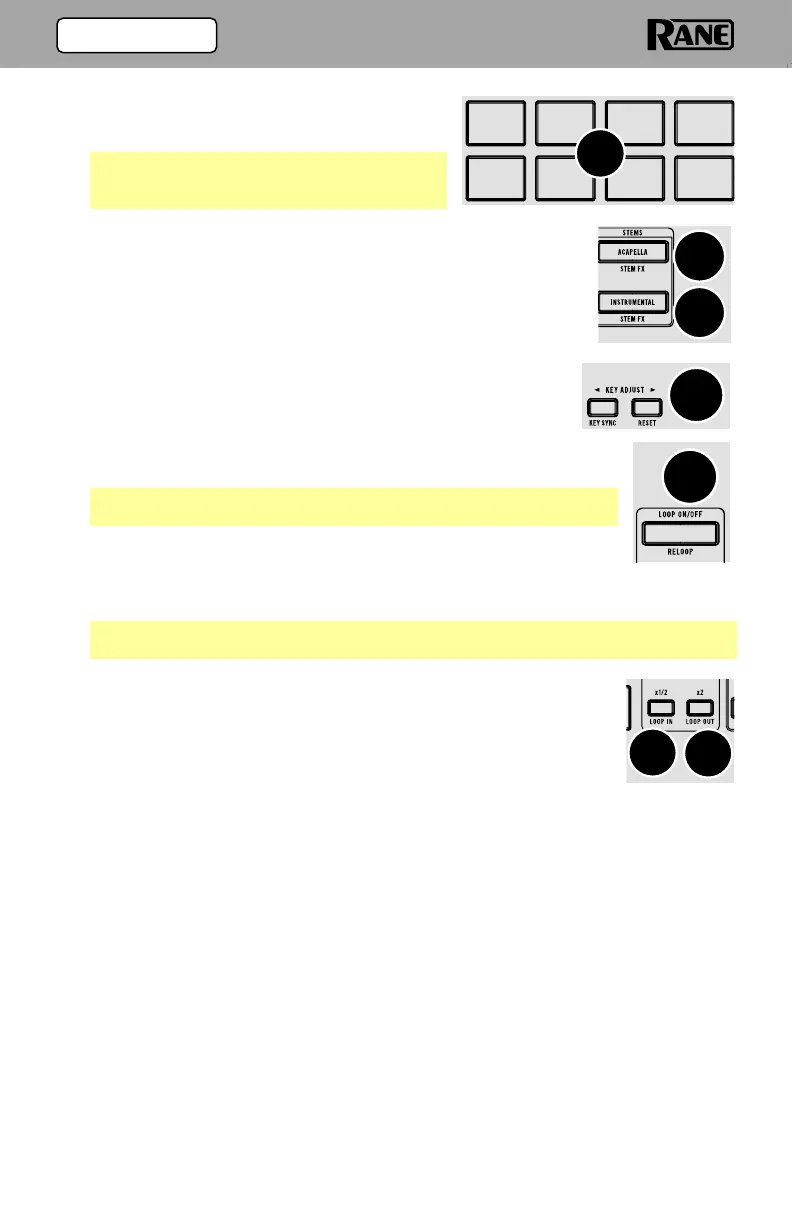
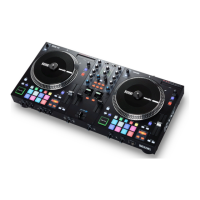
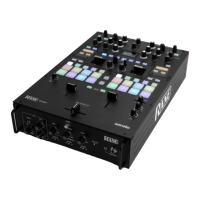
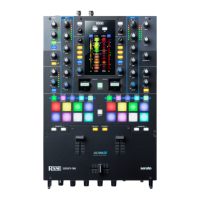
7. Performance Pads: These pads have
different functions on each deck depending
on the current pad mode.
Note: See the Operation > (4.2) Pad Modes
section to learn how to use the pads in each
mode.
8. Acapella: Press to filter out the instrumental and only play
the vocals for the current track.
Press and hold Shift and press this button to apply an echo
out effect to the removed stem elements.
9. Instrumental: Press this button to filter out the vocals of the
current track to create an instrumental for the current track.
Press and hold Shift and press this button to apply an
echo out effect to the removed stem elements.
10. Key Adjust: Adjusts the key of the active deck. Use < > to
move up or down the key scale.
Press and hold Shift and press < to turn on Key Sync.
Press and hold Shift and press > to reset the key.
Note: The Serato Pitch N Time plugin is required to use Key
Adjust.
11. Loop On/Off / Reloop: Press this button to create an auto-loop
with the length that is set in the software.
Press and hold Shift and press this button to skip to the last-played loop and
activate it immediately.
Note: Roll sizes will affect loop sizes in the software and loop based on the last
roll size.
12. x1/2 / Loop In: Press this button to halve the length of the
current loop.
Press and hold Shift press this button to create a Loop In point
at the current location.
13. x2 / Loop Out: Press this button to double the length of the
current loop.
Press and hold Shift and press this button to create a Loop Out point at the
current location.
13
12
10
7
8
9
11
(3.0) FEATURES


 To Next Page