27
Vacuum clEaninG
4 Vacuum cleaning
For further tips, see Quick Start Guide Operation.
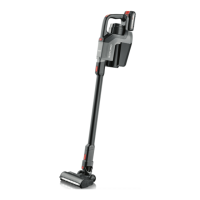
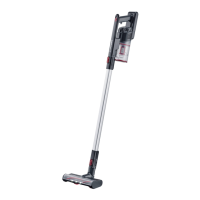
Vacuuming with the oor nozzle
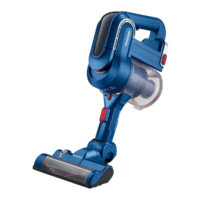
TIP: The oor nozzle can also be used without the suction tube in order to vacuum furniture, for
instance. In this regard, make sure that the surface can withstand the load of the brush roller without
sustaining damage.
Vacuuming in Eco mode
The appliance vacuums at the lowest power in Eco mode. The appliance consumes less energy and the oper-
ating time of the rechargeable battery is extended. The brush roller on the oor nozzle rotates.
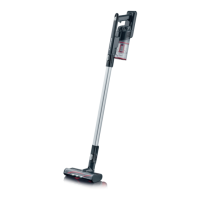
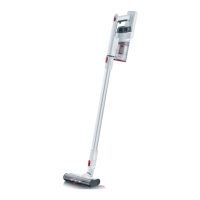
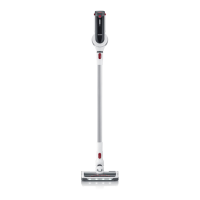
1. Attach the oor nozzle to the suction tube.
2. Press the On/off switch to switch on the appliance.
The appliance vacuums in Eco mode.
The LEDs on the rechargeable battery light up.
The LEDs on the oor nozzle illuminate the work area in front of the oor nozzle.
3. Vacuum the oor.
4. Press the On/off switch to switch off the appliance.
5. Empty and clean the dust container (“Emptying the dust container” on page 28).
Vacuuming in Middle or Power mode
The appliance vacuums at medium power in Middle mode. The appliance vacuums at full power in Power
mode. The brush roller on the oor nozzle rotates.
1. Attach the oor nozzle to the suction tube.
2. Press the On/off switch to switch on the appliance.
The appliance vacuums in Eco mode.
The LEDs on the rechargeable battery light up.
The LEDs on the oor nozzle illuminate the work area in front of the oor nozzle.
3. Press the mode selector switch to select the operating mode.
Press 1x to activate Middle mode.
Press 2x to activate Power mode.
Press 3x to activate Eco mode again.
4. Vacuum the oor.
5. Press the On/off switch to switch off the appliance.
6. Empty and clean the dust container (“Emptying the dust container” on page 28).


 To Next Page