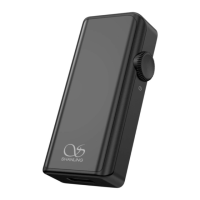
14
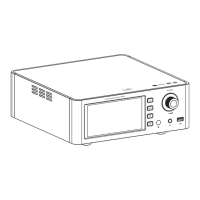
CA80
The Music Centre
APP Control
Scan code to download
the Eddict Player app
2. On your phone, open Eddict player app, go to
SyncLink function and turn on Client mode.
Select "Shanling CA80" form list of available
devices.
3. Click on Scan Music to scan for music files on the USB Drive." "
4. Now you can control music playback on your CA80.
Eddict Player
Do not do operate the player during the update process.
Firmware Update
1.
root/main directory of USB Drive.
Download the firmware update from Shanling official website. Copy the "update.bin" file to
MQA Indicator
MQA Indicator Color
MQA
MQA
MQA Studio
MQA Rendering
State
MQA
Magenta
Blue
Green
1. Insert USB drive into the device, then press the
[ /SOURCE] button on the device or the
[ INPUT ] button on the remote to switch Source
input to " " .
2.
seconds, until display shows "UP---" to indicate that firmware update started. Update is finished
when display shows "UP".
Insert the USB drive to the device and switch to the " " Source.Then Press the [ ] button for 5


 To Next Page