EasyManua.ls Logo

Shark NV350NZ - User Manual

Shark NV350NZ
20 pages
Print Icon
To Next Page IconTo Next Page
Loading...
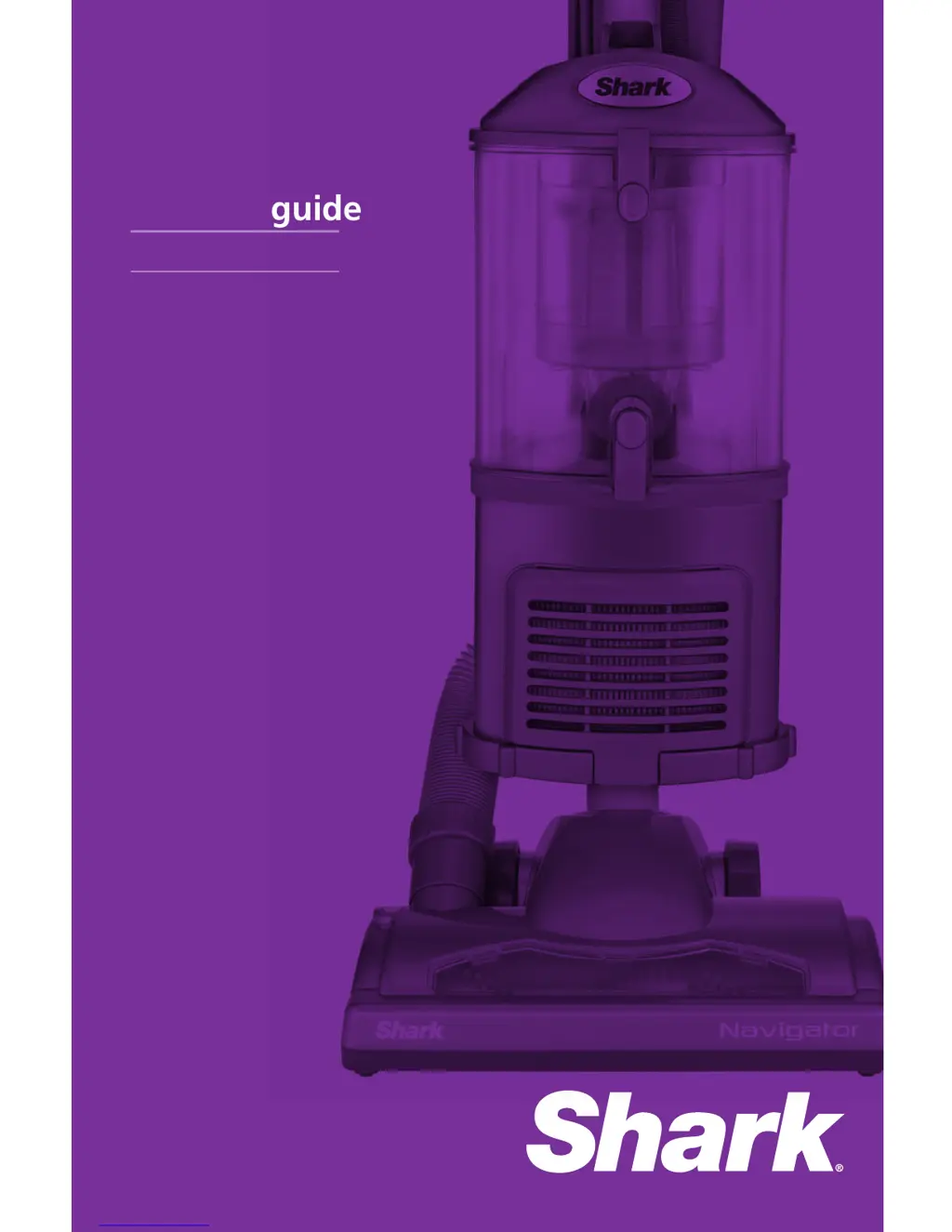
NV350NZ
Owners guide

Questions and Answers

  • K
    Kevin HartAug 1, 2025
    Why does my Shark NV350NZ turn off on its own?
    • B
      Benjamin SmithAug 2, 2025
      If your Shark Vacuum Cleaner turns off by itself, it's likely due to overheating. This vacuum is equipped with a motor protective thermostat. To restart it, follow these steps: 1. Move the On/Off switch to the “O” (Off) position. 2. Unplug the vacuum. 3. Empty the dust cup and clean the filters. 4. Check for blockages in the hose, accessories, and inlet openings. 5. Allow the unit to cool for a minimum of 45 minutes. 6. Plug in the vacuum. 7. Turn the On/Off switch to the “I” (On) position to restart the vacuum. If it still doesn’t start, there may be a different issue.
  • D
    Daniel FigueroaAug 7, 2025
    How to fix a Shark Vacuum Cleaner that is not picking up dirt?
    • M
      michaellopezAug 7, 2025
      If your Shark Vacuum Cleaner isn't picking up dirt, try these steps: * Check the filters to see if they need cleaning. Rinse and dry them before putting them back. * Empty the dust cup if it's full. * Check the hose and its connections for any blockages and clear them. * If the dust cup is empty and the attachment inlets are clear, check for other blockages.
  • R
    rreyesAug 14, 2025
    What to do if my Shark NV350NZ Vacuum Cleaner has no suction?
    • M
      Matthew LeeAug 14, 2025
      If the airflow is restricted in your Shark Vacuum Cleaner, resulting in no or light suction, complete the following steps: * Check the filters to see if they need cleaning. Rinse and dry the filters before re-inserting. * Empty the dust cup if it is full. * Check the hose, hose connections, nozzles, and accessories for blockages; clear any blockages. * Close the suction release on the handle to increase suction power. * If the dust cup is empty and the attachment inlets are clear, check for other blockages.
  • T
    Tammy JohnsonAug 19, 2025
    What to do if the motorized brush on my Shark NV350NZ Vacuum Cleaner is jammed?
    • R
      roberttaylorAug 19, 2025
      If the motorized tool or brush of your Shark Vacuum Cleaner has become jammed or shut off, immediately turn off and unplug the vacuum. Disconnect the nozzle and remove any blockage before reconnecting and turning the vacuum back on.
  • C
    Christine BentleyAug 26, 2025
    Why does my Shark NV350NZ Vacuum Cleaner lift scatter rugs?
    • J
      jacob48Aug 26, 2025
      If your Shark Vacuum Cleaner lifts scatter rugs, it's because the suction is powerful. Be careful when vacuuming scatter-type rugs or rugs with delicately sewn edges. Open the suction release on the handle to decrease suction power.

Summary

Important Safety Instructions

General Electrical Safety

Safety precautions for electrical operation and cord handling.

Hose Attachments Safety

Safety guidelines for using hose attachments and accessories.

Dust Cup, Filters, and Accessories Safety

Safety related to dust cup, filters, and accessories.

General Use Safety

Safety guidelines for the general operation of the vacuum.

General Cleaning Safety

Safety recommendations for cleaning the vacuum cleaner.

Technical Specifications

Getting Started

Vacuum Accessories

Details on the included vacuum accessories and their usage.

Modes of Operation

Upright Vacuum Mode

Instructions for assembling and using the vacuum in upright mode.

Detachable Canister Mode

Instructions for detaching and using the canister for portable cleaning.

Above-Floor Cleaning

Guidance on cleaning surfaces above the floor using various attachments.

Floor Nozzle Operation

Instructions for using the vacuum with different floor nozzles.

Maintenance and Care

Storing Your Vacuum Safely

Guidelines for properly storing the vacuum cleaner to ensure safety and longevity.

Dust Cup and Filter Maintenance

Procedures for emptying the dust cup and cleaning filters for optimal performance.

Component Cleaning and Blockage Checks

Instructions for cleaning specific components and checking for blockages.

Troubleshooting Guide

Limited Replacement Warranty Statement

Shark NV350NZ Specifications

General IconGeneral
BrandShark
ModelNV350NZ
CategoryVacuum Cleaner
LanguageEnglish

Related product manuals