EasyManua.ls Logo

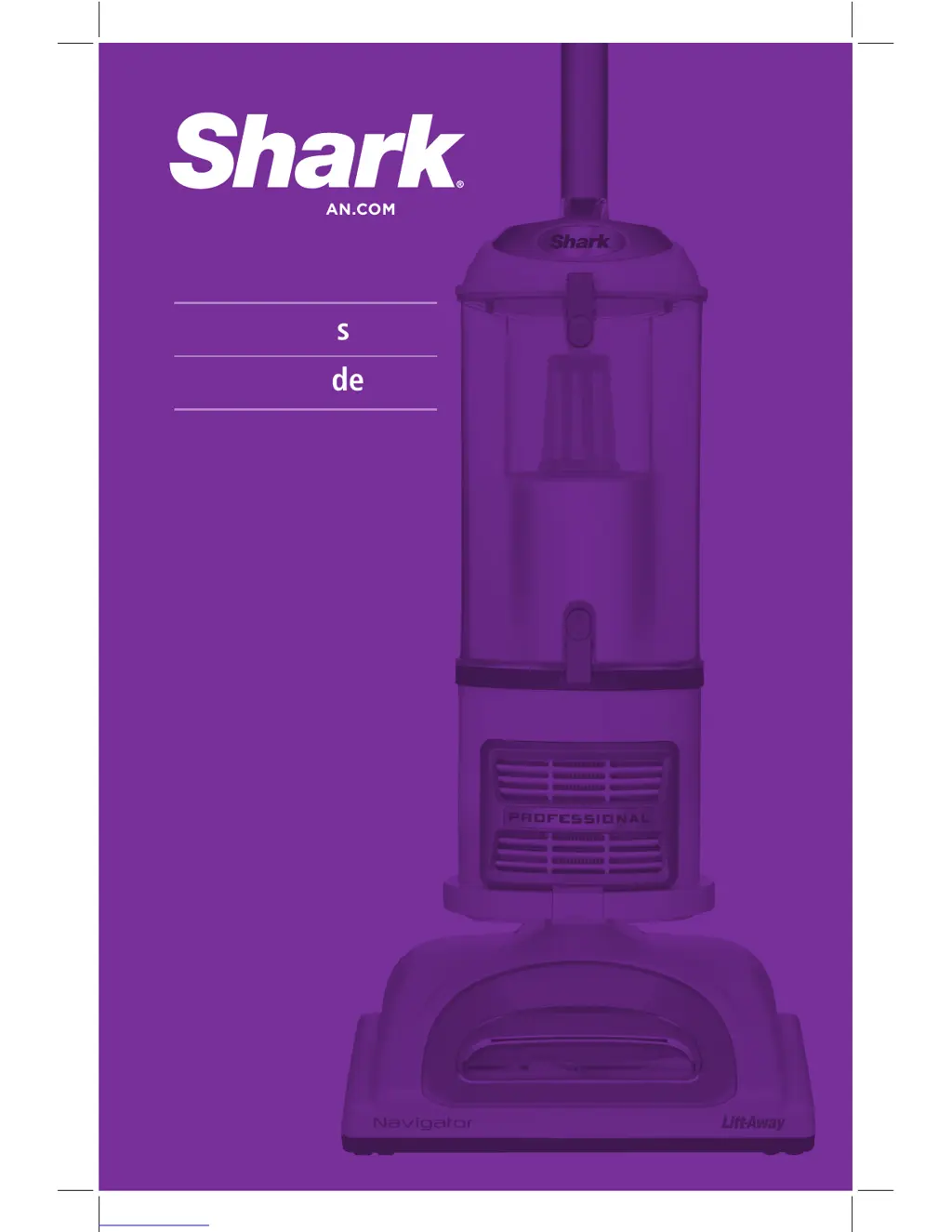
Shark NV356K - User Manual

Shark NV356K
20 pages
Print Icon
To Next Page IconTo Next Page
Loading...
NV355 Series
Owner’s guide
WWW.SHARKCLEAN.COM
NV355_NV356E_NV356K_NV357_IB_110714_3.indd 1 11-07-20 9:32 AM

Questions and Answers

  • M
    melissahigginsAug 8, 2025
    Why is there no suction in my Shark Vacuum Cleaner?
    • J
      Justin CobbAug 8, 2025
      If your Shark Vacuum Cleaner has restricted airflow, resulting in no or light suction, several factors could be responsible. First, examine the filters, and clean them if necessary, following the provided instructions for rinsing and drying before placing them back. Secondly, the dust cup might be full, so ensure you empty it. Also, inspect the hose, hose connections, nozzles, and accessories for any blockages, and clear them if found. If the dust cup is empty and the attachment inlets are clear, check for other blockages. Finally, close the suction release on the handle to increase suction power.
  • A
    Ann ReyesAug 16, 2025
    What to do if my Shark NV356K turns off by itself?
    • T
      Timothy WatsonAug 16, 2025
      If your Shark Vacuum Cleaner turns off unexpectedly, it might be overheating. Immediately move the On/Off switch to the “O” (Off) position and unplug the vacuum. Then, empty the dust cup and clean the filters. Check for any blockages in the hose, accessories, and inlet openings. Allow the unit to cool down for at least 45 minutes before plugging it back in. After cooling, turn the On/Off switch to the “I” (On) position to restart the vacuum. If the vacuum still doesn't start, no other solution is provided.
  • M
    megan52Aug 23, 2025
    How to fix a Shark Vacuum Cleaner brush roll that won't spin?
    • V
      vwrightAug 23, 2025
      If the brush roll on your Shark Vacuum Cleaner isn't spinning, turn off and unplug the vacuum immediately. Disconnect the nozzle and remove any blockage before reconnecting and turning the vacuum back on. Ensure that the On/Off switch is in the “II - Brush Roll On” position. Also, pull the handle toward you and release the floor nozzle to disengage the auto-off feature.
  • H
    Hannah ClaytonAug 30, 2025
    How to stop my Shark NV356K Vacuum Cleaner from lifting rugs?
    • J
      Jason ArroyoAug 30, 2025
      If your Shark Vacuum Cleaner lifts scatter rugs, you can decrease the suction power by opening the suction release on the handle. Alternatively, move the On/Off switch to the “I - Suction Only” position to disengage the brush roll.

Summary

Important Safety Instructions

General Electrical Safety

Essential safety guidelines for operating electrical appliances.

Polarized Plug

Explanation of the polarized plug feature for shock prevention.

Getting Started

Whats In The Box

Lists and identifies all the components included in the vacuum package.

Accessories

Details and descriptions of various vacuum cleaner attachments.

Vacuum Modes

Upright Vac

Describes the upright vacuuming mode for floors and carpets.

Portable Lift-Away

Explains how to use the portable Lift-Away feature for hard-to-reach areas.

Mode 1: Upright Vac

To Assemble

Step-by-step instructions for assembling the vacuum cleaner in upright mode.

Mode 2: Portable Lift-Away

Portable Lift-Away Operation

Instructions for using the portable Lift-Away canister for cleaning.

To Use

Steps for operating the vacuum in portable Lift-Away mode.

Above-Floor Cleaning

Cleaning Above the Floor

Instructions for cleaning above floor using various attachments.

Dust-Away Hard Floor Attachment Use and Care

Attach Pad

How to attach the micro-fiber pad to the Dust-Away™ attachment.

Clean the Floor

Instructions for cleaning hard floors using the Dust-Away™ attachment.

Care for Pads

Guidance on washing and maintaining the micro-fiber pads.

Replace Pads

Information on when and where to purchase replacement pads.

Replace Motorized Floor Brush

Steps for replacing the motorized floor brush in upright mode.

Storage and Maintenance

Store Your Vacuum Safely

Instructions on how to properly store the vacuum cleaner.

Maintenance Safety Warnings

Crucial safety precautions before performing maintenance or cleaning.

Maintenance

Maintenance Schedule

Recommended schedule for cleaning and maintaining vacuum components.

Emptying the Dust Cup

Step-by-step guide on how to empty the dust cup.

Cleaning the Pre-Motor Filters

Instructions for rinsing and drying pre-motor filters.

Cleaning Filters and Brushes

Cleaning the Post-Motor HEPA Filter

Procedure for cleaning the HEPA filter.

Cleaning the Power Brush (NV355)

How to clean the power brush for NV355 model.

Cleaning the Power Brush (NV356 E, NV356 K, NV357)

How to clean the power brush for NV356E, NV356K, NV357 models.

Cleaning Motorized Brush and Blockages

Cleaning the Motorized Floor Brush

Instructions for cleaning the motorized floor brush when it locks.

Checking for Blockages

Guide to identifying and clearing blockages in the vacuum.

Ordering Parts

Parts List and Part Numbers

List of available parts with their corresponding part numbers for ordering.

Hose and Connections to Vacuum

Steps to detach and inspect hose and connections for blockages.

Motorized Floor Brush Inspection

Instructions for detaching and inspecting the motorized floor brush.

Troubleshooting Guide

Vacuum Not Picking Up Dirt

Solutions for issues related to poor dirt pickup.

Vacuum Lifts Scatter Rugs

How to handle the vacuum lifting lightweight or movable rugs.

Restricted Airflow or Light Suction

Troubleshooting steps for airflow and suction problems.

Brush Roll Not Spinning

Steps to resolve issues where the brush roll is not spinning.

Vacuum Turns Off Automatically

Procedure for restarting the vacuum when it shuts off automatically.

Limited Warranty

Product Registration

Instructions for registering the product for customer service and safety notifications.

Shark NV356K Specifications

General IconGeneral
TypeUpright
ModelNV356K
FiltrationHEPA
AccessoriesDusting Brush, Crevice Tool, Pet Power Brush
Warranty5 years
BaglessYes
Cord Length25 feet
Dust Cup Capacity1.2 quarts
Special FeaturesAnti-Allergen Complete Seal

Related product manuals