sharkclean.comsharkclean.com
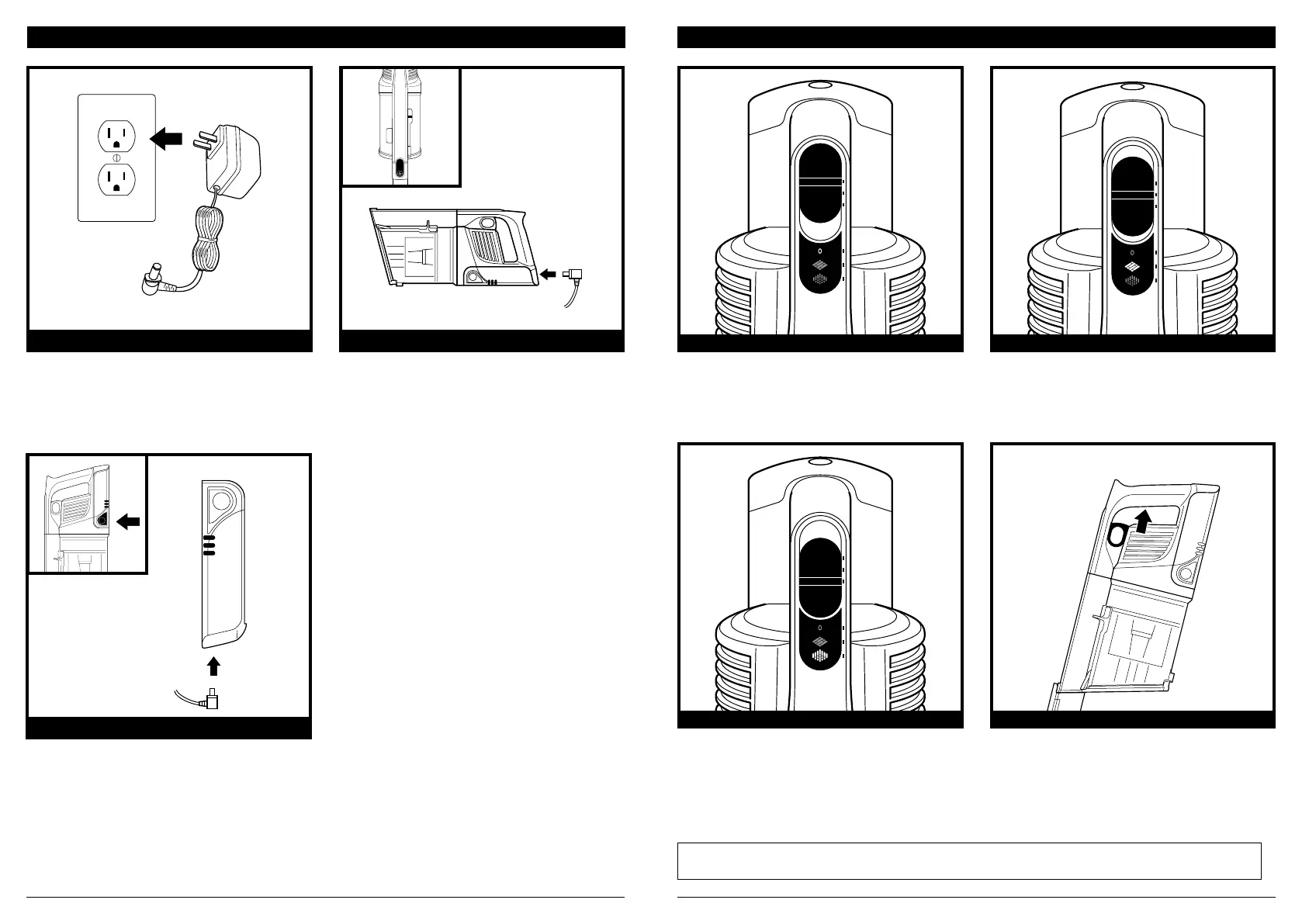
CHARGING THE BATTERY
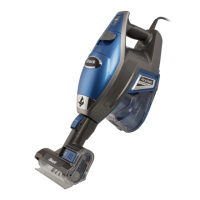
If your handheld vacuum’s battery is non-
removable, press the Wand Release button
to detach the handheld vacuum, then plug
the charger into the charging port on the
handheld vacuum.
Plug the Li-Ion Charger into a wall outlet.
OPTION 1 – NON-REMOVABLE BATTERYLI-ION CHARGER
POWER SETTINGS
NOTE: For deep cleaning per ASTM F 608 (embedded dirt in carpets) please use setting II, Carpet. The Carpet setting
should also be used when cleaning stuck-on dust and debris.
Slide switch to the top to turn o power.
To begin vacuuming in Standard Mode, slide
switch to the desired setting.
Bare Floor/Small Area Rugs
Use this setting to clean bare floors and small
arearugs.
Carpet
Use this setting to pick up debris below
the surface ofyour carpets.
For an added boost in power, pull the
Trigger on the handheld vacuum. Release
it to return to standard power.
OFF BARE FLOOR SETTING
CARPET SETTING BOOST MODE
If the battery is removable, press and hold
the battery release button, then slide out the
battery. Plug the charger into the charging port
on the battery. To re-install the battery, slide it
into the slot in the back of the
handheld vacuum.
OPTION 2 - OUT OF VACUUM


 To Next Page
 Loading...