EasyManua.ls Logo

Shark UV440 - User Manual

Shark UV440
20 pages
Print Icon
To Next Page IconTo Next Page
Loading...
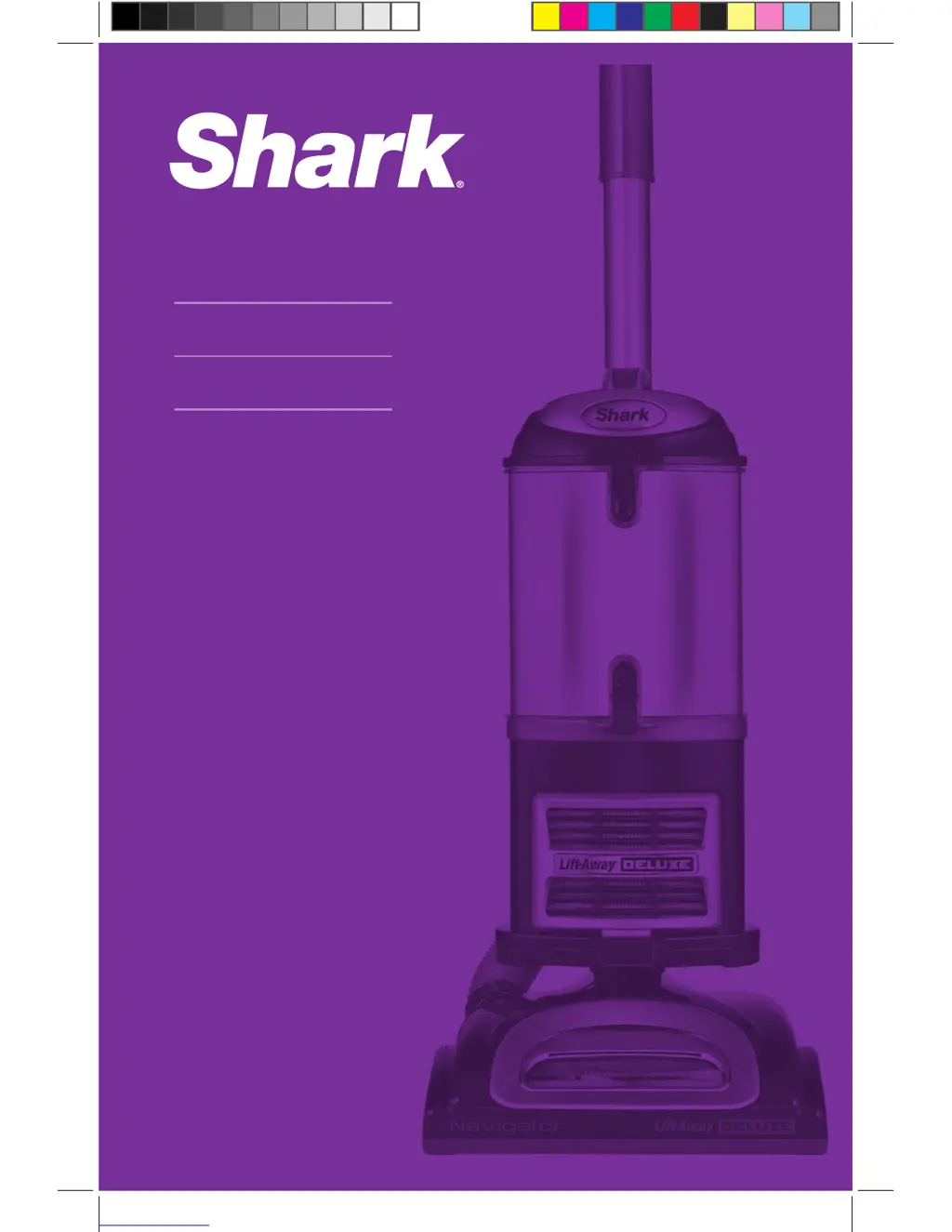
UV440
Owner’s Guide
WWW.SHARKCLEAN.COM

Questions and Answers

  • M
    Mary GuzmanJul 27, 2025
    What to do if my Shark UV440 has no suction?
    • T
      Tiffany BoydJul 27, 2025
      If your Shark Vacuum Cleaner has restricted airflow, resulting in no or light suction, take these steps: First, check and clean the filters, ensuring you rinse and dry them completely before putting them back. Then, empty the dust cup if it's full. After that, inspect the hose, connections, nozzles, and accessories for any blockages and clear them. Finally, close the suction release on the handle to maximize suction power. If the dust cup is empty and attachments are clear, inspect for other blockages.
  • C
    Corey SnyderAug 4, 2025
    Why does my Shark UV440 turn off by itself?
    • A
      Aaron MuellerAug 4, 2025
      If your Shark Vacuum Cleaner turns off by itself, it might be overheating. To restart the motor thermostat, follow these steps: 1. Move the On/Off switch to the “O” (Off) position. 2. Unplug the vacuum. 3. Empty the dust cup and clean the filters. 4. Check for blockages in the hose, accessories, and inlet openings. 5. Allow the unit to cool for at least 45 minutes. 6. Plug in the vacuum. 7. Turn the On/Off switch to the “I” (On) position to restart the vacuum.
  • T
    Thomas JohnsonAug 11, 2025
    How to fix a Shark UV440 brush roll that won't spin?
    • R
      Robert EllisAug 11, 2025
      If the brush roll on your Shark Vacuum Cleaner isn't spinning, immediately turn off and unplug the vacuum. Disconnect the nozzle and remove any blockage before reconnecting and turning the vacuum back on. Pull the handle toward you and release the floor nozzle to disengage the auto-off feature. Ensure the On/Off switch is in the “II - Brush Roll On” position.
  • M
    Margaret PatrickAug 17, 2025
    What to do if my Shark Vacuum Cleaner lifts scatter rugs?
    • U
      ugreenAug 18, 2025
      If your Shark Vacuum Cleaner lifts scatter rugs, open the suction release on the handle to decrease suction power. Also, move the On/Off switch to the “I - Suction Only” position to disengage the brush roll.

Summary

Important Safety Instructions

Polarized Plug Safety

Explains the appliance's polarized plug feature for safety.

General Electrical Safety Precautions

Lists 14 basic safety precautions for electrical appliances.

Vacuum Operating Modes

Upright Vacuum Mode

Details the upright vacuuming mode for floors and carpets.

Portable Lift-Away Mode

Explains the portable Lift-Away mode for cleaning hard-to-reach places.

Mode 1: Upright Vacuum Operation

Operating the Upright Vacuum

How to operate the vacuum cleaner in upright mode, including suction control.

Mode 2: Portable Lift-Away Operation

Above-Floor Cleaning Techniques

Cleaning Above Floor

Detailed steps for cleaning above the floor using different modes.

Detailed Maintenance Procedures

Advanced Maintenance Tasks

Checking for Blockages

Troubleshooting Guide

Vacuum Not Picking Up Dirt

Solutions for poor dirt pickup, including filter and blockage checks.

Restricted Airflow; Low Suction

Steps to resolve low suction issues, checking filters and blockages.

Vacuum Turns Off Automatically

What to do if the vacuum overheats and shuts down automatically.

Product Warranty and Registration

Five-Year Limited Warranty Details

Details the five-year limited warranty, exclusions, and limitations.

Shark UV440 Specifications

General IconGeneral
FiltrationHEPA
Swivel SteeringYes
Brushroll ShutoffYes
HeadlightNo
Power SourceCorded Electric
AttachmentsCrevice Tool
Special FeaturesUV Sanitizing

Related product manuals