EasyManua.ls Logo

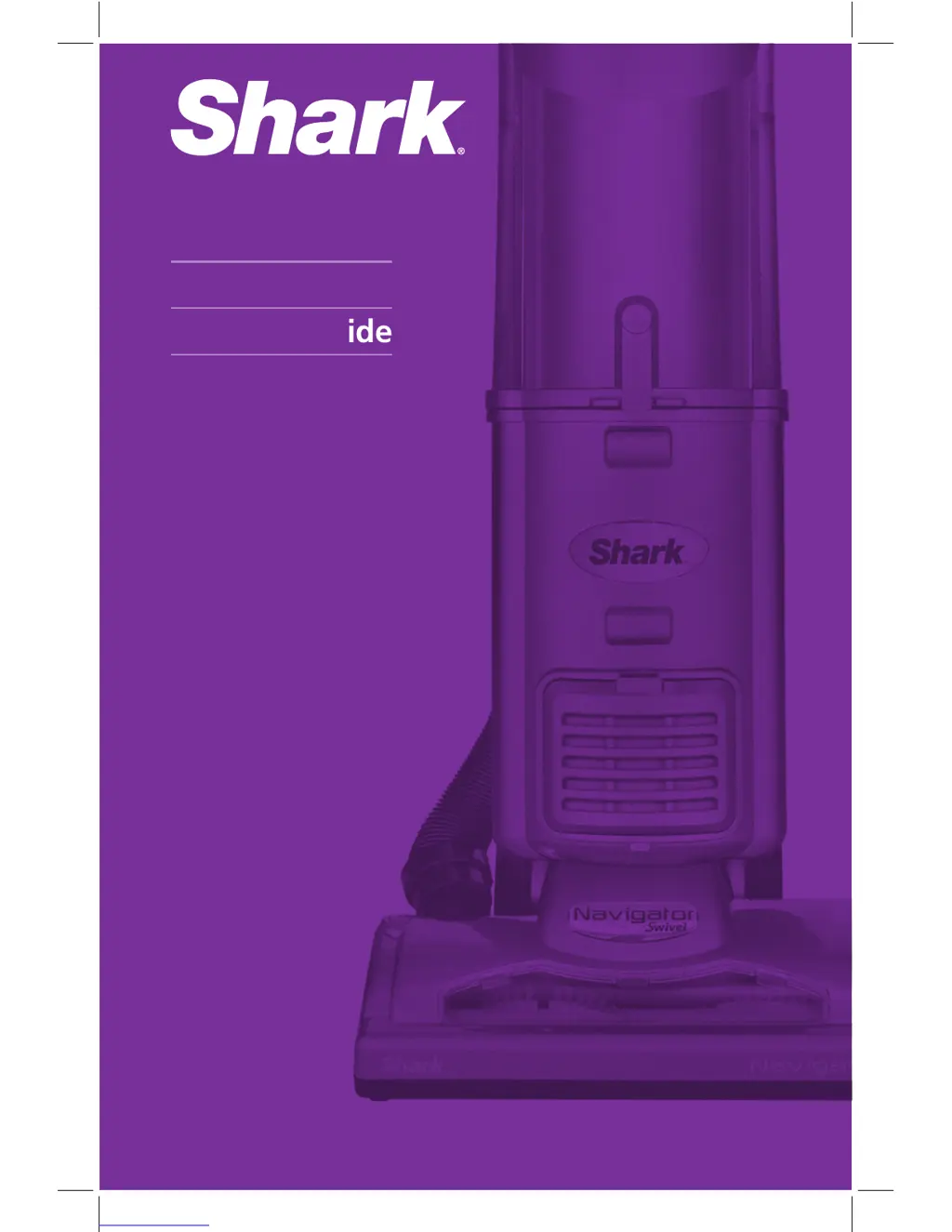
Shark UV410 - User Manual

Shark UV410
16 pages
Print Icon
To Next Page IconTo Next Page
Loading...
Owners Guide
www.sharkclean.com
UV410
UV410_26_IB_ENG_120229_5.indd 1 12-02-29 1:30 PM

Questions and Answers

  • J
    Jillian LopezJul 27, 2025
    What to do if my Shark UV410 turns off on its own?
    • B
      Brenda ClarkJul 27, 2025
      If your Shark Vacuum Cleaner turns off automatically, the thermostat may have been triggered. To restart it: 1. Turn the power switch to the Off position. 2. Unplug the vacuum. 3. Empty the dust cup and clean the filters. 4. Check for blockages in the hose, accessories, and inlet openings. 5. Let the unit cool down for at least 45 minutes. 6. Plug in the vacuum. 7. Turn the power switch to the On position to restart the vacuum. If it still doesn't start, contact Customer Service.
  • N
    nriveraAug 4, 2025
    Why is my Shark UV410 airflow restricted with no suction?
    • X
      xjohnsonAug 4, 2025
      Restricted airflow and weak suction in your Shark Vacuum Cleaner can occur for several reasons. First, check the filters and clean them if necessary, following the instructions for rinsing and drying before re-inserting. Empty the dust cup if it's full. Also, inspect the hose, hose connections, nozzles, and accessories for any blockages and clear them. Try closing the suction release on the hose to increase suction power. If the dust cup is empty and the attachment inlets are clear, check for other blockages.
  • M
    Mario McintoshAug 11, 2025
    What to do if my Shark UV410 motorized floor brush is jammed?
    • T
      Thomas ChavezAug 11, 2025
      If the motorized floor brush of your Shark Vacuum Cleaner is jammed or has shut off, immediately turn off and unplug the vacuum. Disconnect the nozzle and remove any blockage before reconnecting and turning the vacuum back on.
  • G
    Grace ClarkAug 18, 2025
    How to stop my Shark UV410 Vacuum Cleaner from lifting scatter rugs?
    • B
      barnettjeremyAug 18, 2025
      The suction of your Shark Vacuum Cleaner might be too powerful for lightweight or delicate rugs. Exercise caution when vacuuming scatter rugs or those with delicate edges. Open the suction release on the hose to decrease the suction power.

Summary

Important Safety Instructions

General Electrical Safety

Essential electrical safety precautions for operating the vacuum cleaner safely.

Hose Attachments Safety

Safety guidelines for using vacuum cleaner hose and attachments.

Getting Started

Vacuum Assembly Steps

Step-by-step instructions for assembling the Shark Navigator vacuum cleaner.

Using the Vacuum

Power Switch Settings

Explanation of power switch settings for different cleaning modes.

Suction Release Adjustment

How to adjust suction power using the hose release valve.

Cleaning with Vacuum Accessories

Emptying the Dust Cup Assembly

Proper Care of Your Vacuum

Pre-Motor Filter Cleaning

Procedure for cleaning the pre-motor foam and felt filters.

Post-Motor Filter Cleaning

Procedure for cleaning the post-motor filter of the vacuum cleaner.

Troubleshooting

Vacuum Not Picking Up Dirt

Troubleshooting steps for when the vacuum is not picking up dirt effectively.

Checking for Blockages

Shark UV410 Specifications

General IconGeneral
BrandShark
ModelUV410
CategoryVacuum Cleaner
LanguageEnglish

Related product manuals