EasyManua.ls Logo

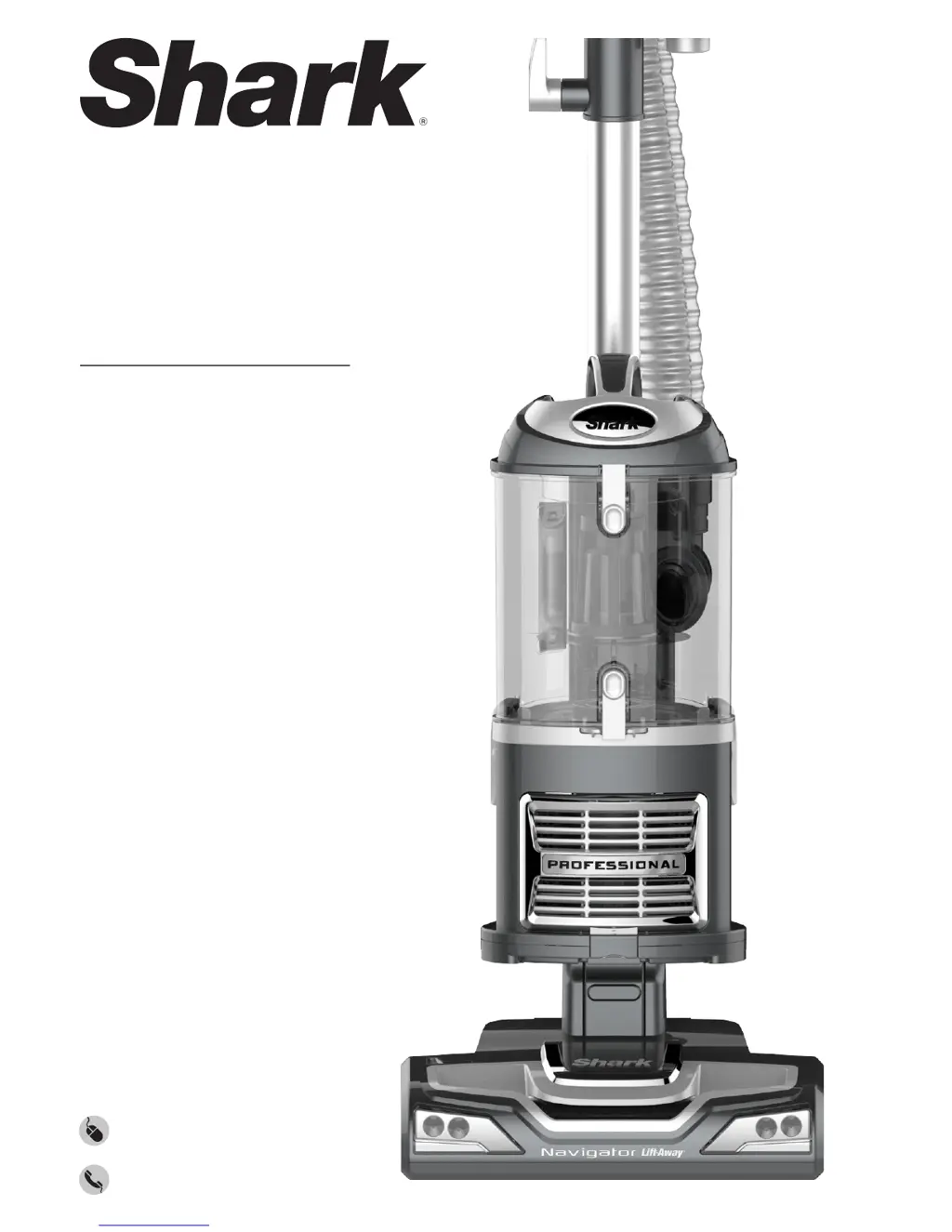
Shark UV540CCO - User Manual

Shark UV540CCO
36 pages
Print Icon
To Next Page IconTo Next Page
Loading...
®
UV540CCO
INSTRUCTIONS
sharkclean.com
1-800-798-7398

Questions and Answers

  • H
    hansenlaurieAug 3, 2025
    Why does my Shark UV540CCO turn off on its own?
    • D
      Debra LeonardAug 3, 2025
      Your Shark Vacuum Cleaner may be turning off on its own because the vacuum overheats, activating the motor protective thermostat. To resolve this: * Move the On/Off switch to the “O” (Off) position. * Unplug the vacuum. * Empty the dust cup and clean filters. * Check for blockages in the hose, accessories, and inlet openings. * Allow the unit to cool for a minimum of 45 minutes. * Plug in the vacuum. * Turn the On/Off switch to the “I” (On) position to restart the vacuum.
  • R
    Ronald BakerAug 9, 2025
    What to do if my Shark UV540CCO is not picking up dirt?
    • L
      Laurie WilkersonAug 9, 2025
      If your Shark Vacuum Cleaner isn't picking up dirt, check the filters to see if they need cleaning. Follow the instructions for rinsing and drying the filters before re-inserting them. The dust cup may be full, so empty it. Also, inspect the hose and hose connections for any blockages and clear them if necessary. If the dust cup is empty and the attachment inlets are clear, check for other blockages.
  • M
    Matthew SullivanAug 15, 2025
    How to fix restricted airflow in my Shark UV540CCO?
    • T
      Tyler KnightAug 15, 2025
      If you are experiencing restricted airflow or light suction with your Shark Vacuum Cleaner, check the filters to see if they need cleaning and follow the instructions for rinsing and drying them before re-inserting. Ensure the dust cup isn't full and empty it if necessary. Inspect the hose, hose connections, nozzles, and accessories for blockages, clearing them if required. Close the suction release on the handle to increase suction power. If the dust cup is empty and attachment inlets are clear, check for other blockages.
  • C
    Catherine ThomasAug 21, 2025
    What to do if brush roll does not spin on Shark Vacuum Cleaner?
    • M
      Michael TerryAug 21, 2025
      If the brush roll on your Shark Vacuum Cleaner does not spin: * Immediately turn off and unplug the vacuum. * Disconnect the nozzle and remove any blockage before reconnecting and turning the vacuum back on. * Pull the handle toward you and release the floor nozzle to disengage the auto-off feature. * Move the On/Off switch to the “II - Brush Roll On” position.
  • C
    Cynthia Gonzalez DDSAug 27, 2025
    Why does my Shark UV540CCO Vacuum Cleaner lift scatter rugs?
    • P
      paul35Aug 27, 2025
      Your Shark Vacuum Cleaner might lift scatter rugs because of the suction power. Exercise caution when vacuuming scatter-type rugs or rugs with delicately sewn edges. Open the suction release on the handle to decrease suction power. Move the On/Off switch to “I - Bare Floors” position to disengage the brush roll.

Summary

Important Safety Instructions

General Electrical Safety

General safety precautions for using the vacuum cleaner, including cord and plug safety.

General Use

General Cleaning

Modes

Upright Vac

Describes upright vacuuming for floors and carpets.

Mode 1: Upright Vac

To Assemble

Step-by-step guide to assemble the vacuum cleaner in upright mode.

To Use (Upright Vac)

Brush Roll Operation

How to use the brush roll and control suction power.

Suction Release

Adjusting suction power for different surfaces and carpet types.

Mode 2: Portable Lift-Away

Portable Lift-Away

Steps to separate the canister for portable use and attach accessories.

Above-Floor Cleaning

Storage and Maintenance

Maintenance

Checking for Blockages

Troubleshooting Guide

Shark UV540CCO Specifications

General IconGeneral
BrandShark
ModelUV540CCO
CategoryVacuum Cleaner
LanguageEnglish

Related product manuals