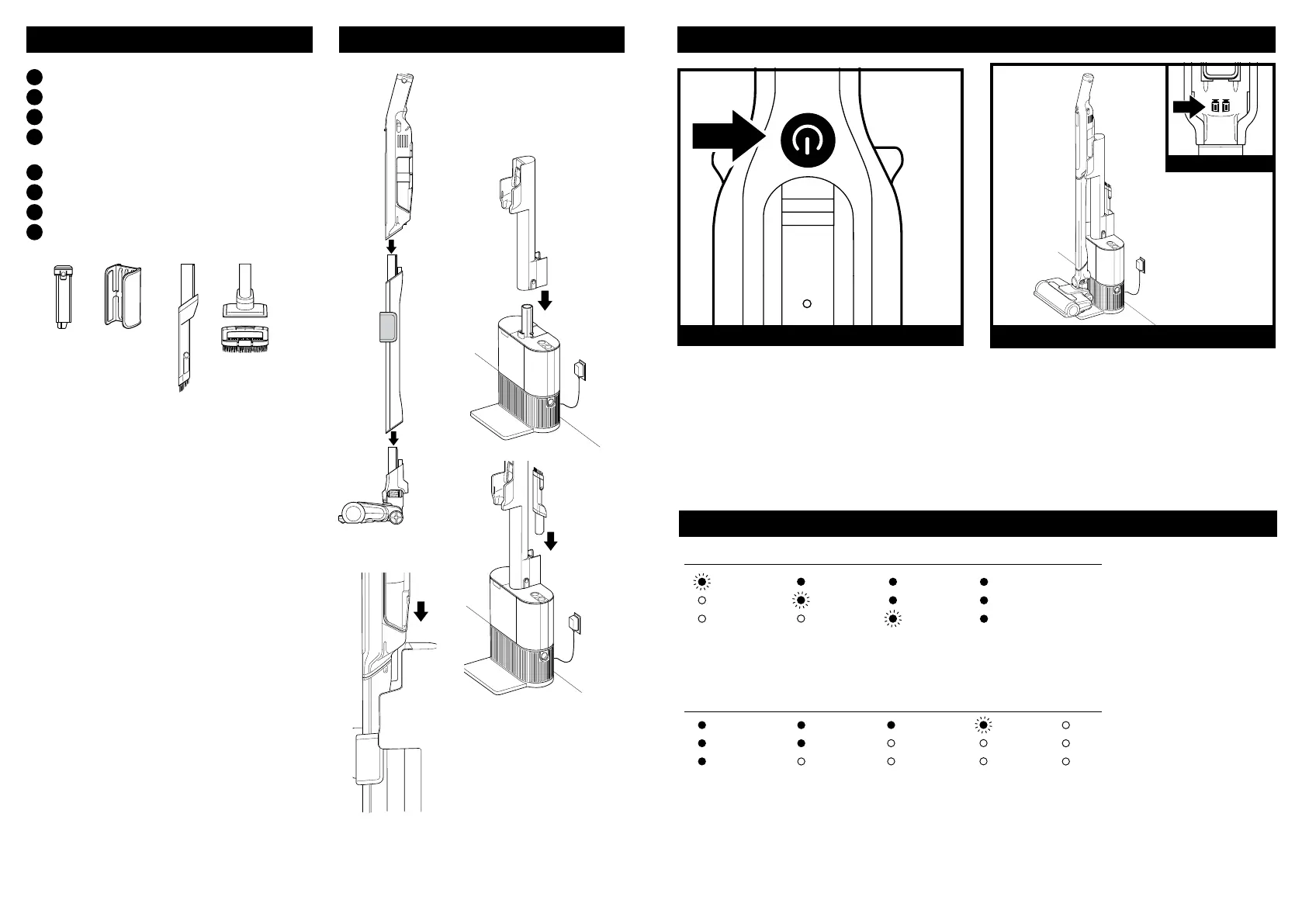
A
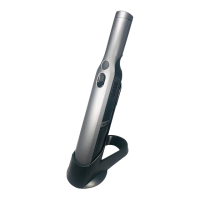
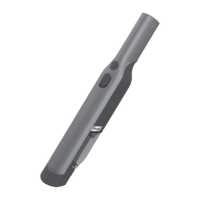
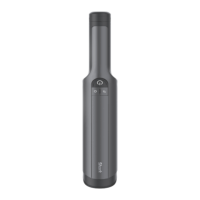
Hand Vacuum
B
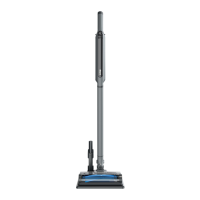
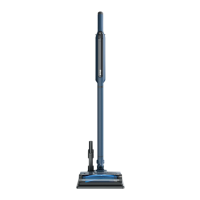
Wand
C
PowerFins™ Floor Nozzle
D
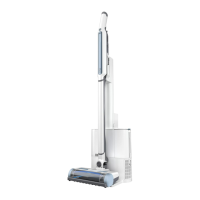
WANDVAC® System
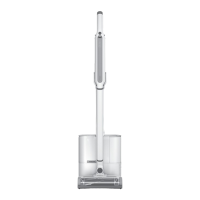
Auto Empty Docking Station
E
Battery Pack
F
Hand Vacuum Storage Clip (pre-attached)
G
Duster Crevice Tool
H
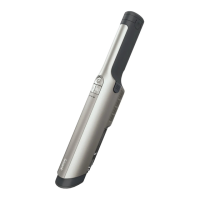
Pet Multi-Tool (WS642AE)
WHAT’S INSIDE: CHARGING AND POWER SETTINGS
LI-ION BATTERY
ASS EM BLY
H
POWER
E GF
Press the On/O button on the handle to
turn on power. To turn o power, press the
button again.
1. Slide the wand onto the neck of the floor
nozzle until it clicks into place.
2. Slide the hand vacuum nozzle over the
wand until it clicks into place.
3. Slide the Docking Statio n post onto the
Auto Empty base until it clicks into place.
4. Place the dock on the floor near a wall
outlet. Plug the power cord into the outlet.
5. Store cleaning accessories in the
on-board accessory storage on the
back of the dock post.
For proper operation, ensure all
components are completely connected
and clicked into place.
For complete maintenance instructions, see the enclosed Owner's Guide.
For additional parts and accessories, visit sharkaccessories.com.
For additional batteries and charging accessories, visit sharkclean.com/batteries.
Charging
Low Mid Nearly Full
Charge Charge Full Charge
NOTE: Full charge takes approximately 3.5 hours per battery.
LEDs will shut o 5 minutes after achieving full charge.
In Use
Full Mid Low Nearly No
Charge Charge Charge Empty Charge
Charge the unit by placing it on the
dock. Make sure the contacts on the
wand are aligned with the contacts
on the charging post.
When charging is complete and you need
to use the unit again, lift it o the dock.
UPRIGHT DOCK CHARGING
CONTACTS
4. Power
Cord
3.
Assembled
Dock
5.
Accessory
Storage
2.
(Click)
1.
(Click)




 To Previous Page