EasyManua.ls Logo

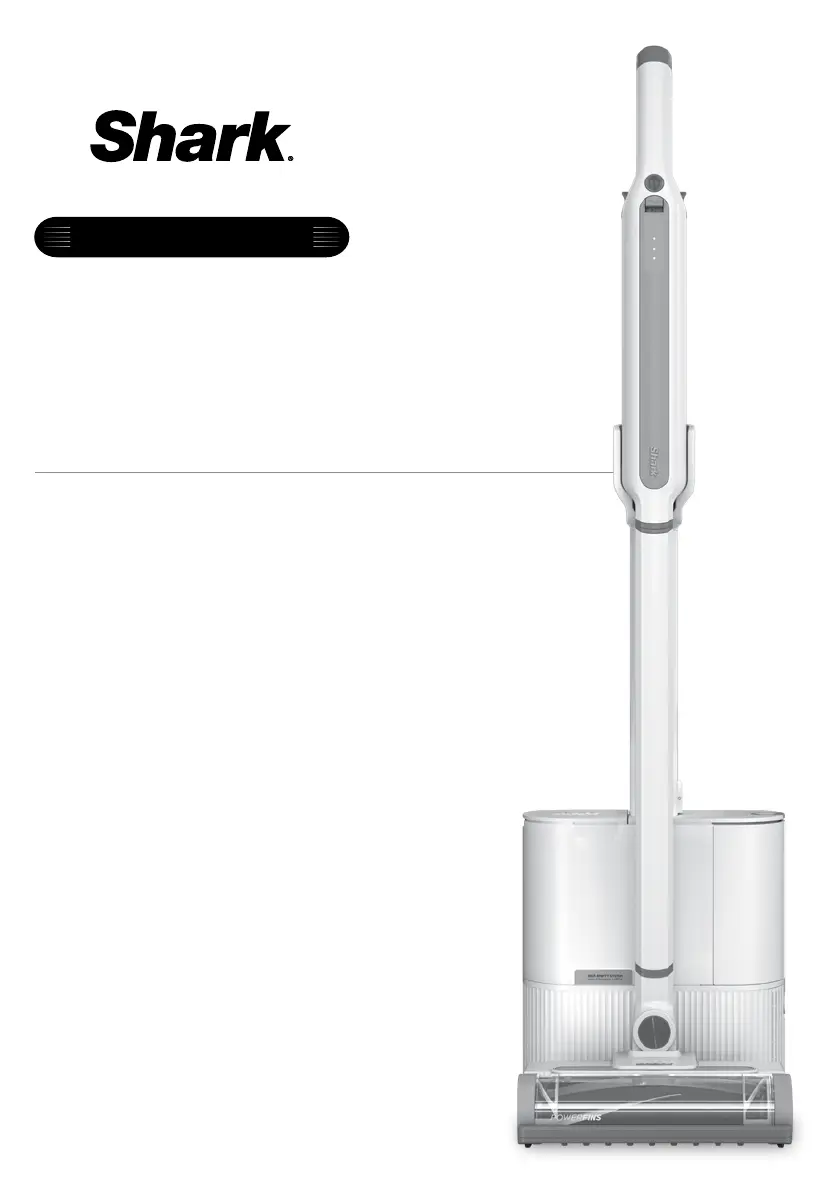
Shark WANDVAC WS640AE - User Manual

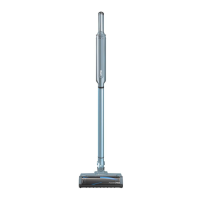
Shark WANDVAC WS640AE
11 pages
Print Icon
To Next Page IconTo Next Page
Loading...
Cordless Vacuum
WS640AE/WS642AE
XDCKWS640AE/XDCKWS642AE
OWNER’S GUIDE
SELF-EMPTY SYSTEM
WANDVAC
®

Questions and Answers

  • E
    Erin Casey DDSJul 29, 2025
    Why does my Shark WANDVAC WS640AE Vacuum Cleaner turn off on its own?
    • A
      Amy Wood MDJul 29, 2025
      Your Shark Vacuum Cleaner might turn off on its own due to blockages or overheating. Here's what to do: * If the vacuum turns off because of blockages, turn it on and check the battery indicator lights. If recharging is needed, make sure the vacuum is off before plugging in the charger. * Empty the dust cup and clean the filters. * Check the wand, accessories, and inlet openings for blockages and remove them. * If overheating is the problem, allow the unit and battery to cool for at least 45 minutes until they return to room temperature. * Restart the vacuum by pressing the On/Off switch.
  • T
    Tina MorrisonAug 8, 2025
    What to do if the brushroll doesn't spin on my Shark Vacuum Cleaner?
    • M
      michael21Aug 9, 2025
      If the brushroll on your Shark Vacuum Cleaner with a PowerFins nozzle doesn't spin: * Immediately turn off the vacuum and remove any blockages before turning it back on. Make sure the hand vacuum is tilted back far enough for the brushroll to engage while in use. * If the floor nozzle has headlights and they are not illuminated, there is a connection issue between the hand vacuum, wand, and nozzle. Try detaching the parts, then reconnecting them.
  • J
    Joseph JohnsonAug 19, 2025
    How to stop my Shark Vacuum Cleaner from lifting area rugs?
    • N
      Nicholas GoldenAug 19, 2025
      If your Shark Vacuum Cleaner lifts area rugs: * Ensure you are not using Boost mode. Exercise caution when vacuuming area rugs or rugs with delicately sewn edges. * Turn off the unit to disengage from the carpet, then restart it.

Summary

Important Safety Instructions

Electrical Connections and Components Safety

Safety precautions related to the vacuum's electrical components and connections.

Battery Pack Safety Guidelines

Guidelines for safe handling, charging, and storage of the Li-ion battery pack.

Assembly Instructions

Li-Ion Battery Information

Battery Runtimes

Information on vacuum runtimes with a fully charged battery.

Battery Power and Charging Indicators

Explanation of LED indicators for battery status during charging and use.

Li-Ion Battery Recycling

Guidelines for proper disposal and recycling of the Li-ion battery.

Charging and Storage Procedures

Charging While in Storage Mode

Instructions for charging the vacuum while it is docked in its storage base.

Removing the Battery from Handheld Unit

Steps to safely detach and remove the Li-ion battery from the handheld unit.

Storage On The Go

How to store the hand vacuum and wand for quick access.

Using Your Vacuum

Controls and Cleaning Modes

Explains power controls and different cleaning modes for the vacuum.

Above-Floor Cleaning Methods

How to use the vacuum for cleaning above floor surfaces with hand vacuum or wand.

Using the Dock for Charging

Instructions for placing the vacuum on the dock for charging and auto-evacuation.

Vacuum Maintenance

Emptying the Dust Cup

Guide on how to empty the dust bin and its dock bin.

Cleaning Dust Cup and Filter

Procedures for cleaning the vacuum's dust cup and internal filter.

Cleaning Dock Filters

Instructions for cleaning the filters located within the dock base.

Nozzle Maintenance

Steps for cleaning and maintaining the vacuum's floor nozzle.

Checking for Blockages

Guide to identifying and clearing blockages in the vacuum, wand, nozzle, and dock.

Troubleshooting and Support

Vacuum Performance Issues

Solutions for common problems like low suction or lifting area rugs.

Vacuum Auto Shut-off

Troubleshooting steps for when the vacuum turns off unexpectedly.

Battery Indicator Light Status

Interpreting battery indicator lights for different operational statuses.

Contacting Customer Service

Information on when and how to contact customer support for assistance.

Warranty Information

Five-Year Limited Warranty

Details of the limited warranty coverage for the vacuum unit.

Two-Year Limited Battery Warranty

Details of the limited warranty coverage for the Li-ion battery.

Notes and Specifications

Register Your Purchase

Instructions and link for registering the product.

Technical Specifications

Key technical details of the vacuum, such as voltage.

FCC Warnings and Compliance

Information regarding FCC compliance and potential interference.

Battery Removal and Disposal

Instructions for removing and responsibly recycling the lithium-ion battery.

Shark WANDVAC WS640AE Specifications

General IconGeneral
TypeCordless Stick Vacuum
Battery TypeLithium-Ion
RuntimeUp to 40 minutes
Power SourceBattery
Dust Cup Capacity0.3 quarts
Dustbin Capacity0.26 Quarts
Special FeaturesLightweight
AttachmentsCrevice Tool, Multi-Surface Tool, Pet Tool

Related product manuals