10
G S
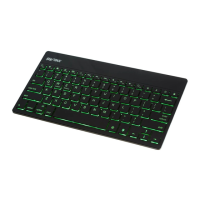
keyboard will begin to blink. When blinking,
please charge battery for no less than 2 hours.
• Use the Micro-USB cable (included) to charge
your keyboard by inserting the larger end of the
cable into the USB port of a computer or power
adapter.
• Charge for 1 - 4 hours, or until the battery status
l
ight ( ) on the bottom of the keyboard turns o.


 To Next Page