12
G S
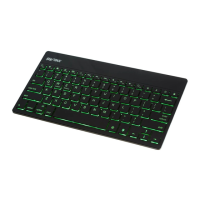
Backlight
• Press the backlight button ( ) to turn on.
• Press the backlight button a second time to
increase the level of backlighting.
• Press a third time to turn o.
• Press
( + ) or ( + )
to
change
backlight
colors
.
Note: Backlight is automatically disabled when battery
capacity falls below 20%.


 To Next Page