9
G S
Charging/Battery
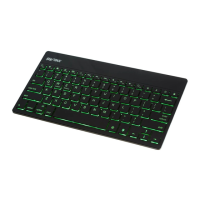
• The charging indicator light ( ) located on the
underside of the keyboard will turn red when
the keyboard is plugged in and charging. The
charging indicator will turn o when the key-
board is fully charged.
• When the keyboard battery is running low, the
power indicator located on the bottom of
the


 To Next Page