8
G S
• Once the status indicator light is blinking, turn
on the bluetooth setting on your mobile device
and scan for nearby bluetooth-enabled devices.
• Once the scan is complete, the keyboard will
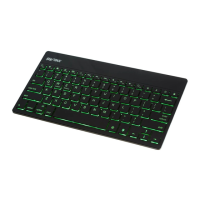
appear on your screen as “SHARKK Keyboard”,
select this option and input the displayed code
on the keyboard then press enter to complete
the pairing.


 To Next Page