11
G S
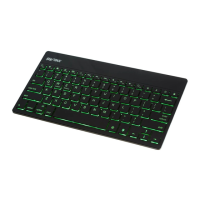
Sleep Mode
• To conserve energy and maximize battery life, the
keyboard will automatically enter sleep mode if
left on and unused for approx. 1 minute.
• Simply press any key on the keyboard to reawaken.
Note: The keyboard will also automatically enter sleep
mode if it is turned on and there is no attempt made to pair it
with a device.


 To Next Page