4
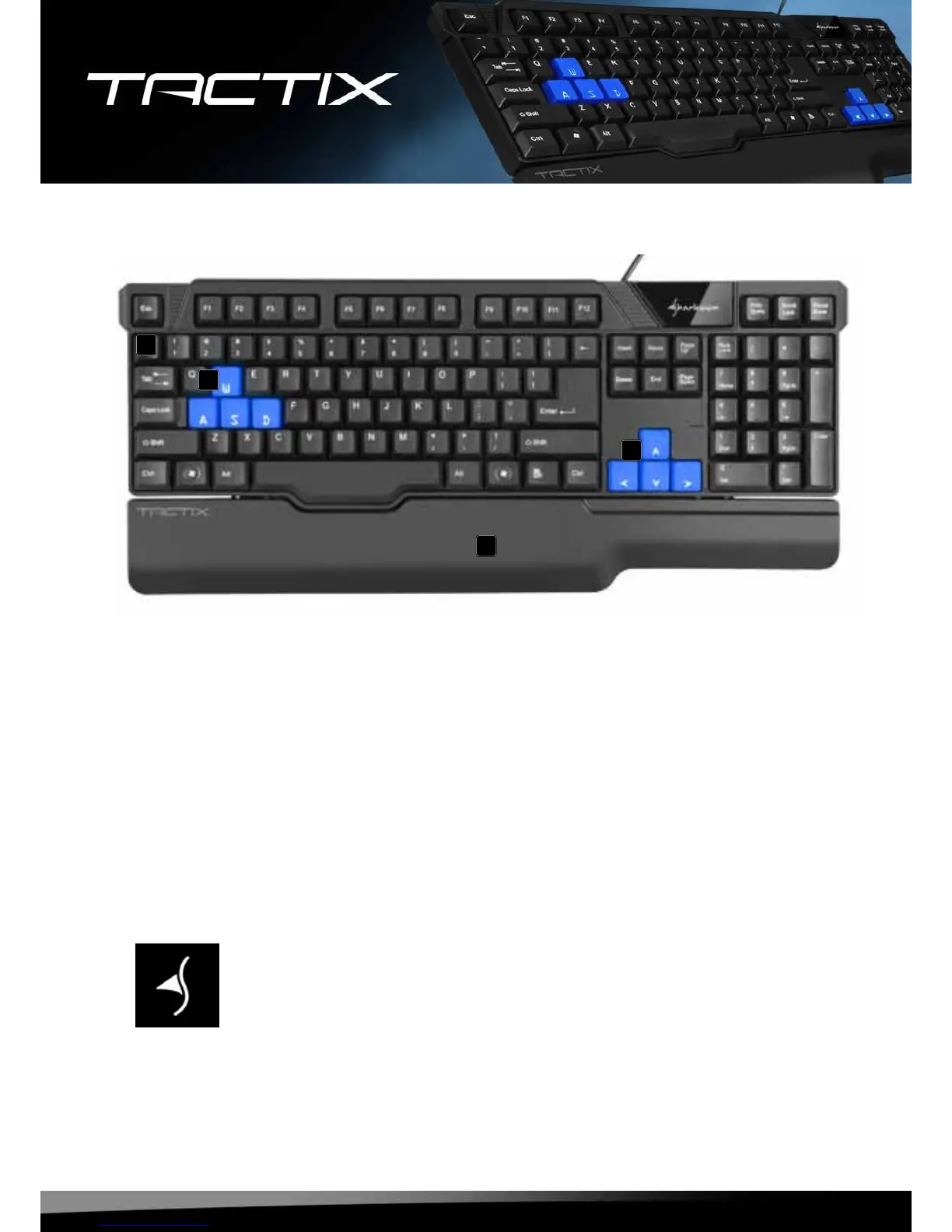
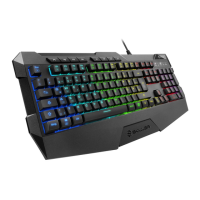
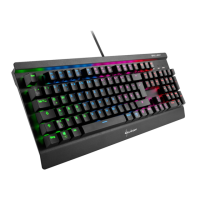
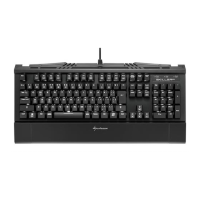
5. The keyboard at a glance
A – EnglishorGermankeyboardlayout
B – Special gaming keys
C – Palmrest
6. Connecting to the PC
1.Plugthekeyboard’sUSBconnectorintoanavailableUSBportonyourPC.
2.Theoperatingsystemwillautomaticallyrecognizethekeyboardandinstallallneededdrivers.
3.Ifyourkeyboardisnotrecognized,disconnectitandtryanotherUSBportonyourPC.
7. Installing the software
1.Beforeinstallingtheincludedsoftware,removeallotherinstalledkeyboardsoftwarefromyoursystem.
2.PuttheincludedToolsCDintoyourCD/DVDdrive.
3.OpentheCD/DVDdrive’sfolder(e.g.D:).
4.Openthefolder“SHARKOONTactix“.
5.Start“Tactix.exe“andfollowtheinstructionsoftheinstallationwizard.
6.Aftercompletingtheinstallationprocessthefollowingiconwillappearonyourdesktopandinthetaskbar:
7.Doubleclick(leftmousebutton)thisicon,tostarttheprogram.
A
B
B
C



 To Next Page