7
8.3.2 Macro manager
Eachkeycanbeassignedamacrousingthecongurator:
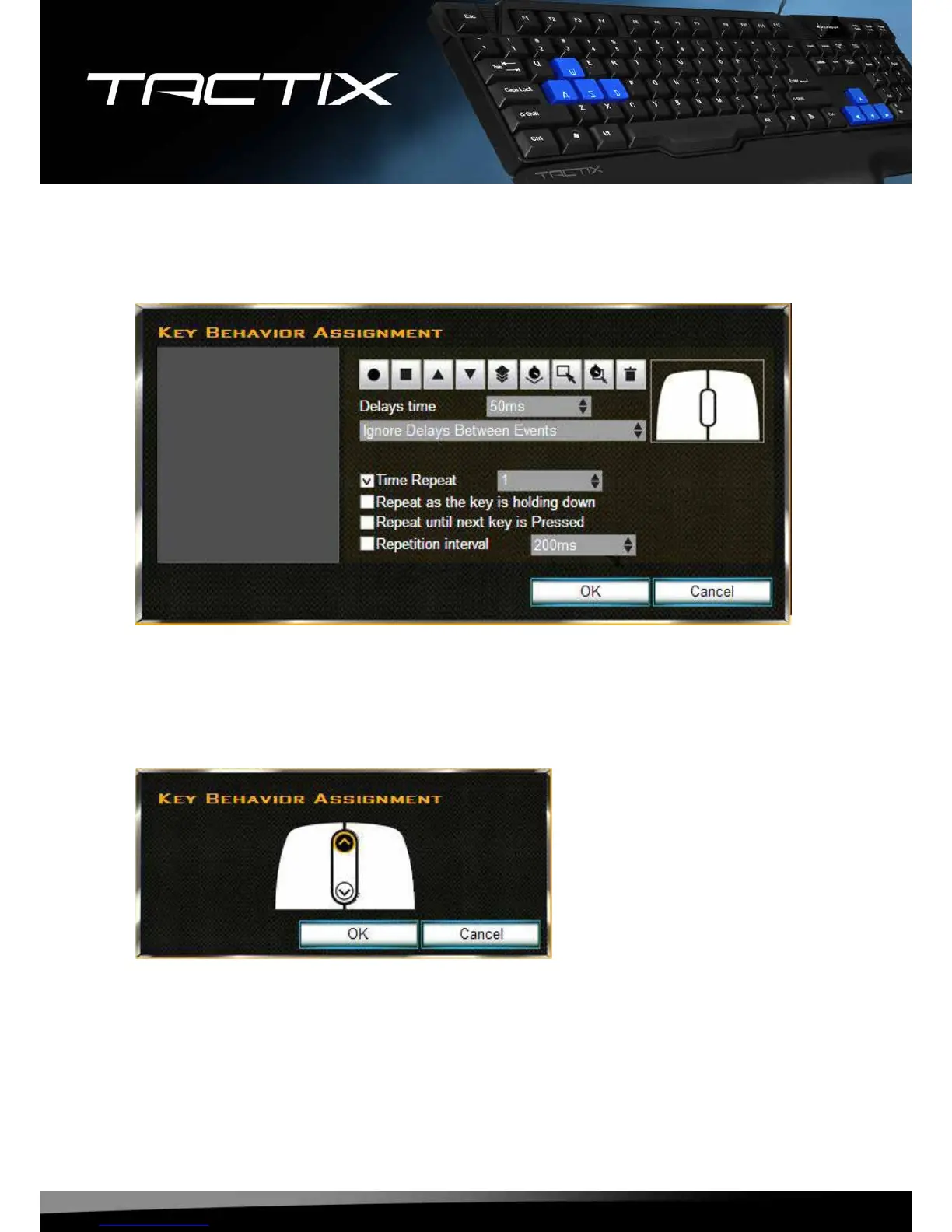
1.Select“Macro”fromthedropdownmenu(see8.3).Thefollowingwindowwillappear:
2.Denethemacro.
3.Click“OK”toconrmyourselectionor“Cancel”todiscardit.
8.3.3 Mouse functions
Eachkeycanbeassignedamousefunctionusingthecongurator:
1.Select“MouseButton”fromthedropdownmenu(see8.3).Thefollowingwindowwillappear:
2.Selectthedesiredmousebutton/function,whichshallbeassignedtotheselectedkey.
3.Click“OK”toconrmyourselectionor“Cancel”todiscardit.











 To Next Page