19
VOLUME
(+)/(–)
CHANNEL
UP (8)/
DOWN (9)
REMOTE
KEYPAD
MENU
NO
W
DOLADINGN
W
O
V–CH TAADPI
WA I TPLE EAS
(DOWNLOAD screen)
MPAA
TV GU I
Cdn .
DO
W
NL
nEglis Rhatinsg
Cdn .
rFenchRatinsg
EDLINES
OAD : ON
STATU
S:ON
(After download the rating data)
C
C8+
G
PG
14+
18+
INDIV
B:LOCK
–: ––––
B:LOCK
–: ––––
B:LOCK
–: ––––
IDUAL BL
MENU : RETURN
OCK
(ENGLISH INDIVIDUAL BLOCK mode)
G
8+
13+
16+
18+
INDIV
–: ––––
B:LOCK
–: ––––
B:LOCK
–: ––––
IDUAL BL
MENU : RETURN
OCK
(FRENCH INDIVIDUAL BLOCK mode)
→
Parent Control (V-CHIP Operation Continued)
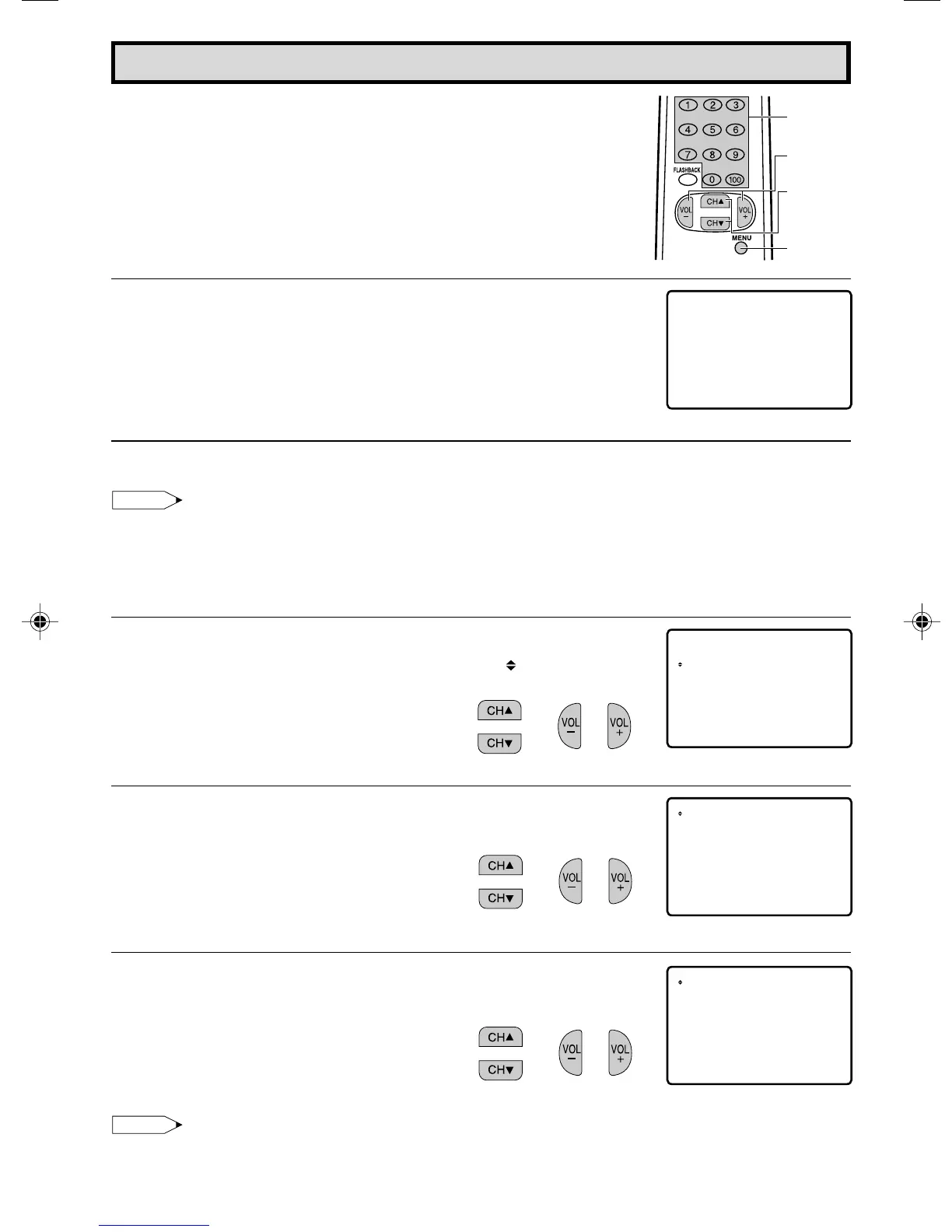
• DOWNLOAD V-CHIP DATA
1 If you watch the program with “New Rating System Data”,
DOWNLOAD screen will be displayed.
2 DOWNLOAD screen will disappear, if DOWNLOAD is finished.
Note:
• DOWNLOAD would not be started, if you don’t watch the program with “New Rating System
Data”.
• ADDITIONAL MODE (Example)
1 Repeat steps 1 to 2 of [3] ADDITIONAL MODE.
2 Press
CH UP (
8
)
or
DOWN (
9
)
to move the “ ” mark to “Cdn.
English Ratings”, then press
VOL (+)
or
(–)
.
3 You can select “BLOCK” or “– – – – –” (unblock) from each RATING
mode by pressing
CH UP (
8
)
or
DOWN (
9
)
and
VOL (+)
or
(–)
.
4 You can select “BLOCK” or “– – – – –” (unblock) from each RATING
mode by pressing
CH UP (
8
)
or
DOWN (
9
)
and
VOL (+)
or
(–)
if
you select “Cdn. French Ratings” in step 2.
Note:
• In additional mode
Including two types (English mode, French mode), altogether you are able to download 4 kinds
of mode.
17-19 13N-M100/150[B].p65e 31/07/2000, 11:51 PM19


 To Next Page