EasyManua.ls Logo

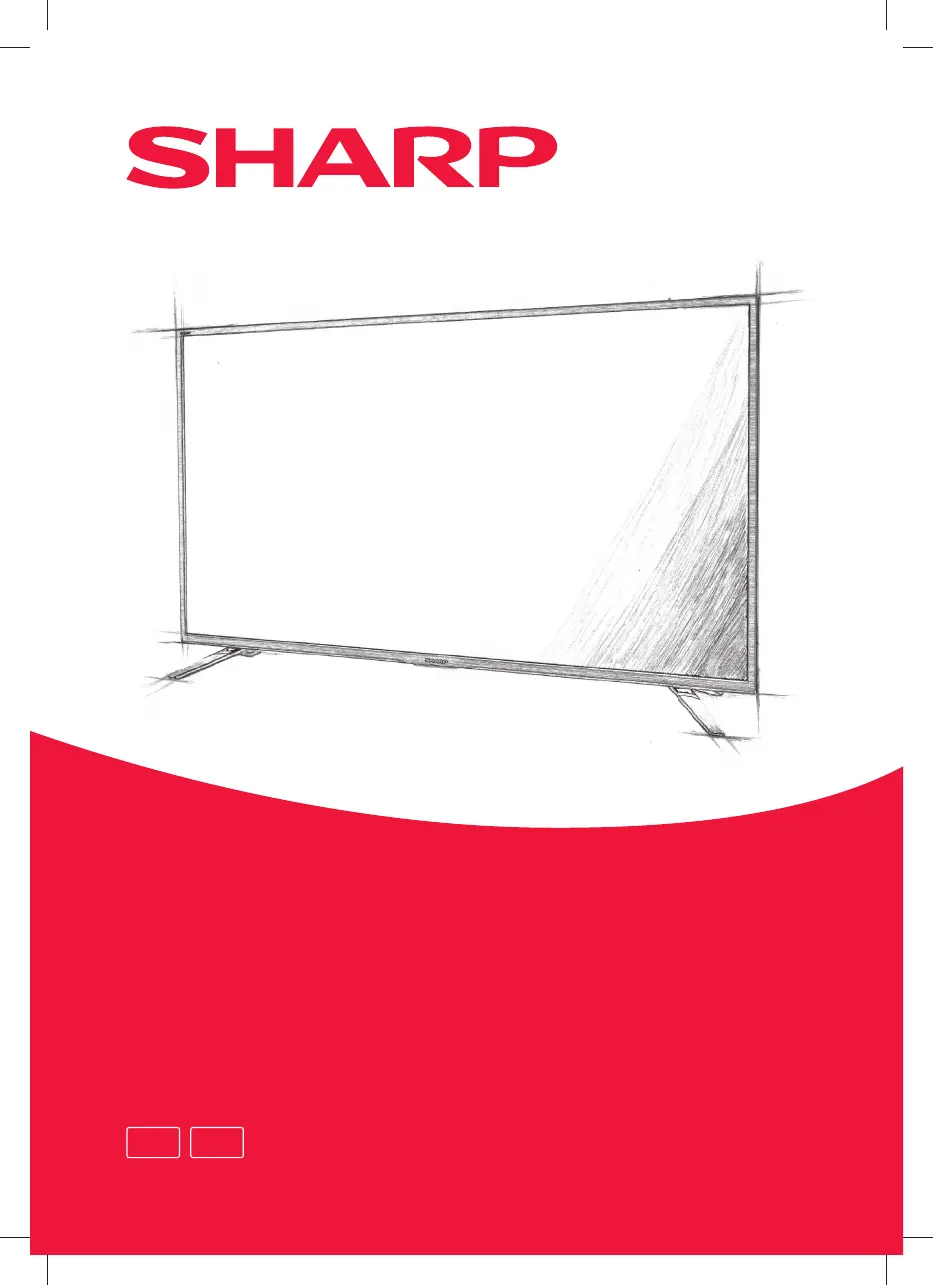
Sharp 32BC2E - User Manual

Sharp 32BC2E
28 pages
Go to English
Print Icon
To Next Page IconTo Next Page
Loading...
RU EN
32BC2E
32BC3E
32BC4E
32BC5E
32BG2E
32BG3E
32BG4E
32BG5E
40BG2E
40BG3E
40BG4E
40BG5E
49BG2E
49BG3E
49BG5E
Руководство пользователя
User manual

Questions and Answers

  • K
    Kim HughesAug 8, 2025
    What to do if Sharp TV remote control does not work?
    • A
      Autumn MitchellAug 9, 2025
      If your Sharp TV remote isn't working, try these steps: First, make sure you're pointing the remote directly at the TV. Stay within six meters of the screen. Remove anything blocking the signal between the remote and the TV. If it still doesn't work, replace both batteries, making sure you put them in correctly.
  • T
    Troy RogersAug 14, 2025
    How to fix Sharp 32BC2E when sound is missing?
    • B
      buckmartinAug 14, 2025
      If there's no sound coming from your Sharp TV, first, check that the volume is turned up and not muted. Then, select your preferred sound setting.
  • J
    Julie LivingstonAug 18, 2025
    What to do if my Sharp 32BC2E has a double picture?
    • J
      John BairdAug 18, 2025
      If you see a double picture on your Sharp TV, try adjusting the antenna's position. Also, ensure the antenna plug is securely connected to the TV.
  • C
    Charles OrrAug 23, 2025
    What to do if my Sharp TV has snow type interference?
    • N
      Nancy BrooksAug 23, 2025
      If your Sharp TV is showing snow-type interference, check that the antenna plug is properly connected to the TV.
  • S
    Savannah RosalesAug 28, 2025
    How to stop radio interference on Sharp 32BC2E TV?
    • J
      James ClementsAug 28, 2025
      If your Sharp TV is experiencing radio interference, ensure there are no nearby electrical devices or cordless phones causing the issue. Try turning off any appliances that might be interfering.
  • J
    Joseph WilsonSep 2, 2025
    Why is there no sound when playing USB on Sharp 32BC2E?
    • J
      John JacksonSep 2, 2025
      When playing a video from a USB drive on your Sharp TV, if you see the picture but hear no sound, the video file might have an audio track that isn't supported. Try selecting a different audio track, if available.

Sharp 32BC2E Specifications

General IconGeneral
Screen Size32 inches
Resolution1366 x 768
Display TypeLED
HDMI Ports3
USB Ports1
Weight4.5 kg
Smart TVYes
Operating SystemAndroid TV
Wi-FiYes
BluetoothYes
HDR SupportNo
Backlight TechnologyLED

Related product manuals