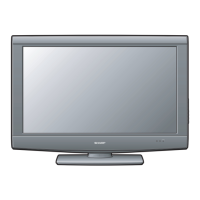
(Input 4:3 signal)
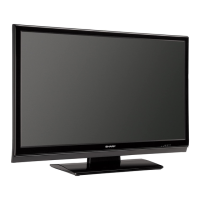
(Input 16:9 signal)
38
View Mode (for PC input mode)
You can select the screen size.
• Connect the PC before making adjustments. (See page
16.)
• Selectable screen size may vary with input signal type.
1
2
Press VIEW MODE.
• The View Mode menu displays.
Press VIEW MODE or
a
/
b
while the View
Mode menu is displayed to select a desired
item on the menu.
Example
Example: Screen size images
Input signal Side Bar Stretch
Keeps the original
aspect ratio in a full
screen display.
An image fully fi lls the
screen.
4:3
Detects the resolution
of the signal and
displays an image
with the same
number of pixels on
the screen.
An image fully fi lls the
screen.
16:9
Input signal Dot by DotStretch
Useful adjustment settings
Example


 To Next Page