33
Watching TV (TV Guide On Screen)
Remind Default Options
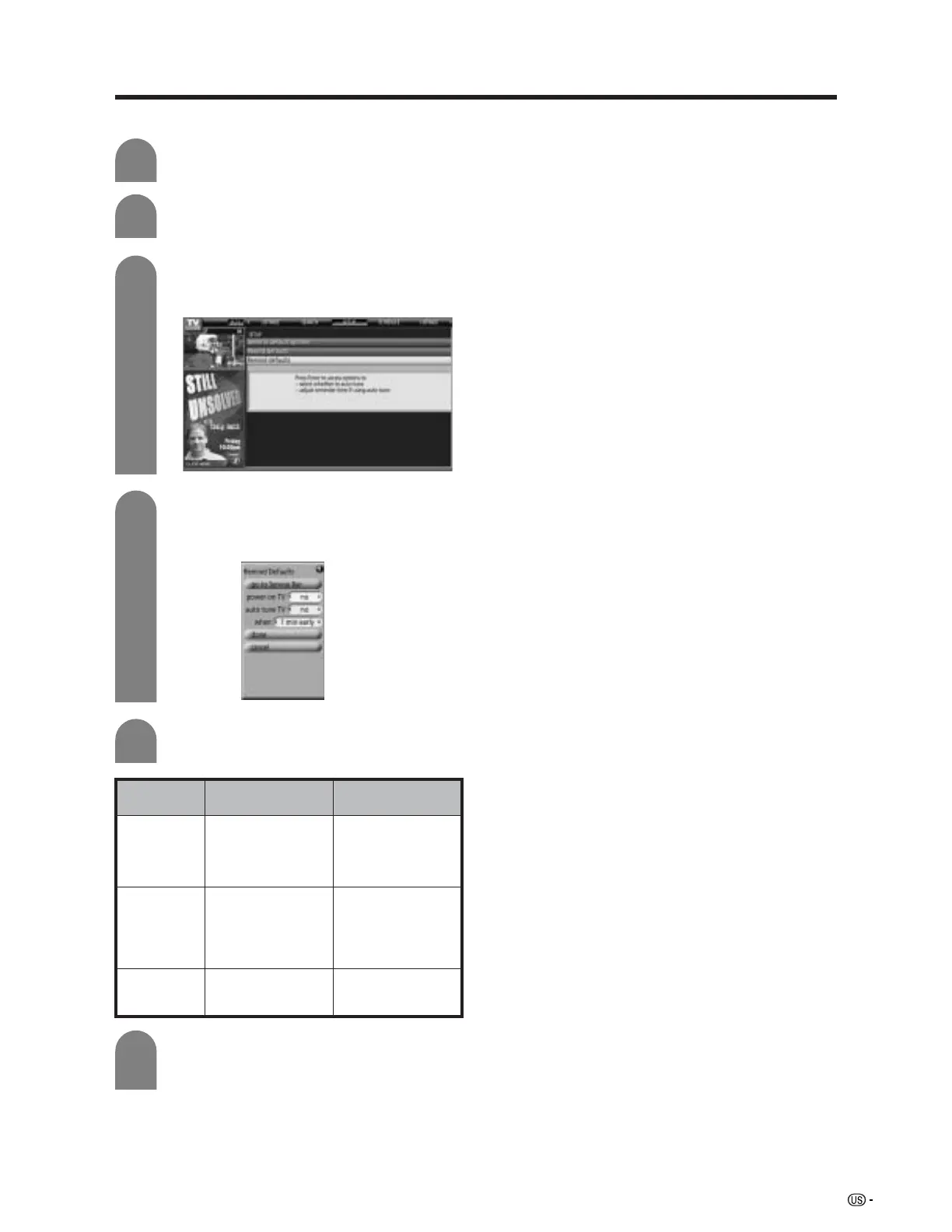
Press b to select “Remind defaults”, and
then press ENTER.
Press ENTER to display “Remind Defaults”
screen.
Press a/b/c/d to set the following items.
When you have finished, press a/b to
select “done”, and then press ENTER again
to exit.
3
4
6
yes/no
yes/no
on time/30 sec - 15
min early ... 30 sec -
15 min late
Setup
items
power on TV
auto tune TV
when
DescriptionSelectable items
When this is set to
“yes”, the TV will
automatically switch
on at the time the
reminder was set for.
When this is set to
“yes”, the channel will
be automatically
changed before the
reminder screen is
displayed.
Set the timing to
perform above two
functions
Press TV GUIDE and then press MENU.
1
Press a/b to select “go to Service Bar” in
“Episode Options”, and then press ENTER.
2
5










 To Next Page