83
Useful adjustment settings
How to temporarily release the V-
CHIP BLOCK
• The V-CHIP BLOCK is working and censors a
broadcast, “V-CHIP HAS BEEN ACTIVATED.”
displays.
Reactivating the temporarily released
V-CHIP BLOCK
• You can reactivate the temporarily released V-CHIP
BLOCK as shown below.
Method 1:
Select “Status” setting from the Parental CTRL menu
to reactivate BLOCK. (See page 77.)
Method 2:
Select “V-Chip” setting (“MPAA”, “TV Guidelines”,
“Can. English Ratings” or “Can. French Ratings”)
from the Parental CTRL to reactivate BLOCK. (See
pages 80 and 82.)
Method 3:
Switch off the TV power.
NOTE
• Performing any of the three above will activate the V-CHIP
BLOCK.
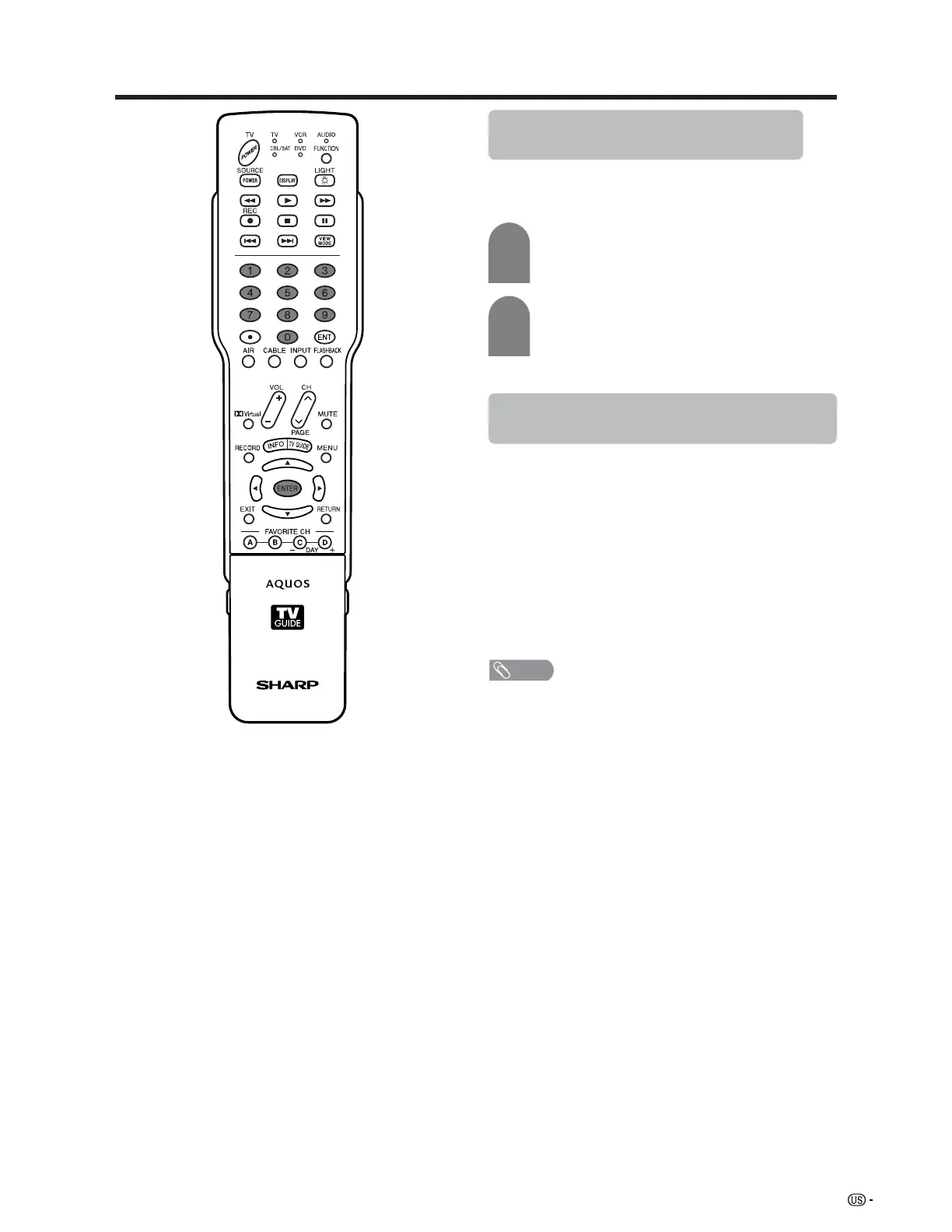
1
2
Press ENTER while the V-CHIP is working
and then the secret number setting menu
displays.
Enter your 4-digit secret number with 0 – 9.
At this time V-CHIP BLOCK temporarily
releases.












 To Next Page