EasyManua.ls Logo

Sharp Aquos LC-40C37U - User Manual

Sharp Aquos LC-40C37U
56 pages
Print Icon
To Next Page IconTo Next Page
Loading...
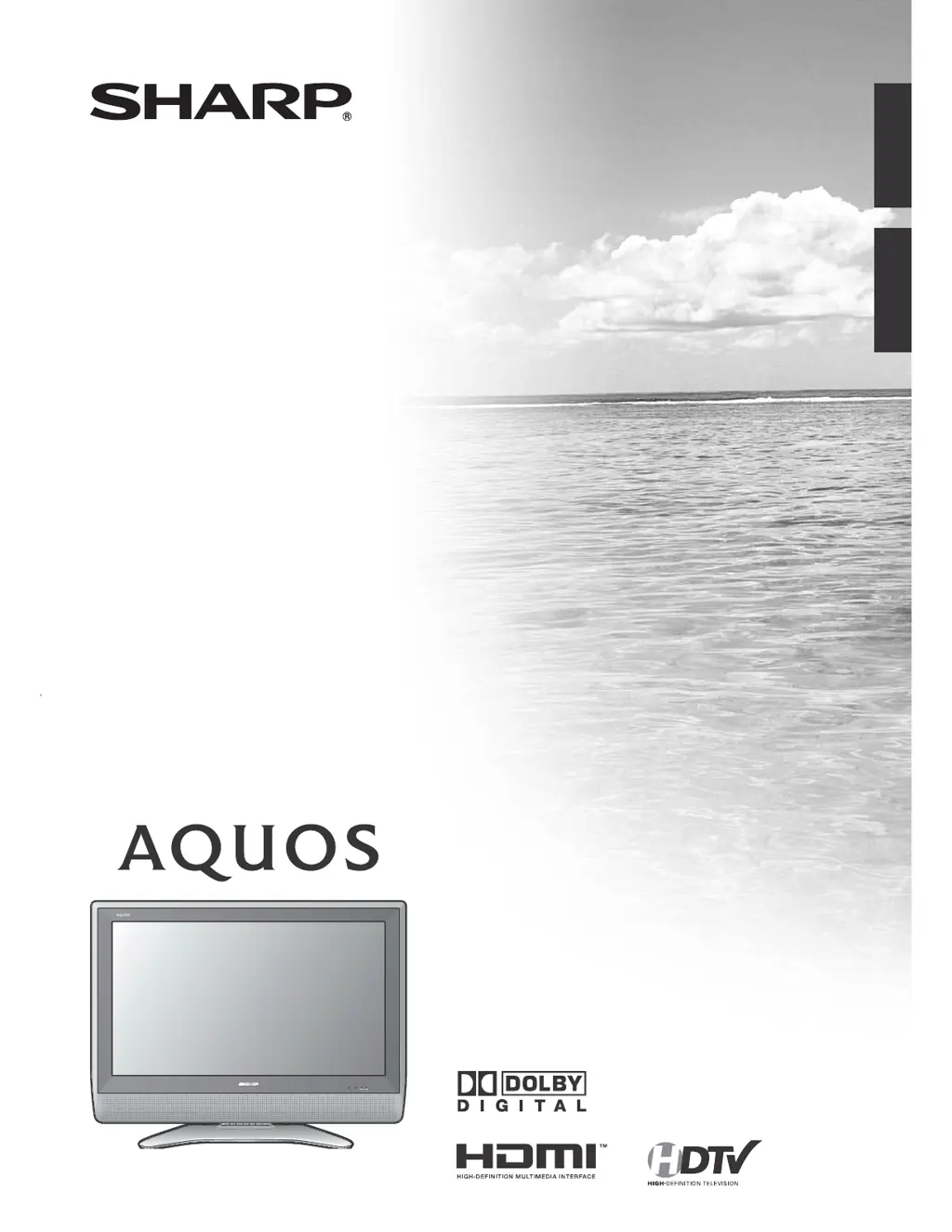
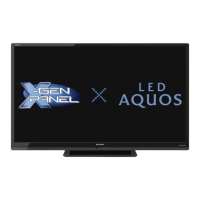
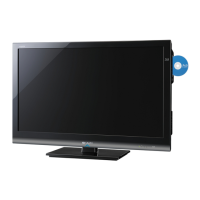
LC-40C37U
LC-40C45U
LIQUID CRYSTAL TELEVISION
TELEVISOR CON PANTALLA
DE CRISTAL LÍQUIDO
ENGLISHESPAÑOL
OPERATION MANUAL
MANUAL DE OPERACIÓN
Ó

Table of Contents

Questions and Answers

  • M
    Ms. Tina WaltersAug 12, 2025
    How to troubleshoot no power on my Sharp Aquos LC-40C37U LCD TV?
    • M
      mbeckerAug 12, 2025
      First, make sure the TV POWER button on the remote is pressed. If the indicator on the TV doesn't light up, try pressing the POWER button directly on the TV. Also, ensure the AC cord is properly connected and that the power is turned on.
  • M
    Monique ByrdAug 16, 2025
    Why is my Sharp Aquos LC-40C37U LCD TV remote control not working?
    • E
      Elizabeth MartinezAug 16, 2025
      If your Sharp LCD TV remote control isn't working, ensure the FUNCTION is set to the TV position. Check if the batteries are correctly inserted, paying attention to the polarity. Replace the batteries if they are worn out. Also, strong or fluorescent lighting near the TV or remote can interfere with the signal.
  • S
    Sherry KingAug 19, 2025
    Why does my Sharp LCD TV power turn off suddenly?
    • K
      Kenneth MaynardAug 19, 2025
      If your Sharp LCD TV suddenly turns off, check if the sleep timer is enabled. Also, review the power control settings. If the unit's internal temperature has increased, remove any objects blocking the vents or clean the vents to improve airflow.
  • J
    Joseph MayAug 23, 2025
    Why is there no sound on my Sharp Aquos LC-40C37U LCD TV?
    • B
      Brenda MasseyAug 23, 2025
      If you're not getting any sound from your Sharp LCD TV, first check if the volume is set too low. Also, verify that “Variable” is not selected in “Output Select”.
  • J
    Jonathan Thompson DDSAug 27, 2025
    What to do if my Sharp Aquos LC-40C37U LCD TV has no picture?
    • P
      Patricia ThompsonAug 27, 2025
      If there is no picture on your Sharp LCD TV, verify that all connections to other components are correct. Ensure the correct input signal source is selected after making connections. Also, check that the correct input is selected and picture adjustments are properly configured. Finally, confirm that “On” is not selected in “Audio Only”.
  • R
    Richard MorrisonAug 31, 2025
    How to fix strange colors on Sharp Aquos LC-40C37U LCD TV?
    • A
      Angela JohnsonAug 31, 2025
      If your Sharp LCD TV displays a strange color, light color, or color misalignment, try adjusting the picture tone. Also, consider the room's brightness; a picture may appear dark in a room that is too bright.
  • P
    parkerjesseSep 3, 2025
    How do I fix a cut-off picture on my Sharp LCD TV?
    • D
      Diana SmithSep 3, 2025
      If the picture on your Sharp LCD TV is cut off or has a sidebar screen, check if the image position is set correctly. Also, make sure the screen mode adjustments, like picture size, are properly configured.
  • S
    Sarah NelsonSep 7, 2025
    What to do if my Sharp LCD TV cannot be operated?
    • C
      cindy96Sep 8, 2025
      If your Sharp LCD TV cannot be operated, it might be due to external influences such as lightning or static electricity. Try turning the TV off and then on again. If that doesn't work, unplug the AC cord, wait one or two minutes, and then plug it back in.

Summary

IMPORTANT INFORMATION

IMPORTANT SAFETY INSTRUCTIONS

Precautions when transporting the TV

Guidelines for safely moving and handling the television set to prevent damage or injury.

Supplied accessories

Attaching the stand

Step-by-step instructions for securely attaching the TV stand to the unit.

QUICK REFERENCE

QUICK INSTALLATION TIPS

Key steps for the initial setup and connection of the television unit.

Part names

TV (Front)

Identifies and labels the controls and indicators on the front of the television.

TV (Rear)

Identifies and labels the input and output terminals on the rear of the television.

Remote control unit

Details the buttons and functions of the television's remote control unit.

Watching TV

Initial setup

Guides the user through the first-time setup process for the television.

Simple button operations for changing channels

Methods for changing television channels using the remote control or TV buttons.

Simple button operations for changing volume;sound

How to adjust the TV's volume and use the mute and surround sound features.

Basic adjustment settings

Picture adjustments

Tools to customize picture quality settings like brightness, contrast, and color.

Sound adjustment

Options for customizing audio output quality, including treble, bass, and balance.

Using external equipment

Connecting HDMI equipment

Guide for connecting devices using HDMI cables for high-quality video and audio.

Useful adjustment settings

Secret number setting for parental control

Sets a secret number to protect TV settings from unauthorized changes.

Parental control (setting V-CHIP level)

Sets content rating filters to block programs based on age-appropriateness.

Appendix

Troubleshooting

Provides solutions for common problems encountered with the television.

Specifications

Technical details and specifications of the television model.

Sharp Aquos LC-40C37U Specifications

General IconGeneral
BrandSharp
ModelAquos LC-40C37U
CategoryLCD TV
LanguageEnglish

Related product manuals