EasyManua.ls Logo

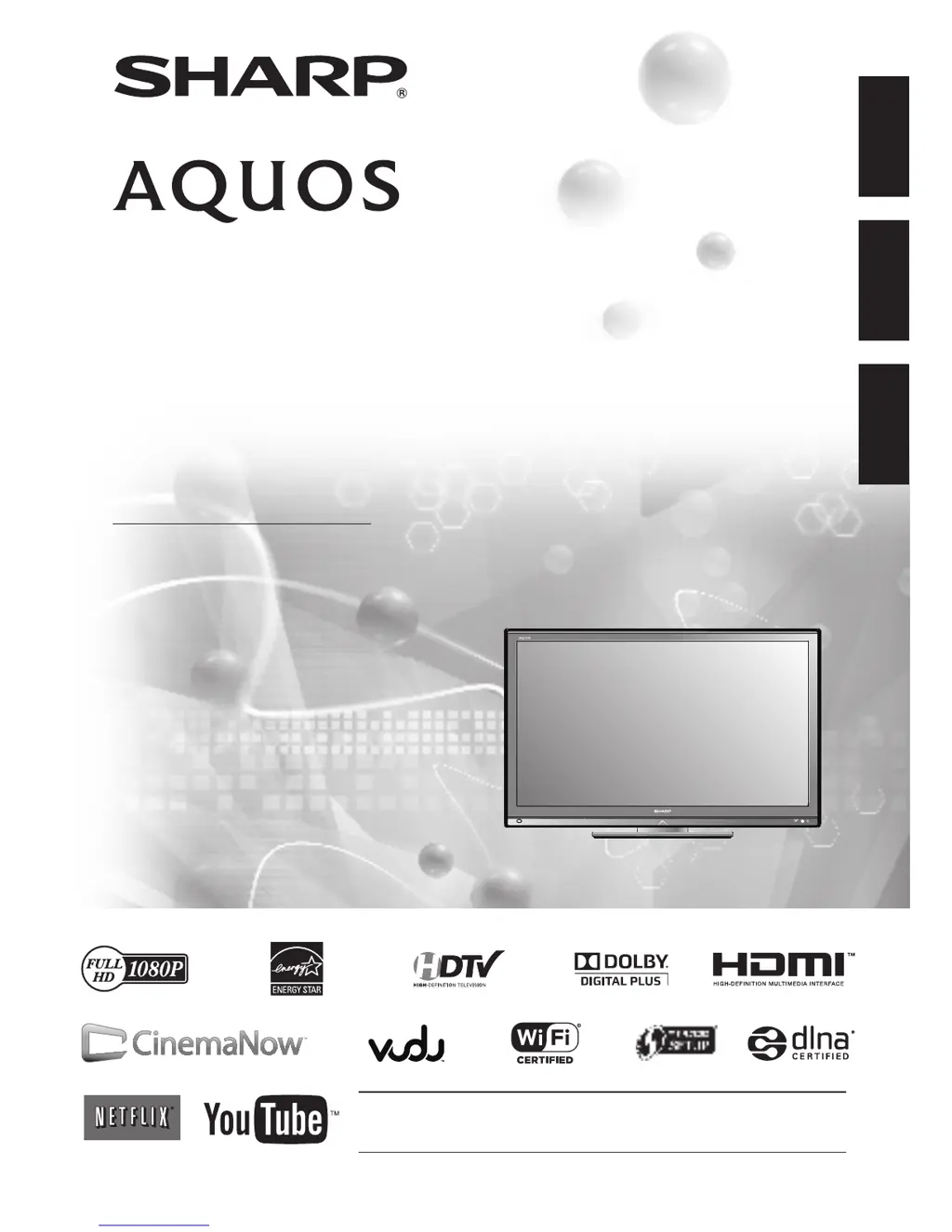
Sharp AQUOS LC-42LE540U - User Manual

Sharp AQUOS LC-42LE540U
65 pages
Print Icon
To Next Page IconTo Next Page
Loading...
ENGLISH
FRANÇAISESPAÑOL
IMPORTANT : Please read this operation manual before starting operating the equipment.
IMPORTANT : Veuillez lire ce mode d'emploi avant de commencer à utiliser l'appareil.
IMPORTANTE : Lea este manual de operación antes de comenzar a operar el equipo.
LC-46LE540U
LC-42LE540U
LIQUID CRYSTAL TELEVISION
TÉLÉVISEUR ACL
TELEVISOR CON PANTALLA
DE CRISTAL LÍQUIDO
OPERATION MANUAL
MODE D'EMPLOI
MANUAL DE OPERACIÓN
ENGLISH
FRANÇAISESPAÑOL
ENGLISH
FRANÇAISESPAÑOL

Table of Contents

Questions and Answers

  • C
    Casey BondNov 22, 2025
    Why is there no sound on my Sharp AQUOS LC-42LE540U?
    • M
      Mary BakerNov 22, 2025
      If there's no sound on your Sharp LCD TV, try these steps: * Verify the connections to other components are correct. * Ensure the volume isn't too low and that you haven't pressed MUTE on the remote. * Check the audio output settings of any connected external equipment to ensure the volume isn't low or muted. If using an HDMI cable, you might need to configure the audio to output through it. For equipment connected to the PC IN or HDMI 1 terminal, review the "Audio Select" setting. Depending on the equipment type and media, an audio cable connection may be needed even with an HDMI-certified cable. If using a DVI-HDMI conversion cable, ensure an audio cable is connected. Note that when using HDMI 1, audio and video won't output together if a stereo minijack cable is connected to th...
  • B
    Brian AdkinsAug 25, 2025
    What to do if my Sharp AQUOS LC-42LE540U remote control doesn't work?
    • A
      Alejandro GuerreroAug 25, 2025
      If your Sharp LCD TV remote isn't working, ensure the equipment is correctly set by pressing the TV button to set the remote for TV operation. Check that the batteries are inserted with the correct polarity and are not worn out (replace if needed). Also, strong or fluorescent lighting, or a fluorescent light near the remote sensor, can interfere with the remote's operation.
  • T
    thomasjohnsonAug 27, 2025
    Why does my Sharp AQUOS LC-42LE540U LCD TV suddenly turn off?
    • T
      Tyler CalhounAug 27, 2025
      If your Sharp LCD TV is suddenly turning off, check if the sleep timer is set. Also, review the power control settings. If the unit's internal temperature has increased, remove any objects blocking the vents or clean them.
  • A
    Andrea ShepherdAug 27, 2025
    Why does my Sharp AQUOS LC-42LE540U LCD TV power off suddenly?
    • R
      Ronnie EvansAug 27, 2025
      If your Sharp LCD TV suddenly turns off, first check if the sleep timer is activated. Also, review the power control settings. The unit's internal temperature might have increased; if so, remove any obstructions blocking the vents or clean them.
  • M
    Michael LopezAug 29, 2025
    How to fix no sound on Sharp AQUOS LC-42LE540U?
    • M
      Mike GarrettAug 29, 2025
      If your Sharp LCD TV displays no sound, verify that all connections to other components are correct. Ensure the volume isn't too low and that you haven't muted the TV with the remote. Also, check the audio output settings of any connected external equipment to ensure the volume is adequate and not muted. If using an HDMI cable, you may need to configure the audio output through the HDMI cable. For PC or HDMI 1 connections, check the 'Audio Select' setting.
  • J
    jennifer00Sep 23, 2025
    Why does my Sharp AQUOS LC-42LE540U make cracking sounds?
    • J
      James MccartySep 23, 2025
      This cracking sound from your Sharp LCD TV is normal and not a malfunction. It occurs when the cabinet slightly expands and contracts due to temperature changes, and it does not affect the TV's performance.
  • C
    Corey FloresSep 16, 2025
    Why is HD picture quality poor on my Sharp AQUOS LC-42LE540U LCD TV?
    • W
      wilsonlawrenceSep 17, 2025
      To improve the picture quality of HD programs on your Sharp LCD TV, ensure you have set up an HDMI or component connection to enjoy HD images from external equipment. Confirm that the program content is actually broadcast in HD. Check that the HD cable/satellite set-top box is configured to output HD images via cable/satellite. Note that the cable/satellite broadcast may not always support a signal resolution of 1080p.
  • C
    Christine GatesSep 18, 2025
    What to do if Sharp AQUOS LC-42LE540U LCD TV cannot be operated?
    • M
      margaretramseySep 18, 2025
      If your Sharp LCD TV cannot be operated, it might be due to external influences like lightning or static electricity. Turn off the TV or unplug the AC cord, wait 1 or 2 minutes, and then plug it back in to operate the unit.
  • R
    Roberta RussellSep 8, 2025
    Why does my Sharp AQUOS LC-42LE540U LCD TV have strange colors?
    • M
      Margaret WardSep 8, 2025
      If your Sharp LCD TV displays strange, light, or misaligned colors, try adjusting the picture tone. Also, be aware that a room that is too bright can make the picture appear dark.
  • A
    Angela HancockSep 5, 2025
    How to troubleshoot no power on Sharp AQUOS LC-42LE540U LCD TV?
    • J
      Jerry VelazquezSep 5, 2025
      If your Sharp LCD TV is not getting any power, check if you have pressed the POWER button on the remote control. Ensure the AC cord is properly connected. Also, verify that the power has been turned on.

Summary

Safety and Important Information

Electrical Safety Warnings

Provides essential warnings regarding electrical hazards like rain, moisture, and opening the unit.

Important Safety Instructions

General Safety Guidelines

Lists crucial safety instructions for product installation, usage, and maintenance.

Child Safety Precautions

Offers safety tips for using flat panel displays around children, focusing on placement and stability.

Watching TV and Controls

Direct Button Operations

Explains the function of various direct buttons for channel, volume, and mode.

On-Screen Display Menu

Picture, Audio, and System Settings

Details settings for picture quality, sound, and system options.

PC and Internet Usage

Appendix and Support

Troubleshooting and Error Messages

Provides solutions for common problems and explains error messages.

Sharp AQUOS LC-42LE540U Specifications

General IconGeneral
Screen Size42 inches
Display TechnologyLCD
Resolution1920 x 1080
Backlight TypeLED
Refresh Rate60Hz
HDMI Ports4
USB Ports1
Wi-FiYes
Ethernet PortYes
Audio Output10W x 2
Viewing Angle176°
InputsHDMI, USB, Component, Composite
Power Consumption110W

Related product manuals