EasyManua.ls Logo

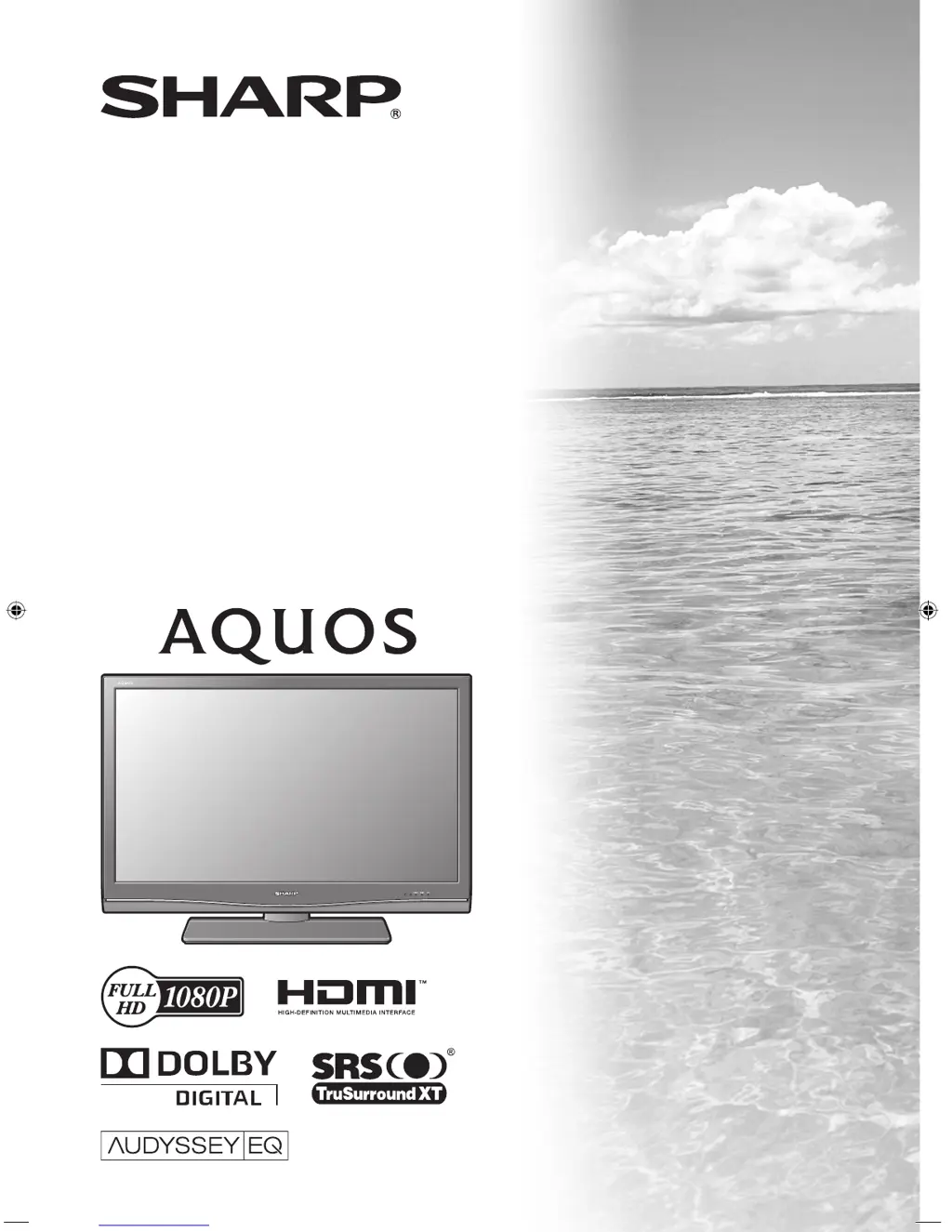
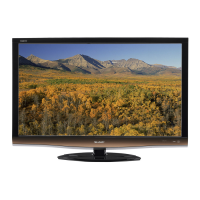
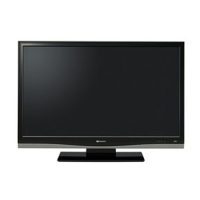
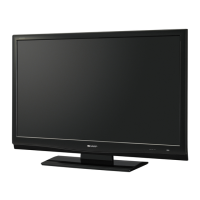
Sharp AQUOS LC-42D85X - User Manual

Sharp AQUOS LC-42D85X
80 pages
Print Icon
To Next Page IconTo Next Page
Loading...
MODEL
LC-42D85X
LC-46D85X
LC-52D85X
LCD COLOUR TELEVISION
OPERATION MANUAL
Cover_52D85X.indd 1Cover_52D85X.indd 1 8/21/08 3:40:30 PM8/21/08 3:40:30 PM

Table of Contents

Questions and Answers

  • B
    Brandon BlanchardAug 13, 2025
    How to fix no power on my Sharp LCD TV?
    • F
      freemandeborahAug 13, 2025
      If your Sharp LCD TV has no power, ensure you've pressed the POWER button on the remote. If the indicator light is red, press POWER again. Also, check if the AC cord is properly connected and that the power is turned on.
  • W
    william67Aug 17, 2025
    Why does my Sharp AQUOS LC-42D85X power off suddenly?
    • M
      Mark WallaceAug 17, 2025
      If your Sharp LCD TV suddenly turns off, the unit's internal temperature may have increased. Remove any obstructions from the vent or clean it. Check the power control settings and ensure the sleep timer is not set.
  • D
    Dylan DunnAug 20, 2025
    How to troubleshoot no sound on Sharp AQUOS LC-42D85X?
    • J
      Joshua JenkinsAug 20, 2025
      If your Sharp LCD TV has no sound, first check if the volume is set too low. Also, ensure that headphones are not connected to the TV.
  • R
    Regina SmithAug 25, 2025
    What to do if my Sharp AQUOS LC-42D85X LCD TV has no picture?
    • J
      Jaime WoodwardAug 25, 2025
      If your Sharp LCD TV displays no picture, verify that the connection to external equipment is correct. Ensure the input signal setup has been performed correctly, and the correct input is selected. Check the picture adjustments and make sure the antenna is connected properly. Also, check if “On” is selected in “Audio Only”.
  • J
    James MayAug 28, 2025
    Why is my Sharp AQUOS LC-42D85X remote control not working?
    • J
      Jacob PerkinsAug 28, 2025
      If the remote control for your Sharp LCD TV isn't working, check if the batteries are inserted correctly, matching the polarity. Replace worn-out batteries with new ones. Avoid using the remote under strong or fluorescent lighting, and make sure no fluorescent light is shining on the remote control sensor.
  • M
    Madeline KaufmanSep 1, 2025
    How to fix strange colors on Sharp LCD TV?
    • H
      Haley MirandaSep 1, 2025
      If the colors on your Sharp LCD TV appear strange, light, dark, or misaligned, adjust the picture tone. If the room is too bright, the picture may appear dark. Check the color system setting, the input signal setting, and the HDMI Auto View setting.
  • J
    Jennifer WellsSep 4, 2025
    How to adjust picture if it is cut off on Sharp LCD TV?
    • M
      Michelle CastilloSep 4, 2025
      If the picture on your Sharp LCD TV is cut off, check if the image position is correct. Also, verify that the screen mode adjustments, such as picture size, are set correctly.
  • Z
    zbrownSep 8, 2025
    What to do if Sharp AQUOS LC-42D85X cannot be operated?
    • D
      David SampsonSep 8, 2025
      If your Sharp LCD TV cannot be operated, it might be due to external influences like lightning or static electricity. Turn off the TV or unplug the AC cord, wait 1 or 2 minutes, and then plug it back in to restore operation.

Summary

Introduction

Important Safety Precautions

Crucial safety information for product usage, covering cleaning, water, ventilation, and heat.

Preparation

Initial Setup and Installation

Steps for stand attachment, power connection, and initial auto-installation wizard.

Connecting External Devices

Guide to connecting VCRs, DVD players, PCs, and other external equipment.

Picture and Audio Settings Overview

Adjusting visual and auditory parameters like brightness, contrast, and sound modes.

Channel Management and Viewing Functions

Tuning channels, EPG, favourite channels, and useful viewing aids.

Teletext and PC Connectivity

Using Teletext services and connecting a PC for enhanced functionality.

Watching TV

Settings when using external devices

AQUOS LINK

Connecting a PC

Teletext function

Appendix

Troubleshooting Common Issues

Solutions for power, operation, picture, and sound problems.

Digital Broadcasting and AQUOS LINK Errors

Troubleshooting digital broadcasts and recording errors.

System Reset, Specifications, and Drawings

Resetting settings, product specs, and dimensional diagrams.

Sharp AQUOS LC-42D85X Specifications

General IconGeneral
Screen Size42 inches
Resolution1920 x 1080 pixels
Display TypeLCD
Aspect Ratio16:9
Brightness450 cd/m²
Response Time6 ms
HDMI Ports3
USB Ports1
Component Video Input1
Composite Video Input1
S-Video Input1
PC Input1
Audio Output2 x 10 W
Viewing Angle176 degrees
Sound Output20W (10W x 2)

Related product manuals