EasyManua.ls Logo

Sharp AQUOS LC-60LE650U - User Manual

Sharp AQUOS LC-60LE650U
78 pages
Print Icon
To Next Page IconTo Next Page
Loading...
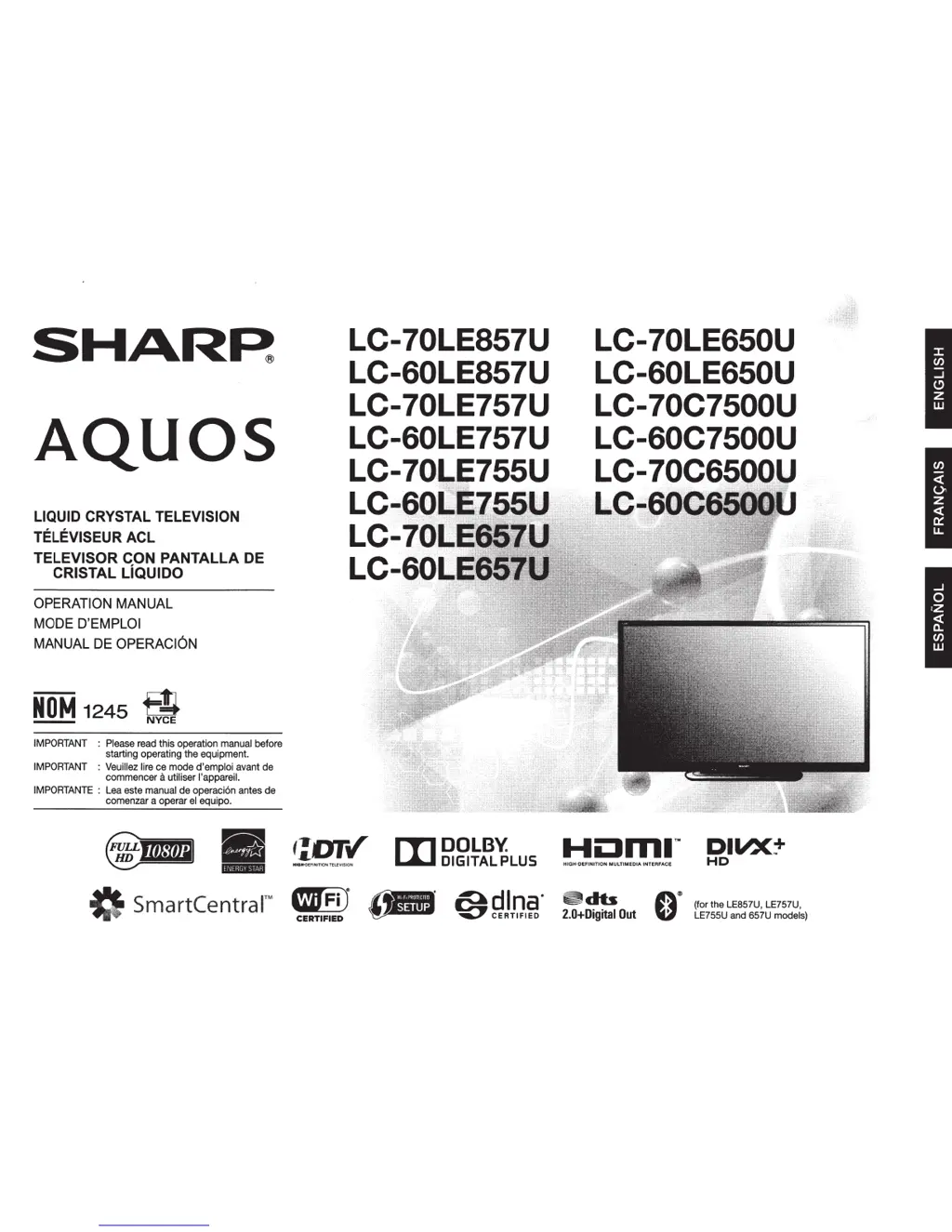
SHAR~
AQUOS
LIQUID CRYSTAL TELEVISION
TELEVISEUR ACL
TELEVISOR CON
PANTALLA
DE
CRISTAL LiQUIDO
OPERATION MANUAL
MODE D'EMPLOI
MANUAL DE OPERACION
NOM
1245
$
IMPORTANT
:
Please
read
this operation
manual
before
starting operating
the
equipment.
IMPORTANT
:
Veuillez
lire
ce
mode
d'emploi
avant
de
commencer a utiliser l'appareil.
IMPORTANTE
:
Lea
este
manual
de operaci6n
antes
de
comenzar a operar
el
equipo.
0
SmartCentralâ„¢
LC-70LE857U
LC-60LE857U
LC-70LE757U
LC-60LE757U
LC-7 755U
L
LC
..
LC-
......
IL
[I]
DOLBY.
DIGITAL PLUS
LC-70LE650U
LC-60LE650U
LC-70C7500U
LC-60C7500U
LC-7
HIGH-DEFINITION
MULTIMEDIA
INTERFACE
~db
2.0+Digital
Out
DIVX:'"
HD
(for
the
LE857U,
LE757U,
LE755U
and
657U
models)

Other manuals for Sharp AQUOS LC-60LE650U

Questions and Answers

  • A
    Andrew DanielsSep 12, 2025
    Why does my Sharp LCD TV sometimes make a cracking sound?
    • J
      Jamie DixonSep 12, 2025
      The cracking sound from your Sharp LCD TV is due to the cabinet slightly expanding and contracting with temperature changes. This does not affect the TV's performance.
  • M
    Mark CooperAug 25, 2025
    Why is my Sharp LCD TV remote control not working?
    • C
      clinton67Aug 25, 2025
      If your Sharp LCD TV remote control isn't working, ensure the equipment to be operated is set correctly by pressing TV to set the remote control unit to the setting for operating the TV. Check that the batteries are inserted with the correct polarity (+/-). Replace the batteries if they are worn out. Strong or fluorescent lighting may interfere with the remote; also check if a fluorescent light is near the remote sensor. Finally, make sure "RC Control Lock" is not selected in "Operation Lock Out".
  • A
    Amanda CopelandAug 27, 2025
    What to do if my Sharp LCD TV has no power?
    • D
      Dorothy BondAug 28, 2025
      If your Sharp LCD TV has no power, first check if you have pressed the POWER button on the remote control. Next, check if the AC power cord is disconnected. Finally, verify that the power has been turned on.
  • K
    Katherine FarleyAug 29, 2025
    What to do if the Sharp LCD TV remote control does not operate?
    • R
      rogerpageAug 29, 2025
      If the remote control for your Sharp LCD TV isn't working, ensure the equipment to be operated by the remote control unit is set correctly by pressing TV to set the remote control unit to the setting for operating the TV. Check that the batteries are inserted with the correct polarity, and replace them if they are worn out. Strong or fluorescent lighting may interfere with the remote. Also, check if a fluorescent light is illuminated near the remote control sensor. Finally, verify that "RC Control Lock" is not selected in "Operation Lock Out".
  • T
    Teresa CisnerosAug 30, 2025
    What to do if my Sharp AQUOS LC-60LE650U power is suddenly turned off?
    • R
      Robert NicholsAug 31, 2025
      If your Sharp LCD TV is suddenly turning off, check if the sleep timer is set. Review the power control settings. If the unit's internal temperature has increased, remove any objects blocking the vents or clean them.
  • J
    Julia Baker MDSep 1, 2025
    Why is there no picture on my Sharp LCD TV?
    • T
      Tyler GriffinSep 1, 2025
      If there is no picture on your Sharp LCD TV, ensure the connections to other components are correct. Verify that the correct input is selected. Check if "On" is selected in "Audio Only". When connecting a laptop PC to the TV, check that the display output mode of the PC is set to external monitor. Check the resolution setting on the PC to ensure a compatible signal is being input.
  • E
    epenningtonNov 20, 2025
    Why is there no sound on my Sharp AQUOS LC-60LE650U LCD TV?
    • X
      xturnerNov 20, 2025
      If there is no sound on your Sharp LCD TV, verify the connections to other components. Ensure the volume isn't too low and that you haven't pressed MUTE on the remote. Check if "Variable" is selected in "Output Select". Also, check the audio output of any connected external equipment to ensure it is not muted or set too low. When external equipment is connected via an HDMI cable, you may need to configure the audio to be output through the HDMI cable. When audio is not output from external equipment connected to the PC IN or HDMI IN 2 terminal, check the "Audio Select" setting. Even when external equipment is connected using an HDMI-certified cable, an audio cable connection may be required depending on the type of equipment and the media being played back. In this case, in addition to con...
  • R
    Robert DrakeNov 25, 2025
    How to troubleshoot no sound on Sharp LCD TV?
    • A
      Andrew MccannNov 25, 2025
      If there is no sound on your Sharp LCD TV, verify that the connection to other components is correct. Make sure the volume isn't too low and that you haven't pressed MUTE on the remote. Check the audio output of any connected external equipment to ensure the volume is not too low or muted. When external equipment is connected via an HDMI cable, you may need to configure the audio to be output through the HDMI cable. When audio is not output from external equipment connected to the PC IN or HDMI IN 2 terminal, check the "Audio Select" setting. Even when external equipment is connected using an HDMI-certified cable, an audio cable connection may be required depending on the type of equipment and the media being played back. When connecting a PC via an HDMI-certified cable, check if the audio...
  • B
    Brittney FryeSep 12, 2025
    Why does my Sharp AQUOS LC-60LE650U LCD TV have strange or light colors, or color misalignment?
    • W
      wbondSep 12, 2025
      If your Sharp LCD TV displays strange or light colors, or if the colors are misaligned, try adjusting the picture tone. Also, consider whether the room is too bright, as this can make the picture appear dark.
  • J
    Jeffrey CowanSep 7, 2025
    Why is the picture quality of HD programs poor on my Sharp AQUOS LC-60LE650U LCD TV?
    • S
      Susan GrimesSep 7, 2025
      To enjoy HD images from external equipment on your Sharp LCD TV, you may need to set up an HDMI connection or component connection. If the program content is not of HD quality, HD images cannot be displayed. Check that the program you are viewing provides HD images. The HD cable/satellite set-top box may need to be configured to output HD images via cable/satellite. The cable/satellite broadcast may not support a signal resolution of 1080p.

Sharp AQUOS LC-60LE650U Specifications

General IconGeneral
Screen Size60 inches
Refresh Rate120Hz
Smart TVYes
HDMI Ports4
USB Ports2
Display TechnologyLCD
Backlight TypeLED
Built-in Wi-FiYes
Audio Output20W (10W x 2)
Resolution1920 x 1080

Related product manuals