AR-6020V MAINTENANCE 9 – 2
2. Maintenance timing display
A maintenance timing is displayed when each counter reaches the set value.
The relationship between the kinds of displays and the counters is shown below.
A. Maintenance counter
- After execution of maintenance, execute SIM20-1 to clear the maintenance counter.
- When the [START] key is pressed, the maintenance count value is cleared and "000000" is displayed. (Alternate display of "000" and "000")
B. Transfer unit
- When the counter for the transfer unit is cleared by SIM24-16, the transfer counter data and the transfer counter in EEPROM are cleared.
- "000" is displayed on the number of copies display.
C. Fusing unit
- When the counter for the fusing unit is cleared by SIM24-17, the fuser counter data and the fuser counter in EEPROM are cleared.
- "000" is displayed on the number of copies display.
D. Drum cartridge
- When the counter for the fusing unit is cleared by SIM24-7, the drum counter data and the drum counter in EEPROM are cleared.
- "000" is displayed on the number of copies display.
E. Developer cartridge
- Perform SIM25-2 after finishing the maintenance.
- When the SIM25-2 is finished correctly, the counter is cleared automatically.
* SIM42-1 : Do not use it.
F. Toner cartridge
- The flashing display of the indicator means that the toner is being supplied while the job is printed.
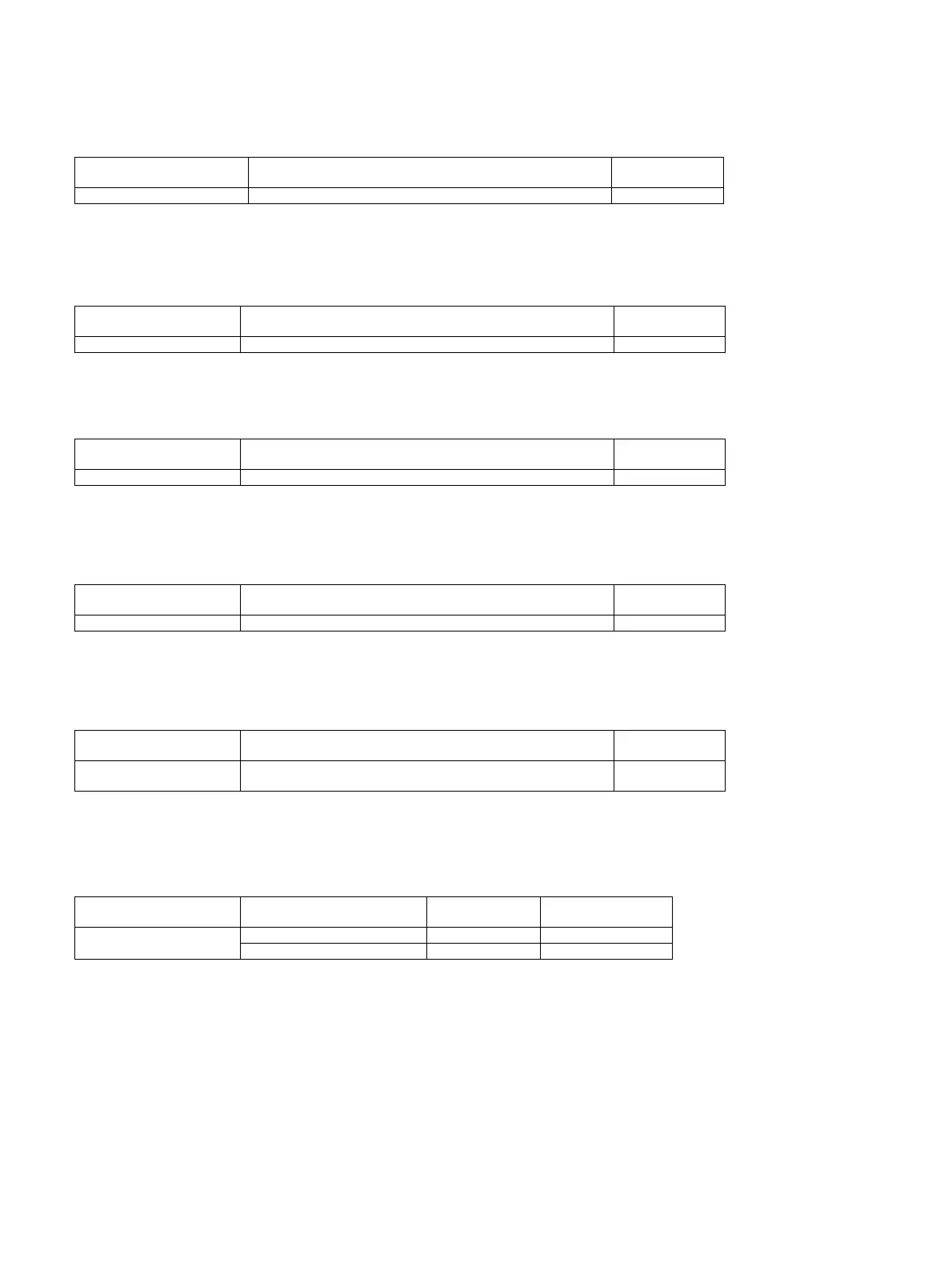
LED/LCD Display content Display condition
Print job Enable/
Disable
Maintenance indicator When the Sim21-1 set value is reached Disable
Display content Display condition
Print job Enable/
Disable
------------------ Transfer unit print counter Enable
Display content Display condition
Print job Enable/
Disable
------------------ Fusing unit print counter Enable
Display content Display condition
Print job Enable/
Disable
------------------ Drum cartridge counter Enable
Display content Display condition
Print job Enable/
Disable
Developer replacement
required indicator
When the set value is reached Enable
Display content Display condition LED condition
Print JOB Enable/
Disable
Toner cartridge replacement
required indicator
Toner near end Light Enable
Toner end Flash Disable



 To Next Page