BD/DVD/CD Playback
Playing back the title you stopped
while being played.
Press D (Yellow) while the Title List screen is
displayed.
From Beginning From Continued
Playback
Press c/d to select the type of Playback, then
press ENTER.
Playback of the title will begin.
Press H STOP to stop playback.
1
2
•
3
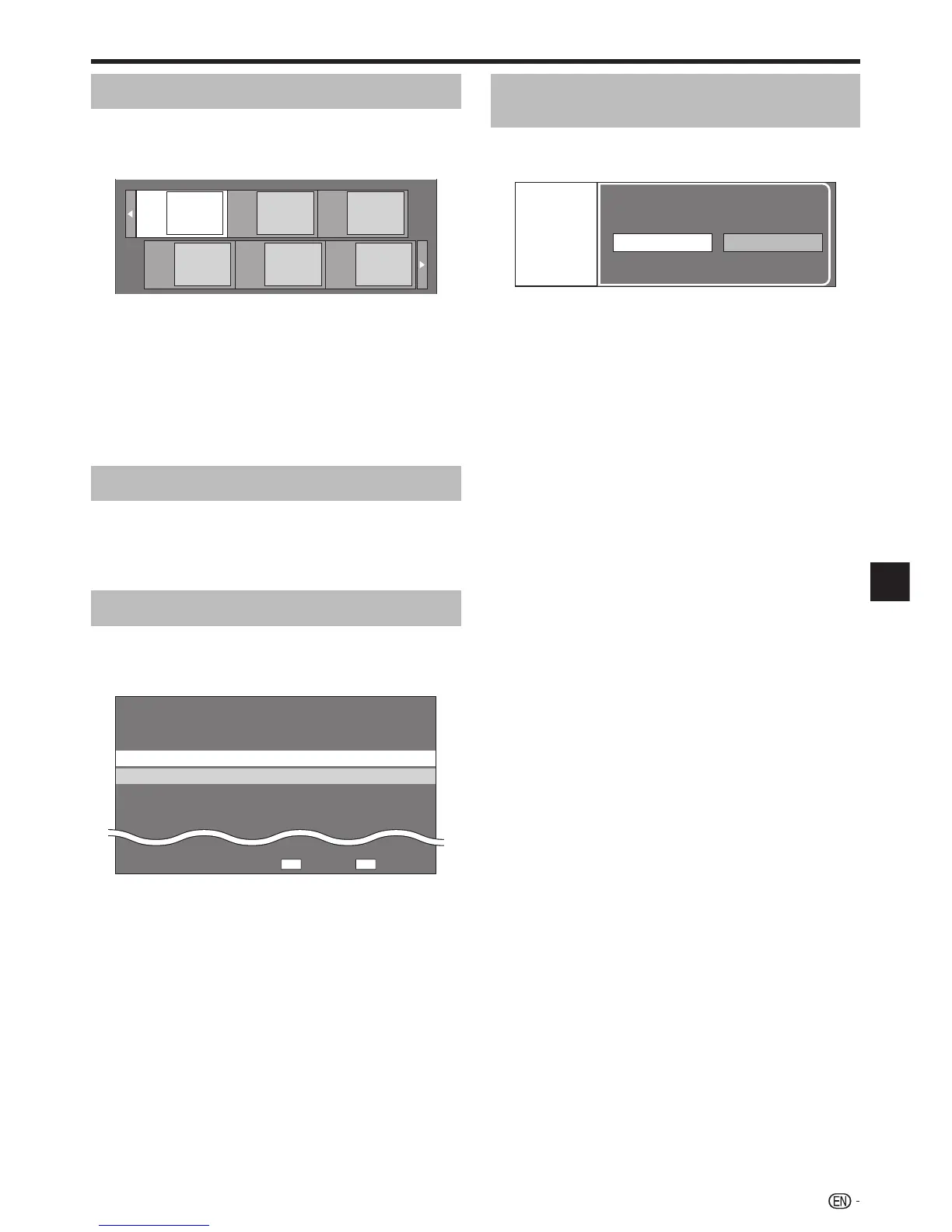
Playback by selecting a chapter
Press B (Green) while the Thumbnail screen is
displayed.
The chapter screen is displayed.
Chapter
1
Chapter
2
Chapter
3
Chapter
4
Chapter
5
Chapter
6
When seven or more chapters are displayed, switch
pages by pressing KSKIP/k or LSKIP/l.
To return to the Thumbnail screen, press B (Green).
Press a/b/c/d to select the desired chapter,
then press ENTER.
Playback of the selected chapter will begin.
You can playback by pressing d PLAY instead of
pressing ENTER.
Press H STOP to stop playback.
Sorting the titles
Each time you press B (Green) while the Title Name
screen is displayed, the Title Name display changes
between displaying the newest title first and the oldest
title first.
Playback by selecting a Playlist
Press C (Blue) while the Thumbnail screen is
displayed.
The Playlist screen is displayed.
Original Functions
5/21 Fri 9:30 AM
1 Program 1 5/21 Fri 110 Min.
2 Program 2 6/15 Fri 110 Min.
110 Min.
Program 1
DC
Press a/b to select the title, then press
ENTER.
Playback of the selected title will begin.
Press H STOP to stop playback.
1
•
•
•
2
•
3
1
•
2
•
3
27
Disc Playback



 To Next Page