Before Starting Playback
Operating a SHARP TV Using the
Remote Control
The Universal Remote Control may operate the basic
functions of the SHARP TV.
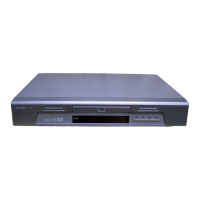
TV function control
TV Power: B
TV-AV Selector: b
TV Volume up/down: i e/f
TV Channel up/down: P r/s
•
•
•
•
Language Setting
Changing the on-screen display
language
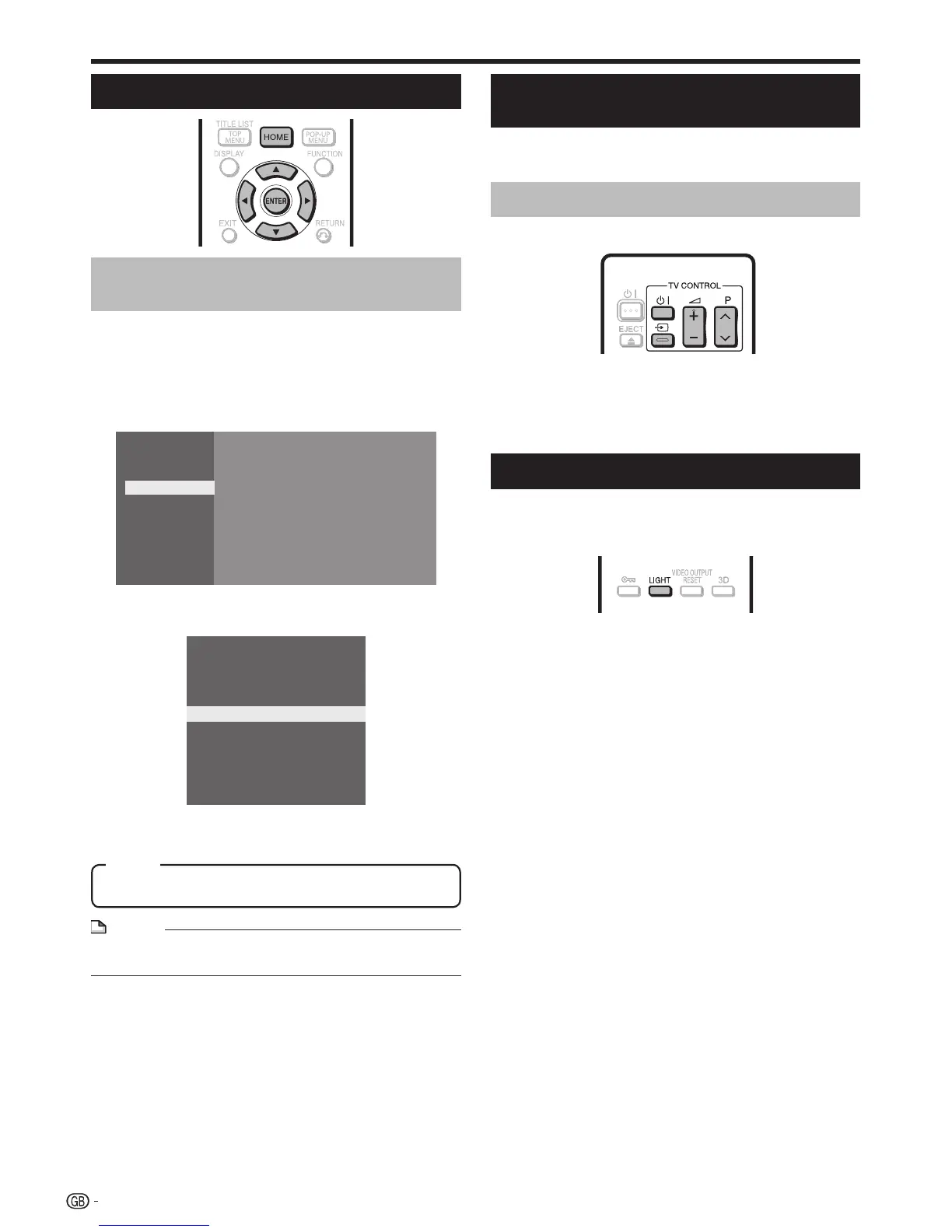
Press HOME to display the menu screen.
The same operation can be performed by pressing
ENTER after selecting the HOME icon on the Wall
Paper screen.
Press a/b to select “Settings”, then press d or
ENTER.
Movie
Picture
Music
Settings
Press a/b to select “On Screen Language”,
then press d or ENTER.
Playback Setting
Smart Settings
Audio Video Settings
Communication Setup
Version
Software Update Settings
USB Memory Management
System
On Screen Language
AQUOS LINK
Press a/b to select the language you want to
display on the screen, then press ENTER.
1
•
2
3
4
Turning Off the Indicator Lights
If you feel that the indicators on the player are too
bright when watching movies, you can turn them off
except for the B (On/Standby) indicator.
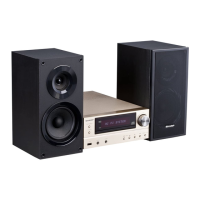
Press LIGHT to turn the indicators on or off.
Each time the button is pressed, the indicators are turned
on or off.
The on/off setting can also be performed using the menu
screen (See page 41).
•
•
English, Русский
Item
NOTE
To select the DVD disc language, such as subtitle
language, etc., see page 28.
•
24



 To Next Page