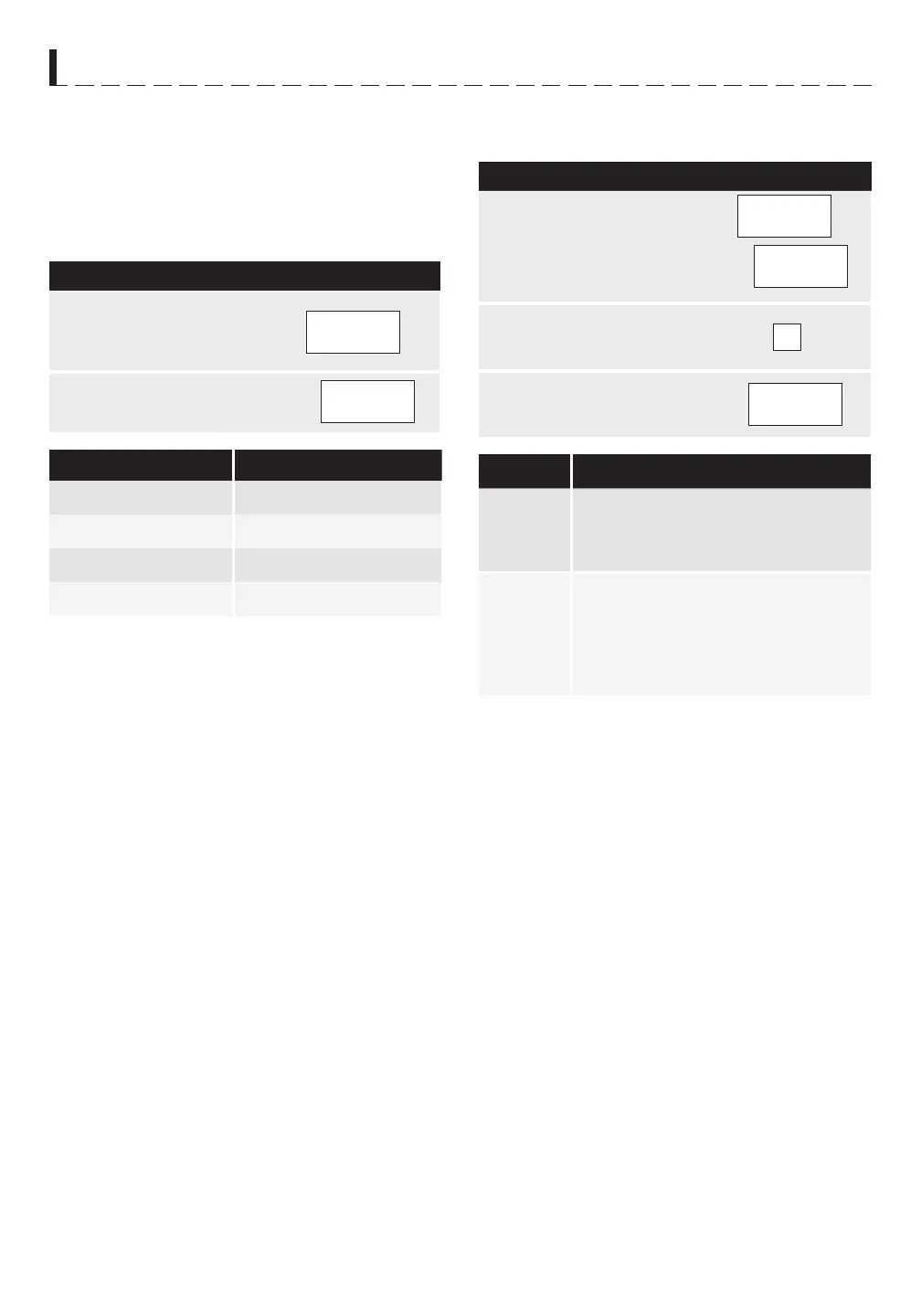
MENU COOK
For food or the following cooking mode, it is not neces-
sary to program the time and the cooking power. It is
sufficient to indicate the type of food that you want to
cook as well as the weight of this food.
POPCORN
P R O C E D U R E
1
Press pad to
select different weight as
shown below.
2
Press pad.
P R E S S P O P C O R N W E I g H T
Once 3.5 oz.
Twice 2.85-3.5 oz.
3 times 1.2-1.6 oz.
4 times 1.5-1.75 oz.
MELT
• Suppose you want to melt a whole piece of chocolate.
P R O C E D U R E
1
Press pad twice, the
display shows:
x 2
2
2
Press number pad 2 twice
for desired weight.
2
x 2
3
Press pad to start
cooking.
F O O D P R O C E D U R E
Butter Press once for butter.
Press 1 once for 2 oz.
Press 1 twice for 4 oz.
Chocolate Press twice for chocolate.
Press 2 once for 4 oz (small
fragment).
Press 2 twice for 4 oz (a whole
piece)
H O W T O S E T T H E O v E N C O N T R O L S



 To Next Page