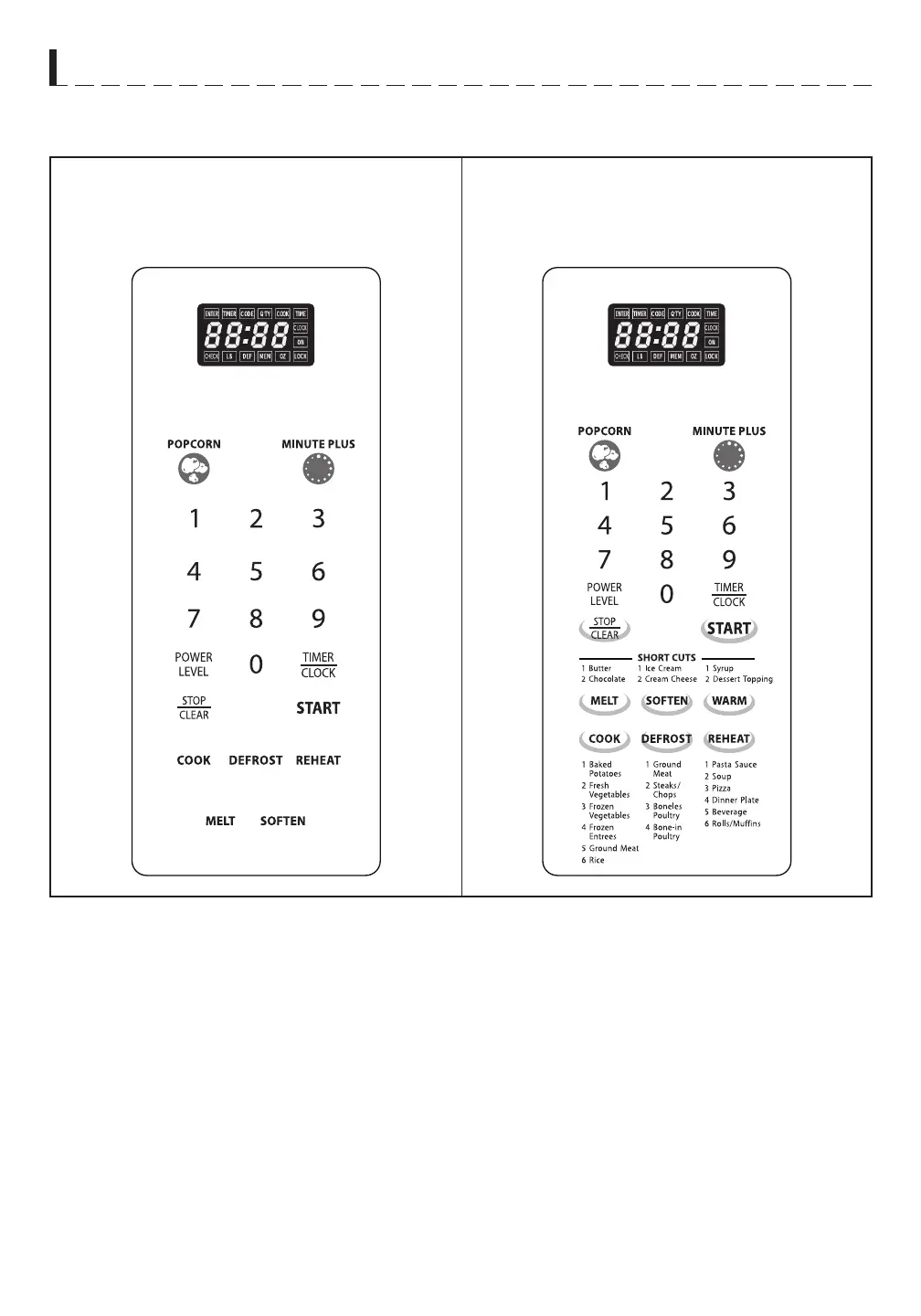
CONTROL PANEL
P A R T N A M E S
• DISPLAY WINDOW - Use to indicate clock, cooking
time, etc.
• MINUTE PLUS - Press to set the oven to start cooking
quickly and to increase the cooking time.
• NUMBER PADS - Press to set clock, cooking time or
enter food weight.
• POWER LEVEL - Press to select microwave power
level.
• TIMER/CLOCK - Press to set the timer function and
to set the oven clock.
• STOP/CLEAR:
- Press to clear entry before setting a cooking pro-
gram.
- Press once to temporarily stop cooking or twice to
cancel cooking.
- Press and hold to set child lock.
• START - Press to start cooking program.
• QUICK COOK BUTTONS - Instant settings to cook
popular foods. POPCORN, MELT, SOFTEN, WARM,
COOK, DEFROST, REHEAT
* WARM is for model R-303TKC, R-303TWC,
R-403TKC and R-303TWC only.
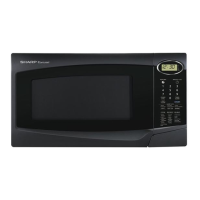
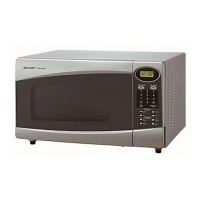
R - 3 0 3 T S C / R - 4 0 3 T S C
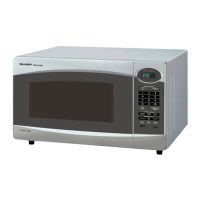
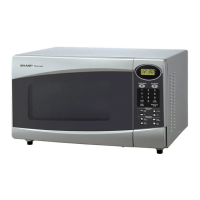
R - 3 0 3 T K C , R - 3 0 3 T W C
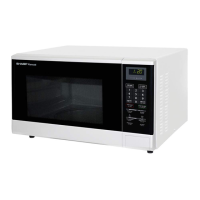
R - 4 0 3 T K C , R - 4 0 3 T W C



 To Next Page