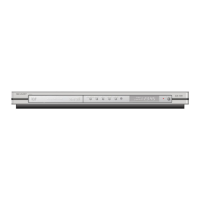
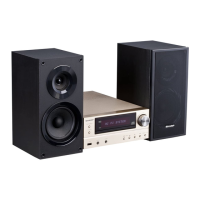
DV-600S
DV-600H
SRV Step Test( )
SRV Step Test( )
Step Test Mode
ex. DVD mode
ErrDisplay0 ErrDisplay1
DD000200 00000000
ErrDisplay0 ErrDisplay1
DD000204 7 000000
ErrDisplay0 ErrDisplay1
DD000205 9
11
0000
ErrDisplay0 ErrDisplay1
DD000206
7 4 5 00(CD)
8 5
0000(DVD)
AdjDisplay( )
(0xFF00)
'PLAY'
'STILL'
'PLAY'
'PLAY'
'STILL'
'STILL'
'PLAY'
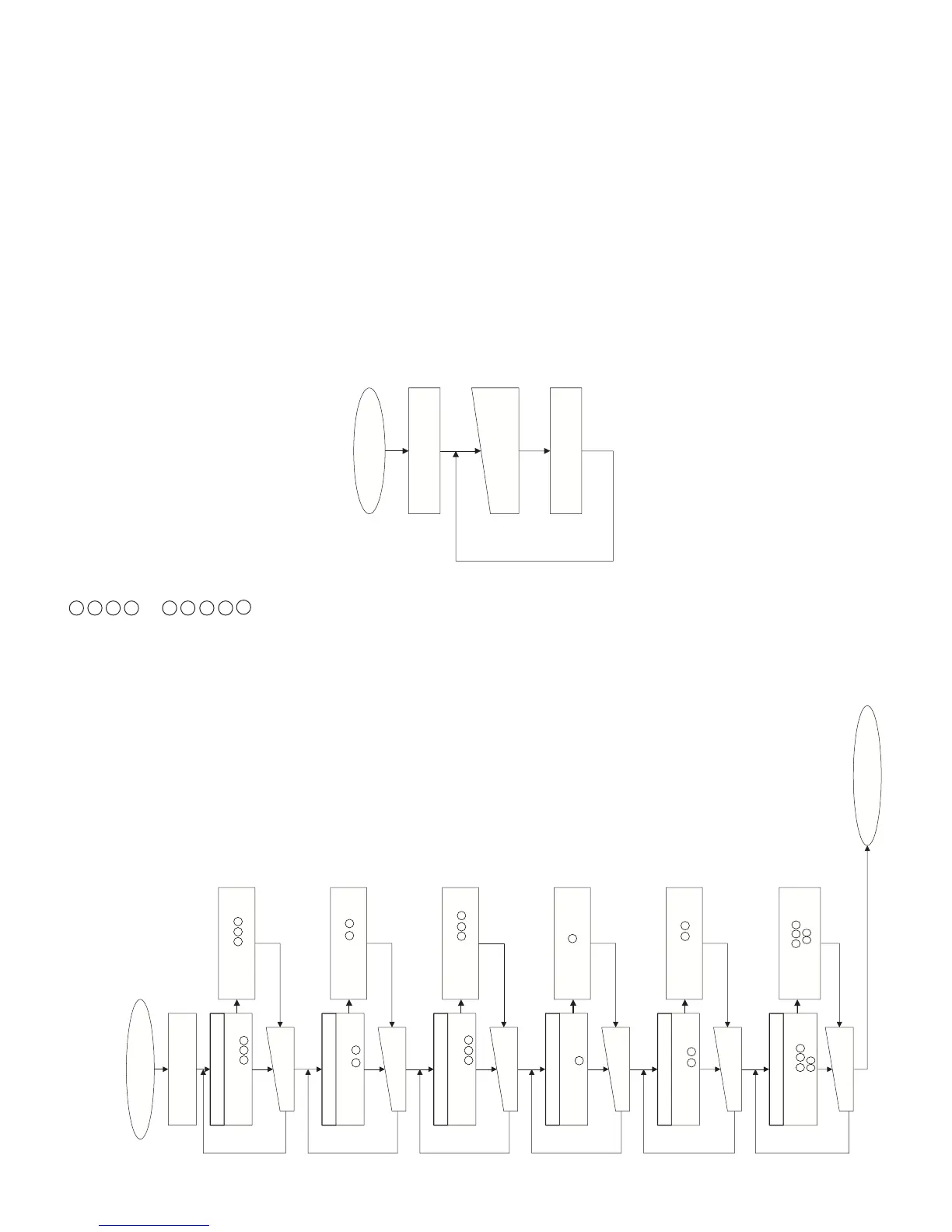
DDT step 1 operation
ErrDisplay0 ErrDisplay1
DD000201 2 3 4 00
ErrDisplay0 ErrDisplay1
DD00E201 2 3 4 EE
'PLAY' or 'STILL'
'STILL'
ErrDisplay0 ErrDisplay1
DD000202 3 6 0000
'PLAY'
'STILL'
ErrDisplay0 ErrDisplay1
DD000203 4 6
11
00
'PLAY'
'STILL'
DDT step 1 operation
Executed till focus of DDT is turned on.
The numerals shown on Err Display 1
indicate the following adjustment values.
DDT step 2 operation
Track balance adjustment and track
thread on are executed.
DDT step 3 operation
After RF gain is adjusted for a certain
time, the just focus is adjusted.
After end, RF gain adjustment is started
again.
DDT step 4 operation
Focus gain is adjusted.
DDT step 5 operation
Track gain is adjusted.
DDT step 6 operation
On the 2-layer disc, the just focus
adjustment and focus gain adjustment
of layer 1 are done.
On CD, interrupt of SUB-Q is allowed,
TOC is read/set, and mute is turned off.
(for error)
(for error)
(for error)
(for error)
(for error)
(for error)
ErrDisplay0 ErrDisplay1
DD00E202 3 6 00EE
ErrDisplay0 ErrDisplay1
DD00E203 4 6
11
EE
ErrDisplay0 ErrDisplay1
DD00E204 7 0000EE
ErrDisplay0 ErrDisplay1
DD00E205 9
11
00EE
ErrDisplay0 ErrDisplay1
DD00E206
7 4 5
EE(CD)
8 5
00EE(DVD)
DDT step 2 operation
DDT step 3 operation
DDT step 4 operation
DDT step 5 operation
DDT step 6 operation
'PLAY' or 'STILL'
'PLAY' or 'STILL'
'PLAY' or 'STILL'
'PLAY' or 'STILL'
'PLAY' or 'STILL'
Servo adjustment value
Reading-out mode
SRVPlayTest( )
Continuous replay & jump mode
ErrDisplay0 ErrDisplay1
DD000300 ********
SRV Play Test( )
In the continuous replay mode, the current sector
address is displayed on ErrDisplay 1.
Key Wait
TR Jump command publication
In SRV Play Test ( ), key is input and number of TR jumps is specified as follows.
[Next replay] = Layer Jump
* Here, key allocation may be changed.
* Layer jump operation is not guaranteed except during 2-layer DVD test.
Key Name
[1]
[4]
[7]
[Clear]
[2]
[5]
[8]
[Skip(-)]
(Code)
01h
04h
07h
1Fh
02h
05h
08h
2Dh
Jump Number of TRs
-1
-102
-510
-511
-765
-766
-7000
-15000
Key Name
[3]
[6]
[9]
[Memory]
[Repeat]
[A-B]
[Program]
[Skip(+)]
(Code)
02h
06h
09h
1Ch
35h
36h
1Eh
2Eh
Jump Number of TRs
+1
+102
+510
+511
+765
+766
+7000
+15000
2 ........... Focus Offset
3 ........... Track Offset
4 ........... 0-Layer Focus Balance
5 ........... 1-Layer Focus Balance
.............. In case of CD, focus balance after correction.
6 ........... Track Balance
7 ........... 0-Layer Focus Gain
8 ........... 1-Layer Focus Gain
9 ........... Track Gain
11
........... RF Gain
9-3



 To Next Page