EasyManua.ls Logo

Sharp EL-6660 - Page 28

Sharp EL-6660
50 pages
Print Icon
To Next Page IconTo Next Page
To Previous Page IconTo Previous Page
Loading...
*
If
a
message
"ALREADY
SET!"
is
displayed,
the
re-
minder
alarm
has
been
already
set.
You
can
not set
plural
reminder
alarm
clocks
counting
down
in
paral-
lel.
3.
Enter
minutes and
seconds.
7500
e
You
can
also
skip
entering
digits
for
"0"
by
just
letting
"O"
alone.
4.
Press
(ENTER
).
The
reminder
alarm
clock
starts
to
count
down
by
a
second.
*
While
the
reminder
alarm
clock
is
counting
down,
you
can
press
the
other
mode
keys
to
operate
the
Organ-
izer.
e
|f
the
reminder
clock
does
not
start
counting,
check
to
see
the
entered
minutes and
seconds
are
valid.
Edwards
Bob
201-265-5600
[C*
CEI»
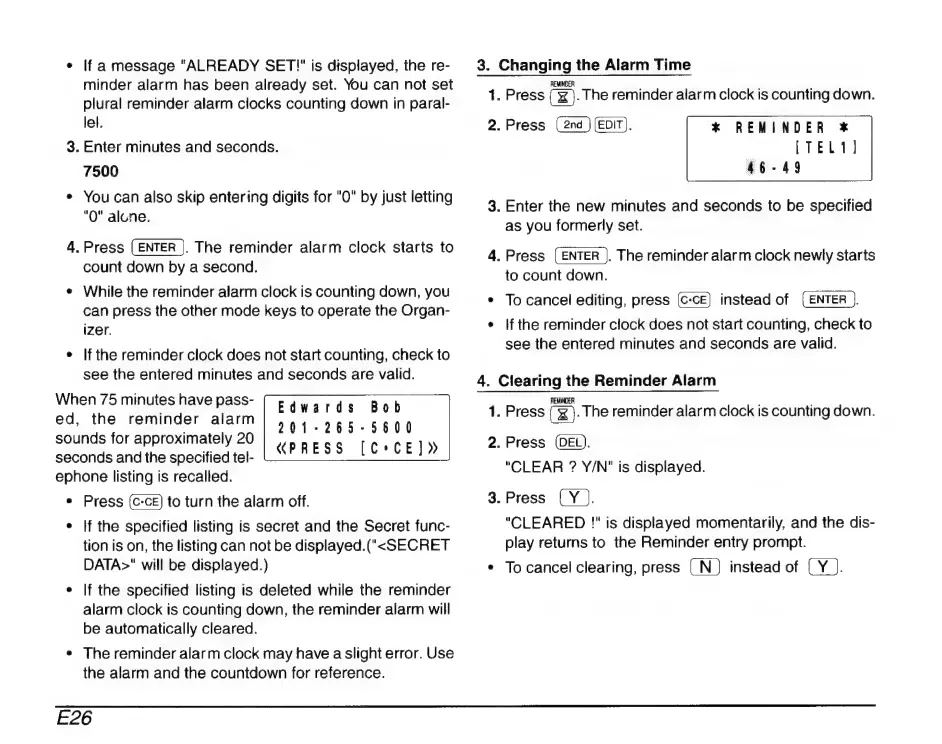
When
75
minutes
have
pass-
ed,
the
reminder
alarm
sounds
for
approximately
20
seconds
and
the
specified
tel-
ephone
listing
is
recalled.
e
Press
to
turn
the
alarm
off.
*
|f
the
specified
listing
is
secret
and
the
Secret
func-
tion
is
on,
the
listing
can
not
be
displayed.(
«SECRET
DATA>"
will
be
displayed.)
e
|f
the
specified
listing
is
deleted
while
the
reminder
alarm
clock
is
counting
down,
the
reminder
alarm
will
be
automatically
cleared.
«PRESS
e
The
reminder
alarm
clock
may
have
a
slight
error.
Use
the
alarm
and
the
countdown
for
reference.
3.
Changing
the
Alarm
Time
1.
Press
[x
.The
reminder
alarm
clock
is
counting
down.
2.
Press
(EDIT).
*
REMINDER
*
3.
Enter
the
new
minutes
and
seconds
to
be
specified
as
you
formerly
set.
4.
Press
(ENTER
).
The
reminder
alarm
clock
newly
starts
to
count
down.
*
To
cancel
editing,
press
instead
of
(ENTER
|}
¢
|f
the
reminder
clock
does
not
start
counting,
check
to
see
the
entered
minutes
and
seconds
are
valid.
4.
Clearing
the
Reminder
Alarm
REMINDER
1.
Press
(
x
).
The
reminder
alarm
clock
is
counting
down.
2.
Press
(DEL).
"CLEAR
?
Y/N"
is
displayed.
3.
Press
(Y).
"CLEARED
!"
is
displayed
momentarily,
and
the
dis-
play
returns
to
the
Reminder
entry
prompt.
*
To
cancel
clearing,
press
(N
)
instead
of
(
Y
).
E26

Related product manuals