EasyManua.ls Logo

Sharp GF-6060H - Alignment Instruction

Sharp GF-6060H
24 pages
Print Icon
To Next Page IconTo Next Page
To Previous Page IconTo Previous Page
Loading...
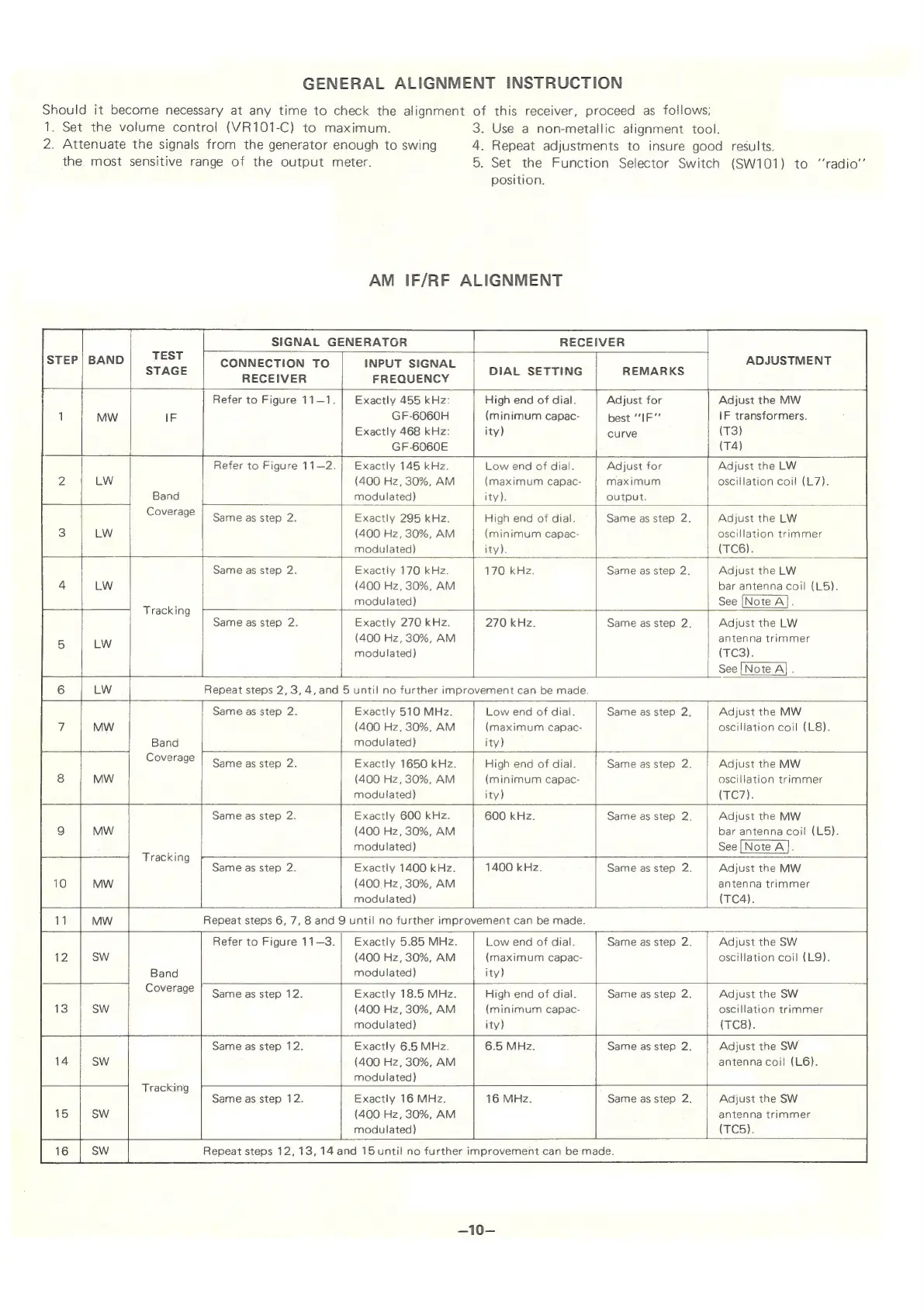
GENERAL
ALIGNMENT
INSTRUCTION
Should
it
become
necessary
at
any
time
to
check
the
alignment
of
this
receiver,
proceed
as
follows;
1.
Set
the
volume
control
(VR101-C)
to
maximum.
3.
Use
a
non-metallic
alignment
tool.
2.
Attenuate
the
signals
from
the
generator
enough
to
swing
4.
Repeat
adjustments
to
insure
good
results.
the
most
sensitive
range
of
the
output
meter.
5.
Set
the
Function
Selector
Switch
(SW101)
to
“‘radio’’
AM
1F/RF
SIGNAL
GENERATOR
position.
ALIGNMENT
RECEIVER
CONNECTION
TO
RECEIVER
INPUT
SIGNAL
FREQUENCY
DIAL
SETTING
REMARKS
ADJUSTMENT
Refer
to
Figure
11—1.
=
Band
Coverage
Refer
to
Figure
11—2.
———
Exactly
455
kHz:
GF-6060H
Exactly
468
kHz:
GF-6060E
High
end
of
dial.
(minimum
capac-
ity)
Exactly
145
kHz.
(400
Hz,
30%,
AM
modulated)
Adjust
for
best
“IF”
curve
Adjust
the
MW
IF
transformers.
(T3)
(T4)
Low
end
of
dial.
(maximum
capac-
ity).
Adjust
for
maximum
output.
Adjust
the
LW
cillation
coil
(L7).
Same
as
step
2.
Exactly
295
kHz.
(400
Hz,
30%,
AM
modulated)
High
end
of
dial.
(minimum
capac-
ity).
Tracking
Band
Coverage
Same
as
step
2.
Exactly
170
kHz.
(400
Hz,
30%,
AM
modulated)
Same
as
step
2.
|
Adjust
the
LW
oscillation
trimmer
(TC6).
170
kHz.
——=
Same
as
step
2.
Exactly
270
kHz.
(400
Hz,
30%,
AM
modulated)
on
270
kHz.
Same
as
step
2.
Same
as
step
2,
Adjust
the
LW
bar
antenna
coil
(L5).
See
[Note
A].
Adjust
the
LW
antenna
trimmer
(FES);
See
[Note
A]
.
Repeat
steps
2,
3,4,
and
Same
as
step
2.
Exactly
(400
Hz,
30%,
AM
modulated)
Same
as
step
2.
Tracking
Same
as
step
2.
r
Exactly
1650
kHz.
(400
Hz,
30%,
AM
modulated)
ee
510
MHz.
5
until
no
further
improvement
can
be
made.
Low
end
of
dial.
(maximum
capac-
ity)
High
end
of
dial.
(minimum
capac-
ity)
Same
as
step
2,
Adjust
the
MW
scillation
coil
(L8).
Same
as
step
2.
Exactly
600
kHz.
(400
Hz,
30%,
AM
modulated)
600
kHz.
Same
as
step
2,
Adjust
the
MW
oscillation
trimmer
(G7).
Adjust
the
MW
bar
antenna
coil
(L5).
See
[Note
A].
Same
as
step
2.
Exactly
1400
kHz.
(400
Hz,
30%,
AM
modulated)
1400
kHz.
Same
as
step
2.
Adjust
the
MW
antenna
trimmer
(TC4).
Repeat
steps
6,
7,
8
and
9
until
no
further
improvement
can
be
made.
Band
Coverage
Refer
to
Figure
11—3.
Exactly
5.85
MHz.
(400
Hz,
30%,
AM
modulated)
Low
end
of
dial.
(maximum
capac-
ity)
Same
as
step
2.
Adjust
the
SW
oscillation
coil
(L9).
Same
as
step
12.
Tracking
Same
as
step
12.
aE
Exactly
18.5
MHz.
(400
Hz,
30%,
AM
modulated)
High
end
of
dial.
(minimum
capac-
ity)
Same
as
step
2.
Adjust
the
SW
oscillation
trimmer
(TC8).
Exactly
6.5
MHz.
(400
Hz,
30%,
AM
modulated)
6.5
MHz.
Same
as
step
2.
Adjust
the
SW
antenna
coil
(L6).
Same
as
step
12.
41
Exactly
16
MHz.
(400
Hz,
30%,
AM
modulated)
Same
as
step
2.
Adjust
the
SW
antenna
trimmer
(T’C5).
Repeat
steps
12,
13,
14
and
15
until
no
further
improvement
can
be
made.
—10—

Related product manuals