7
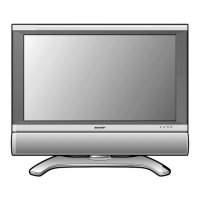
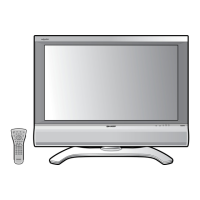
LC-26D43U
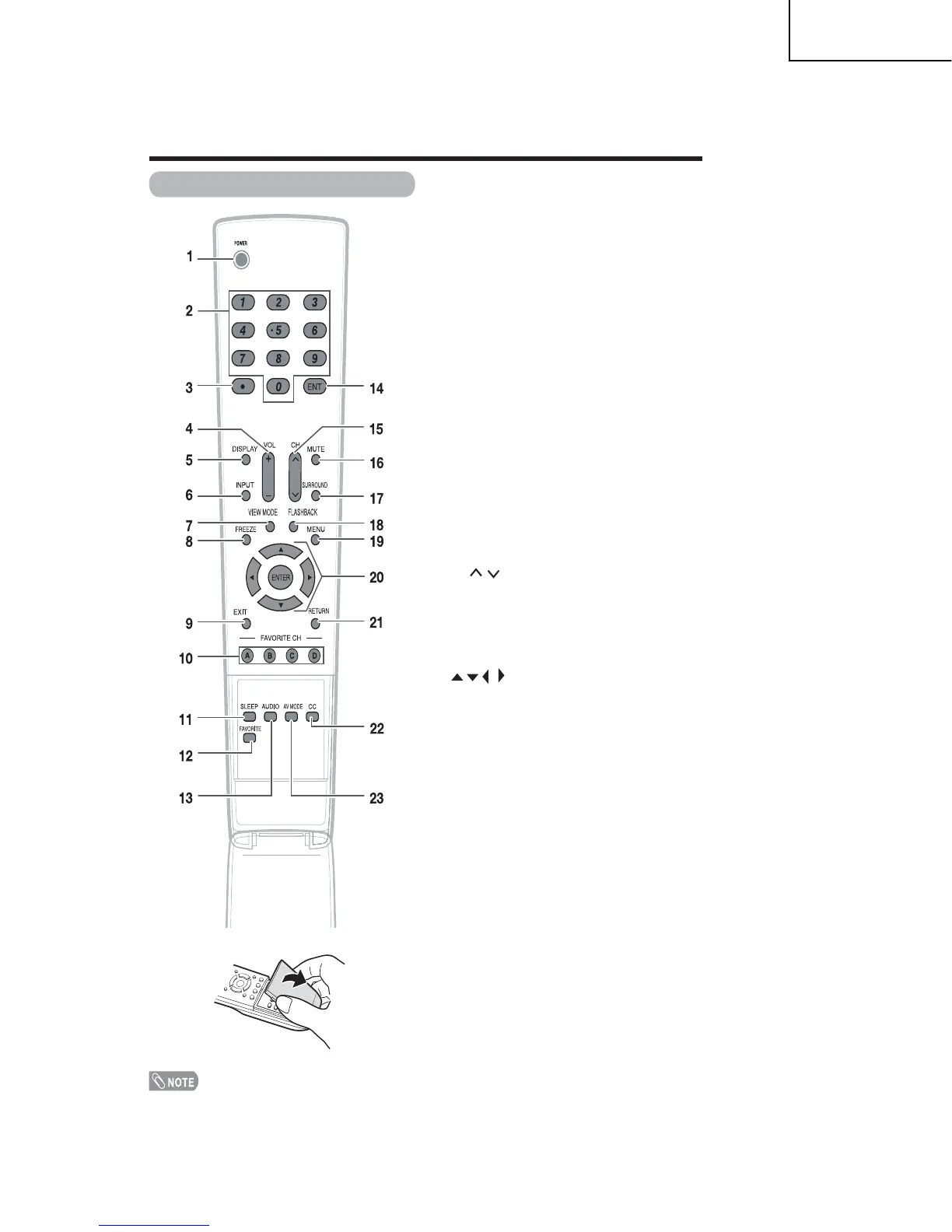
1 POWER: Switch the TV power on or enters standby.
2 0
-9: Set the channel.
3 »
(DOT):
4 VOL
+ /- : Set the volume.
5 DISPLAY: Display the channel and the clock
information .
6 INPUT: Select a TV input source. (TV, INPUT 1,
7 VIEW MODE: Select the screen size.
8 FREEZE: Set the still image. Press again to return to
normal screen.
9 EXIT: Turn off the menu screen.
10 FAVORITE CH
A, B, C, D: Select 4 preset favorite channels in 4
different categories.
While watching, you can toggle the selected channels
by pressing A, B, C and D.
11 SLEEP: Set the sleep timer.
12 FAVORITE: Set the favorite channels.
13 AUDIO: Selects the MTS/SAP or the audio mode
during multi-channel audio broadcasts.
14 ENT: Jumps to a channel after selecting with the 0 - 9
buttons.
15 CH / : Select the channel.
16 MUTE: Mute the sound.
17 SURROUND: Select Surround settings.
18 FLASHBAC: Return to the previous channel or
eternal input mode.
19
MENU: Display the menu screen.
20 / / / /ENTER: Select a desired item on the
screen.
21 RETURN: Return to the previous menu screen.
22 CC: Display captions from a closed-caption source.
23 AV MODE: Select an audio or video setting.
(When the input source is TV, INPUT 1, 2 or 3:
STANDARD, MOVIE, AME, USER, DYNAMIC (Fied),
DYNAMIC. When the input source is INPUT 4, 5 or 6:
STANDARD, MOVIE, AME, PC, USER, DYNAMIC
(Fied), DYNAMIC)
Remote control unit
When using the remote control unit, point it at the TV.
INPUT 2, INPUT 3, INPUT 4, INPUT 5, INPUT 6)
Part names








 To Next Page