6
Preparation
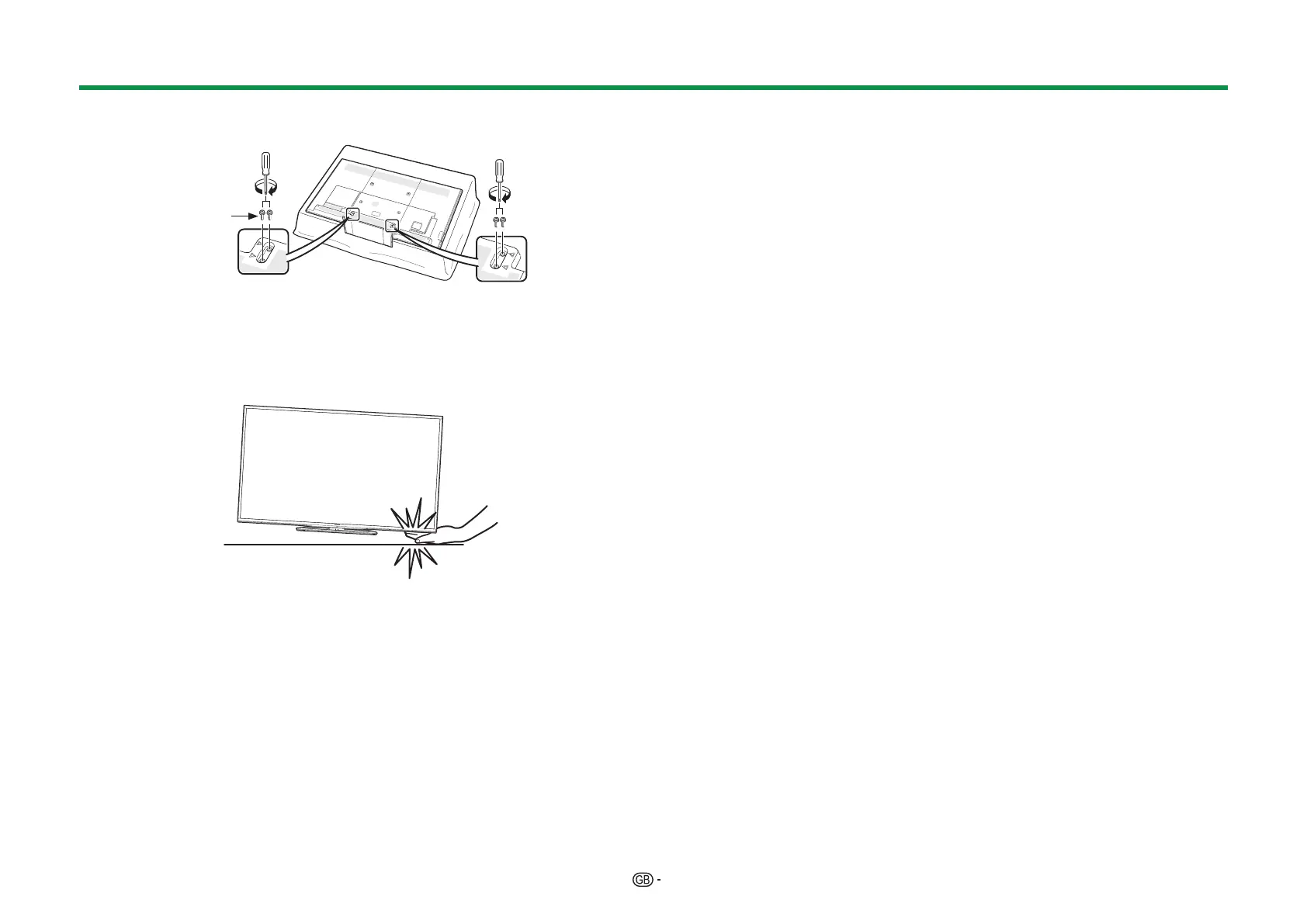
4 Insert and tighten the M5 screws (length: 14 mm) into the holes on the rear of
the TV.
Short
screws
NOTE
• To detach the stand unit, perform the steps in reverse order.
• A screwdriver is not supplied with this product.
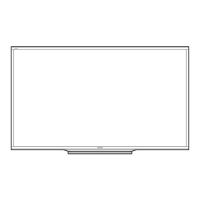
• In the installation procedure, be careful not to catch your fingers between the TV set
and the floor.
• The TV can be rotated up to 20 degrees to the right and left.


 To Next Page