EasyManua.ls Logo

Sharp LC32D41U - 32" LCD TV - User Manual

Sharp LC32D41U - 32" LCD TV
64 pages
Print Icon
To Next Page IconTo Next Page
Loading...
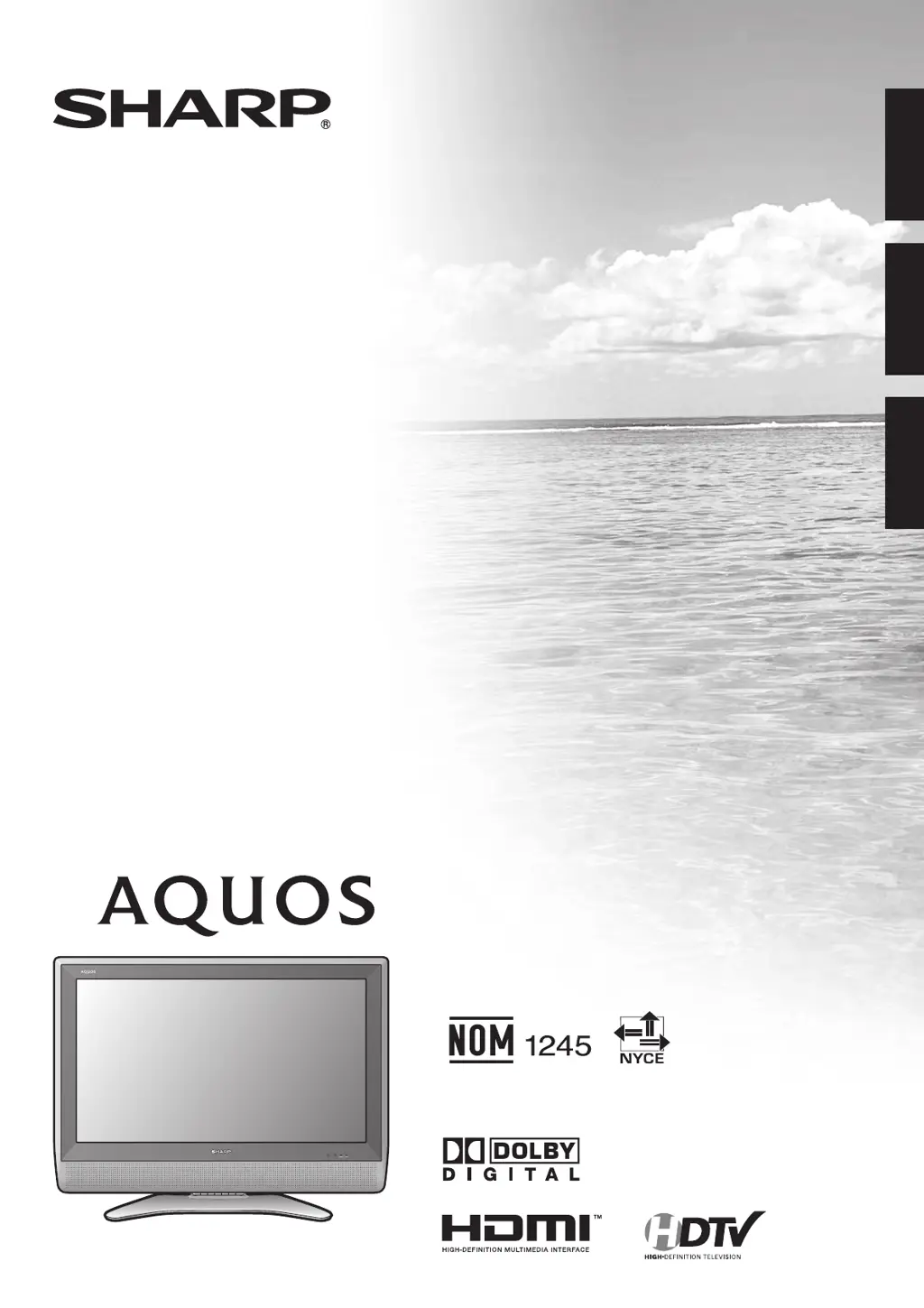
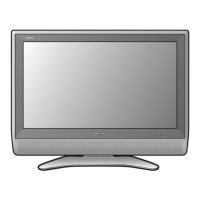
LC-32D41U
LIQUID CRYSTAL TELEVISION
TÉLÉVISEUR ACL
TELEVISOR CON PANTALLA
DE CRISTAL LÍQUIDO
ENGLISHFRANÇAISESPAÑOL
OPERATION MANUAL
MODE D’EMPLOI
MANUAL DE OPERACIÓN
SHARP ELECTRONICS CORPORATION
Sharp Plaza, Mahwah, New Jersey 07430-2135
SHARP CORPORATION
Printed in Mexico
Imprimé au Mexique
Impreso en México
TINS-C538WJZZ
06P06-MX-NG
LC-32D41U OPERATION MANUAL MODE D’EMPLOI MANUAL DE OPERACIÓN

Table of Contents

Questions and Answers

  • C
    Catherine ShepherdAug 12, 2025
    How to troubleshoot no power on my Sharp LCD TV?
    • D
      danielsdanielAug 12, 2025
      If your Sharp LCD TV has no power, first check if you have pressed the TV POWER button on the remote. If the indicator on the TV doesn't light up, try pressing the POWER button on the TV itself. Also, ensure the AC cord is properly connected and that the power is turned on.
  • G
    ghumphreyAug 16, 2025
    Why is my Sharp LCD TV remote not working?
    • A
      Anthony SpencerAug 16, 2025
      If the remote control for your Sharp LCD TV isn't working, make sure the FUNCTION is set to the TV position. Check that the batteries are correctly inserted with the proper polarity (+ and -). If they are old, replace them with new batteries. Strong or fluorescent lighting near the TV or remote sensor may also interfere with the signal.
  • M
    Matthew PooleAug 20, 2025
    How to fix no sound on Sharp LCD TV?
    • C
      Crystal PerezAug 20, 2025
      If there is no sound on your Sharp LCD TV, first check if the volume is set too low. Ensure that “Variable” is not selected in “Output Select”. Also, verify that you haven't accidentally pressed the MUTE button on the remote.
  • S
    Stephanie WolfeAug 23, 2025
    Why does my Sharp LCD TV power off suddenly?
    • M
      Monique RussellAug 25, 2025
      If your Sharp LCD TV is suddenly turning off, check if the sleep timer is set. Review the power control settings. If the unit's internal temperature has increased, remove any objects blocking the vents or clean the vents to improve airflow.
  • A
    Angela TaylorAug 27, 2025
    What to do if my Sharp LCD TV has no picture?
    • S
      Shane MejiaAug 27, 2025
      If your Sharp LCD TV has no picture, ensure that all connections to other components are correct. Verify that the correct input signal source is selected. Make sure the correct input is selected and that picture adjustments are properly configured. Check if “On” is selected in “Audio Only”. Finally, confirm that a compatible signal is being input.
  • S
    Sheryl MorganAug 31, 2025
    What to do if Sharp LC32D41U - 32" LCD TV cannot be operated?
    • T
      tabitha31Aug 31, 2025
      If your Sharp LCD TV cannot be operated, it may be due to external influences such as lightning or static electricity. In this case, try turning the power of the TV on or unplugging the AC cord and plugging it back in after 1 or 2 minutes.
  • E
    Erin Poole MDSep 4, 2025
    Why does my Sharp LC32D41U - 32" have strange colors?
    • R
      Rhonda JonesSep 4, 2025
      If you notice strange colors, light colors, or color misalignment on your Sharp LCD TV, try adjusting the picture tone. Also, consider whether the room is too bright, as this can affect the picture's appearance. Finally, check the input signal setting.
  • S
    Sara AndradeSep 7, 2025
    How to adjust picture size on Sharp LCD TV?
    • A
      April MartinSep 8, 2025
      If the picture on your Sharp LCD TV is cut off or has a sidebar screen, check if the image position is correct. Also, make sure that screen mode adjustments, such as picture size, are correctly configured.

Summary

IMPORTANT INFORMATION

Safety Precautions

Essential safety warnings and precautions for product usage.

DECLARATION OF CONFORMITY

Trademarks

IMPORTANT SAFETY INSTRUCTIONS

General Safety Guidelines

Comprehensive guidelines to prevent injury and damage during product use.

Location and Handling Precautions

Guidance on safe placement, ventilation, and handling of the television.

Electrical and Maintenance Safety

Instructions for safe electrical connections, maintenance, and cleaning.

Supplied Accessories

QUICK REFERENCE

Unpacking and Initial Setup

Instructions for safely removing the TV from its box and initial setup procedures.

Remote Control Battery Replacement

Procedure for replacing batteries in the remote control unit.

Part Names

TV Front View

Identifies the controls and indicators on the front of the television.

TV Rear View and Terminals

Details the rear panel connections and ports of the television.

Remote Control Unit Overview

Explains the function of each button on the remote control.

Preparation

Remote Control and Antenna Setup

Guidelines for effective remote control operation and antenna connection.

Watching TV

Basic TV Operation

Step-by-step guide to powering the TV on and off.

Initial Setup Wizard

Guides the user through initial television setup, including language, antenna, and channel tuning.

Channel and Volume Control

Explains methods for selecting channels and adjusting volume/sound.

Audio Mode Settings

Options for selecting audio tracks in analog and digital broadcasts.

Basic Adjustment Settings

Menu Navigation and Display

How to use remote control buttons and understand on-screen menus.

Picture and Audio Settings

Lists available picture and audio adjustments for various inputs.

Setup Wizards and Channel Management

Guides for EZ Setup, manual channel setup, and memory management.

Advanced Picture and Sound Tuning

Fine-tuning picture quality with advanced options and sound adjustments.

Power Saving and Digital Setup

Features for energy saving and optimizing digital broadcast settings.

Using External Equipment

Connecting and Selecting Sources

Guide to connecting external devices and choosing input sources.

HDMI and PC Connectivity

Instructions for connecting HDMI devices and PCs.

Useful Adjustment Settings

Input, Language, and Standby Settings

Customizing input skip, language, and standby power modes.

PC Sync and Reset Procedures

Adjusting PC image sync and resetting TV settings to factory defaults.

View Modes and AV Settings

Adjusting aspect ratios, AV modes, and noise reduction.

Captioning and Parental Controls

Setting up closed captions and configuring V-Chip parental controls.

Other Viewing Options

Image Freezing and Remote Control Presets

Capturing images and programming the remote for other devices.

Manufacturer Codes and Device Control

Lists codes for remote control setup and operating cable/SAT/VCR/DVD devices.

Appendix

Stand Removal, Wall Mounting, and Troubleshooting

Instructions for stand removal, wall mounting, and common troubleshooting steps.

Digital Broadcast and PC Compatibility

Information on digital broadcast errors and PC compatibility.

Technical Specifications

Detailed technical data including panel, terminals, and power.

Dimensional Drawings

TV Dimensions and Diagrams

Illustrates the physical dimensions and layout of the television.

Clearing Secret Number Procedure

Calling for Service

Customer Service and Warranty Information

Contact details for service and terms of the limited consumer warranty.

LIMITED WARRANTY

Consumer Warranty Terms

Details the warranty coverage, limitations, and conditions for the Sharp product.

Warranty Exclusions and Limitations

Outlines conditions not covered by the warranty and legal disclaimers.

Sharp LC32D41U - 32" LCD TV Specifications

General IconGeneral
BrandSharp
ModelLC32D41U - 32" LCD TV
CategoryLCD TV
LanguageEnglish

Related product manuals