4
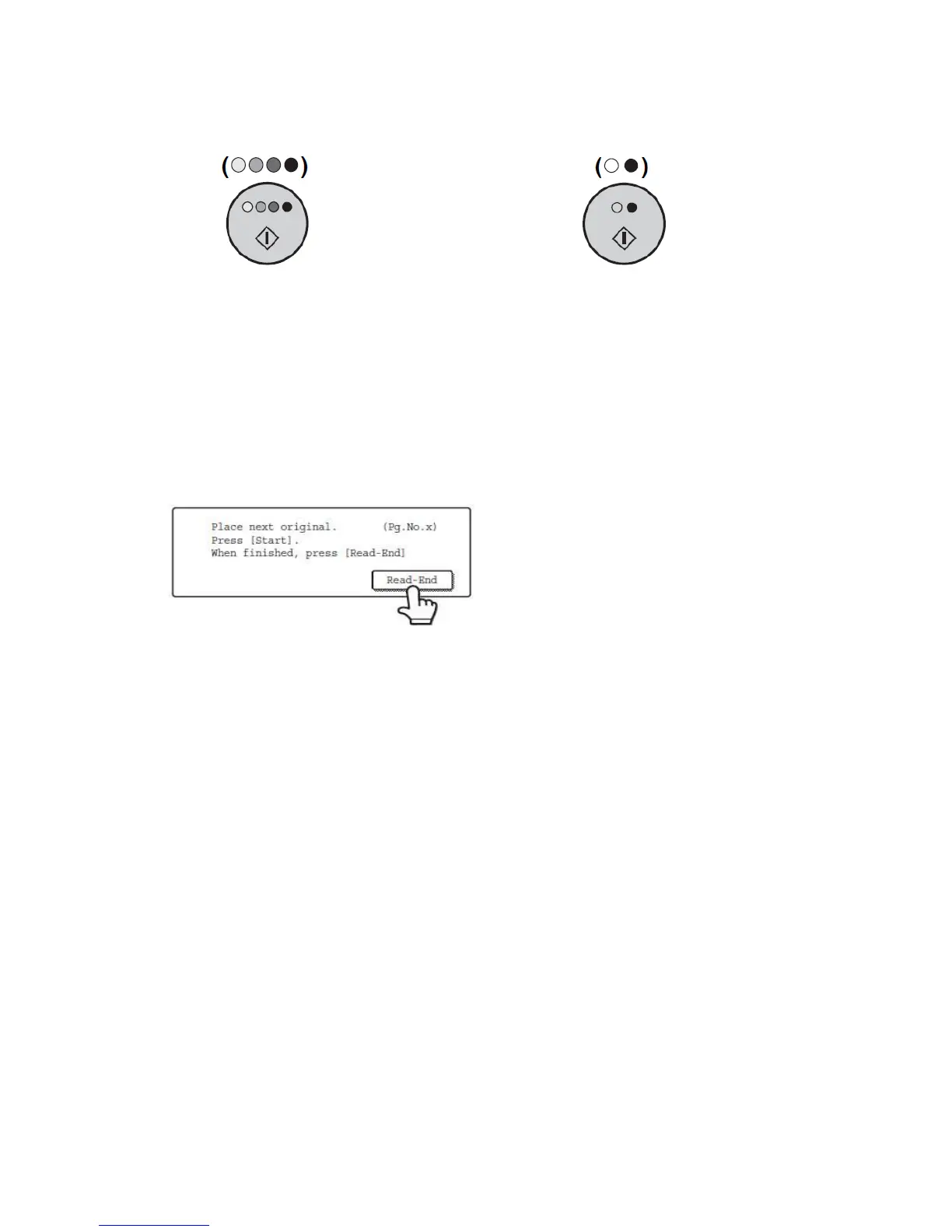
To scan the document in color To scan the document in black and white
press the [Color Start] button press the [Black and White Start] button
4a
If using the automatic document feeder tray, a beep will sound when scanning
is completed and the document is then sent as an attachment to an e-mail message.
4b
If using the document glass, the original is scanned and the [Read-End] key
appears in the touch panel. If you have another page to scan, change pages and then
press the appropriate [Start] button. Repeat this sequence until all pages have been
scanned. After the final page is scanned, touch the [Read-End] key.
A beep will sound to indicate that the operation is completed, and the document is then sent as an
attachment to an e-mail message.
Open the document glass cover and remove the original document.



 To Next Page