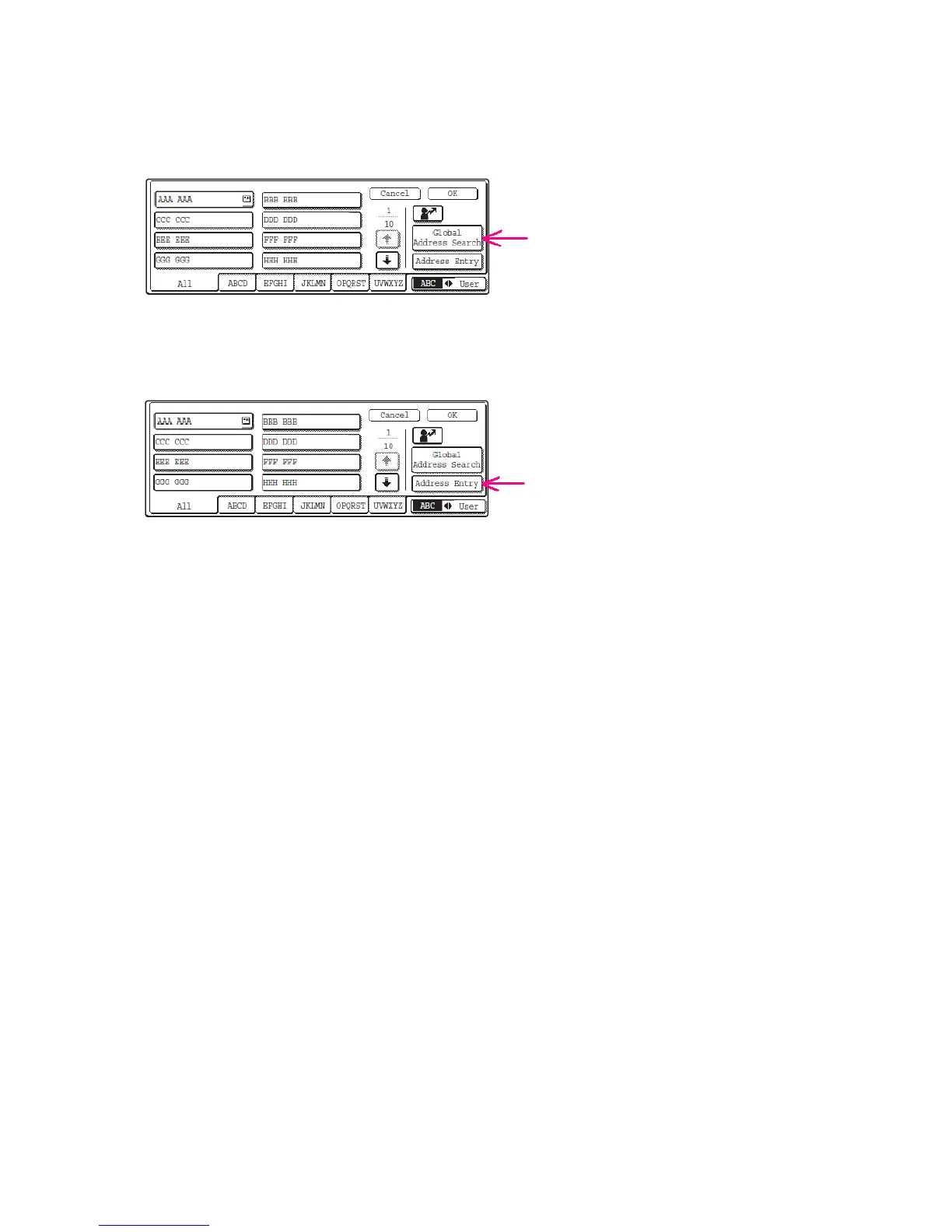
4b
To select a “Reply-To” address from the Cabrillo Address Book, touch the [Global
Address Search] key.
You can use the on-screen keyboard to enter search characters.
4c
To enter the “Reply-To” address manually, touch the [Address Entry] key, enter the
e-mail address using the on-screen keyboard, and touch the [OK] key.
The selected or manually entered address will be the “Reply-To” address of the e-mail message.
Now scan the original document and transmit the
e-mail message (step 4 in Basic Instructions).



 To Previous Page