MX3500N SIMULATION 7 – 57
44-4
Purpose
Setting
Function (Purpose)
Used to perform the correction operation of
the image forming section and to set the
process control sensor adjustment condi-
tions.
Section
Process
Item
Operation
Operation/Procedure
NOTE: Unless a special change is required, set the set values to
the default values.
1) Select the set item with [↑] and [↓] buttons.
The highlighted set value is switched and the value is dis-
played in the setting area.
* If there is any item over [↑], an active display is made and
item is shifted.
If there is no item over [↑], the display grays out and the
operation is invalid.
If there is any item under [↓], an active display is made and
item is shifted.
If there is no item over [↓], the display grays out and the
operation is invalid.
2) Enter the set value with 10-key.
* Press [C] key to clear the entered values.
When setting is completed, [OK] button returns to the normal
display.
3) When [OK] button is pressed, the current set value is saved to
EEPROM and RAM.
* When [↑], [↓], [COLOR], or [BLACK] key is pressed, the cur-
rent set value is saved to EEPROM and RAM.
<Set range and default value of each setup>
44-6
Purpose
Operation test/Check
Function (Purpose)
Used to forcibly execute the correction in
the image process section (high-density
process correction) (process correction).
Section
Process
Item
Operation
Operation/Procedure
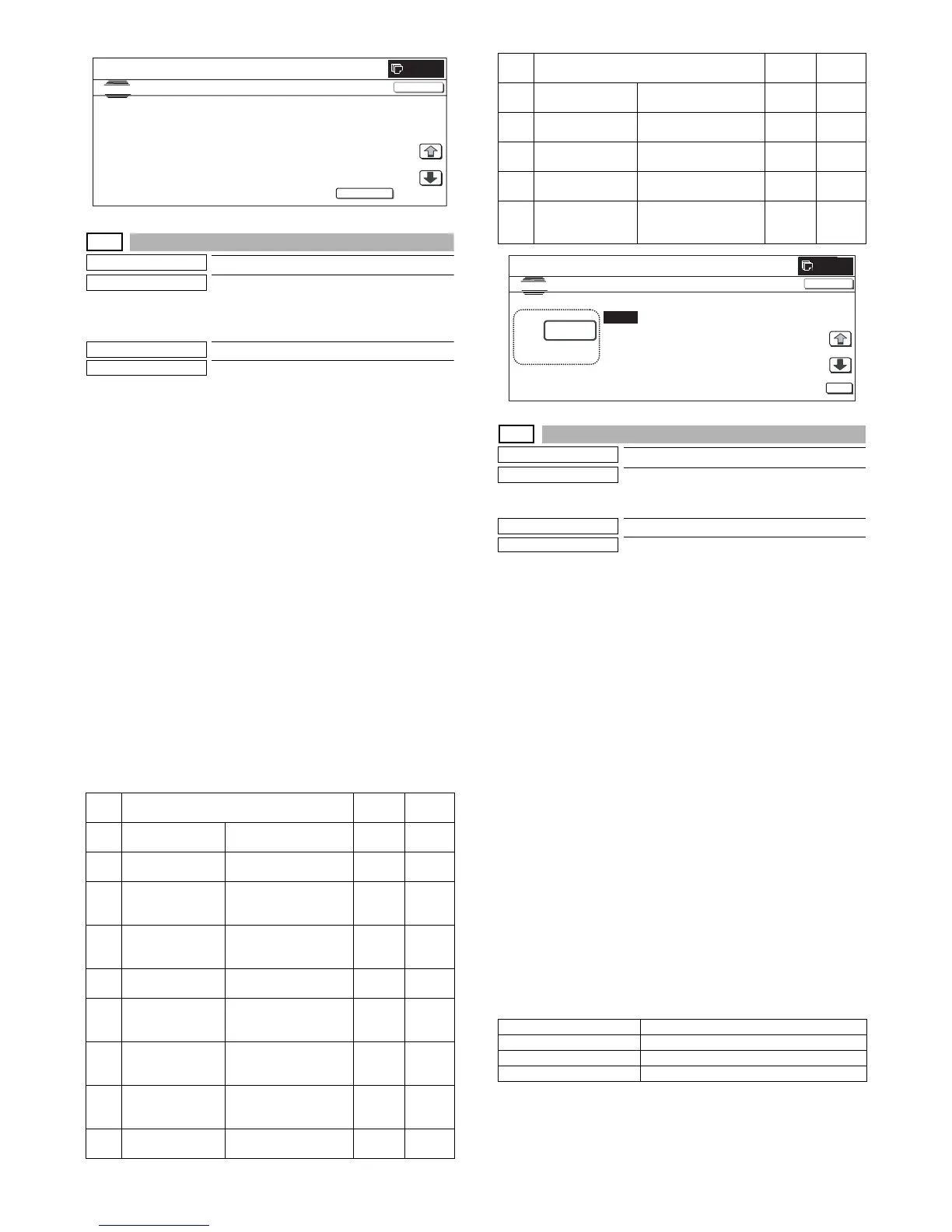
1) When the machine enters SIM 44-06, the screen shown on the
right is displayed.
2) When [EXECUTE] button is pressed, it is highlighted and all
the drum motors are driven to rotate. The high-density process
control is started.
3) While the high-density process control is executed, "NOW
EXECUTING..." is displayed.
4) After completion of the high-density process control, the drum
motors are stopped and [EXECUTE] button returns to the nor-
mal display.
When the operation is completed normally, "COMPLETE" is
displayed and the execution result is saved to EEPROM and
RAM.
In case of an error, "ERROR" is displayed and the details of
the error are displayed below.
* When the high-density process control is interrupted by an
external factor (pressing [EXECUTE] button), the forcible
interruption screen is displayed and the drum motors are
stopped. [EXECUTE] button returns to the normal display.
* The result of the high-density process control is displayed
with the following simulations:
SIM.44-09 (Process control result display (High density cor-
rection))
SIM.44-12 (Process control result display (Half tone correc-
tion))
<Result display and content description>
Item Display content
Set
range
Default
value
A PCS_CL TARGET Color sensor target set
value
1 to 255 108
B PCS_K TARGET Black sensor target set
value
1 to 255 155
C LED_CL OUTPUT Color sensor light
emitting quantity set
value
1 to 255 21
D LED_K OUTPUT Black sensor light
emitting quantity set
value
1 to 255 21
E PCS ADJSTMENT
LIMIT
Sensor adjustment
target limit value
1 to 255 2
F BELT GROUND
DIF
Belt 1 lap, effective
difference between
upper and lower values
1 to 255 255
GBIAS_CL
STANDARD DIF
Bias (for color)
reference calculating
difference
0 to 255 0
HBIAS_BK
STANDARD DIF
Bias (for black)
reference calculating
difference
0 to 255 0
I BIAS PATCH
INTERVAL
Patch bias output
interval
1 to 255 60
0
SIMULATION NO.4402
TEST
PROCON GAI N ADJUSTMENT
EXECUTE
PCS_CL LED ADJ
21
:
PCS_㧷 GRND
0
:
PCS_㧷 LED ADJ
21
:
PCS_K BELTM AX
0
:
PCS_CL DARK
0
:
PCS_K BELTM IN
0
:
PCS_K DARK
0
:
PCS_K BELTDIF
0
:
1/3



 To Next Page