MX3500N SIMULATION 7 – 62
44-14
Purpose
Adjustment/Setup/Operation data output/
Check (Display/Print)
Function (Purpose)
Used to check the output level of the fusing
temperature sensor, the machine tempera-
ture sensor, and the humidity sensor.
Section
Process
Item
Operation
Operation/Procedure
1) The machine enters this simulation, the current data are dis-
played.
* If there is a page over [↑], an active display is shown and the
page moves up. If there is no page upward, the display
grays out and the operation is invalid.
If there is a page under [↓], an active display is shown and
the page moves down. If there is no page downward, the
display grays out and the operation becomes invalid.
* Data are revised every 5sec.
* For the temperature and humidity only, data outside the range
are displayed as "-".
<Display item and description>
* The above display range is converted into hexadecimal number
to display the AD value.
* When the door open, the power of the sensor would be down, so
that the sensor display is treated as outside the range.
*"°C" is displayed as "deg" on the panel because of the display
fonts.
44-16
Purpose
Adjustment/Setup/Operation data output/
Check (Display/Print)
Function (Purpose)
Used to check data related to the toner
density correction result. (This simulation
allows to check that the correction is nor-
mally performed or not.)
Section
Process (Developing)
Item
Operation
Operation/Procedure
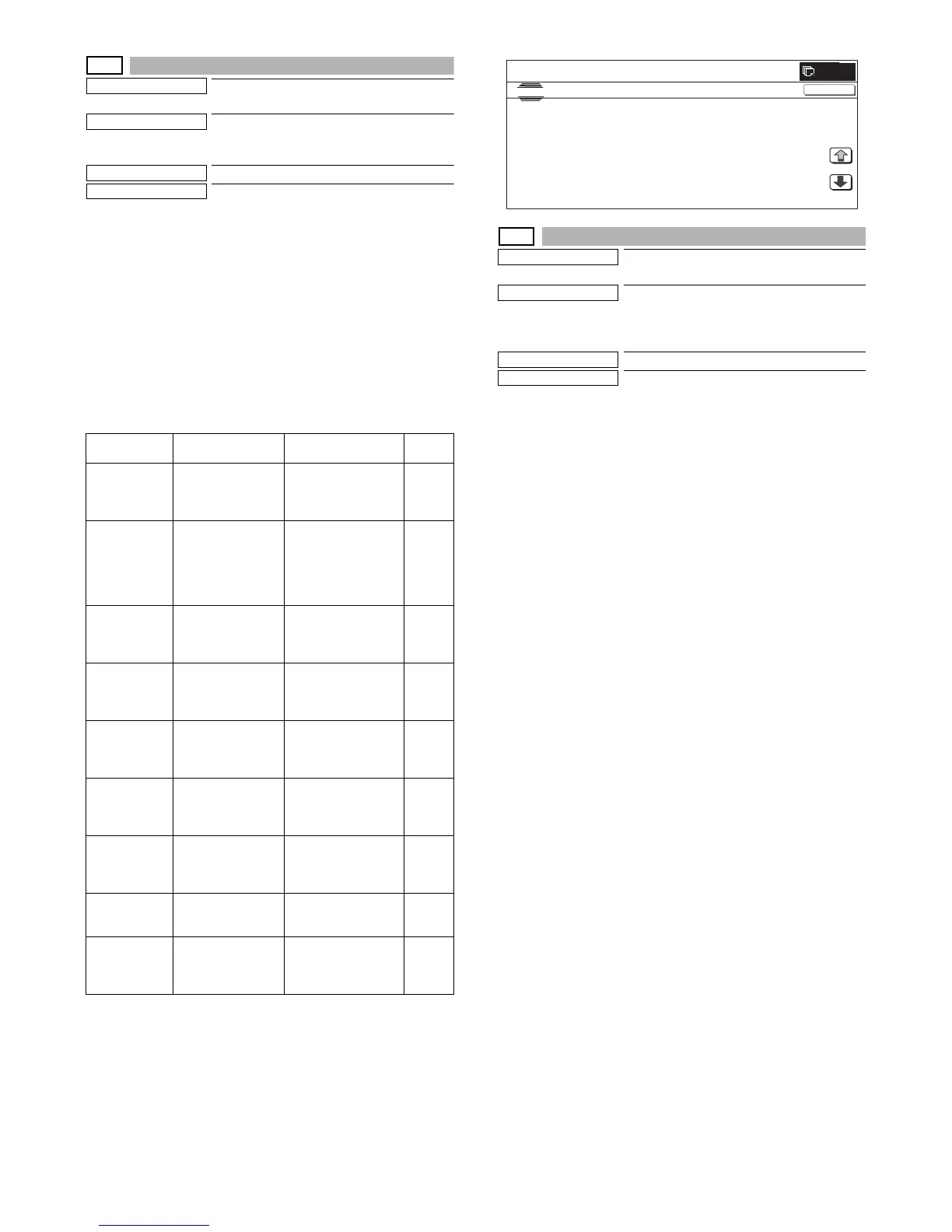
1) When the machine enters Simulation 44-16, the screen on the
right is displayed.
Specify the color with [K][C][M][Y] buttons. (In this example, [K]
is selected.) The data of the selected color are displayed.
* Only one color button can be selected. When a color button
is selected, it is highlighted. (Black ([K]) is selected in the ini-
tial state.)
* Change the page with [↓] or [↑] key.
* If there is a page over [↑], an active display is shown and the
page moves up. If there is no page upward, the display
grays out and the operation is invalid.
If there is a page under [↓], an active display is shown and
the page moves down. If there is no page downward, the
display grays out and the operation becomes invalid.
2) When [NEXT] button is pressed, data of another category are
displayed.
* When [NEXT] button is pressed on the last category data
display, the data of the first category are displayed.
* When [NEXT] button is pressed, the data of the next cate-
gory are displayed regardless of the display page.
* When [CLOSE] button is pressed, the display shifts to the
copy basic screen of simulation.
* Copying can be performed also by pressing [COLOR]/
[BLACK] key.
Display item Description Display range
Default
value
TH_UM Fusing upper
thermister main A/D
value (Temperature
°C/AD value)
Temperature:
0 to 255 °C (±1°C)
AD value: 0 to 1023
Sensor
value
TH_UM_AD1 Fusing upper
thermistor main
compensation
sensor temperature
(°C)
AD value (AD value)
Temperature:
0.0 to 255.0 °C
(±0.2°C)
AD value: 0 to 1023
Sensor
value
TH_UM_AD2 Fusing upper
thermistor main
sensor AD value
(AD value)
AD value: 0 to 1023 Sensor
value
TH_LM Fusing lower
thermister main A/D
value (Temperature
°C/AD value)
Temperature:
0 to 255 °C (±1°C)
AD value: 0 to 1023
Sensor
value
TH_E A/D value outside of
the fusing upper
thermistor
(Temperature: °C)
Temperature:
0 to 255 °C (±1°C)
AD value: 0 to 1023
Sensor
value
TH_US Fusing upper
thermister sub A/D
value (Temperature
°C/AD value)
Temperature:
0 to 255 °C (±1°C)
AD value: 0 to 1023
Sensor
value
TEMPRATURE Temperature
thermister
(Temperature/AD
value)
Temperature: –40.0 to
60.0°C (±0.1°C)
AD value: 0 to 1023
Sensor
value
HUMIDITY Humidity sensor
(Humidity/AD value)
Humidity:
5.0 to 90.0% (±0.1%)
AD value: 0 to 1023
Sensor
value
TH1_LSU Thermister 1 A/D
value (Temperature
°C/AD value)
Humidity:
5.0 to 60.0 °C
(±0.1°C)
AD value: 0 to 255
Sensor
value
0



 To Next Page