MX3500N SIMULATION 7 – 65
44-24
Purpose
Adjustment/Setup/Operation data output/
Check (Display/Print)
Function (Purpose)
(This simulation is not used in the market.)
Used to display the process control result.
Section
Process
Item
Data (Machine condition)
Operation/Procedure
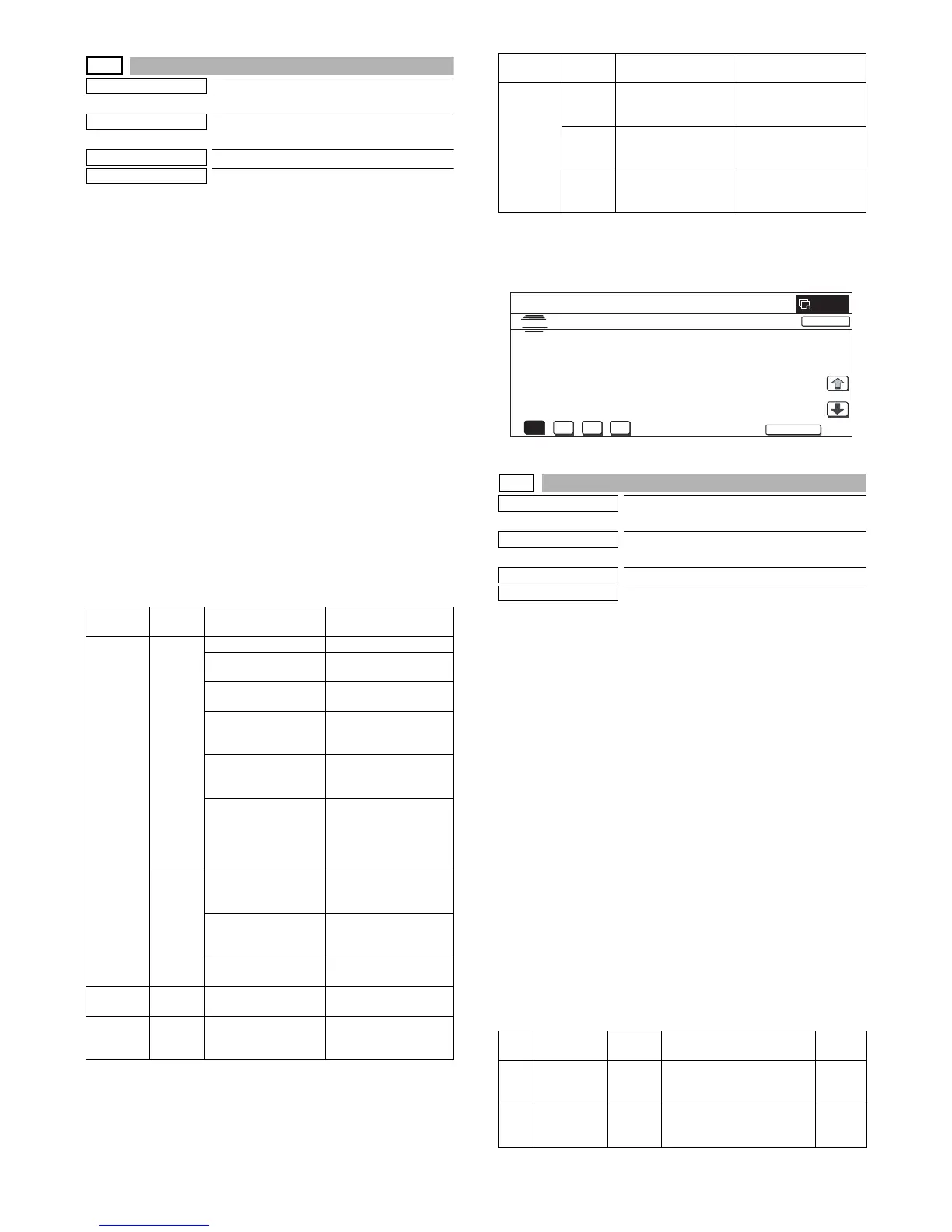
1) Select a color with [K][C][M][Y] buttons. (In this example, [K] is
selected.) The data of the selected color are displayed.
* Only one color button can be selected. The selected button
is highlighted. (In the initial screen, black ([K]) is selected.)
* Change the display page with [↓] or [↑] .
* If there is a page over [↑], an active display is shown and the
page moves up. If there is no page upward, the display
grays out and the operation is invalid.
If there is a page under [↓], an active display is shown and
the page moves down. If there is no page downward, the
display grays out and the operation becomes invalid.
2) When [NEXT] button is pressed, data of another category are
displayed.
* When [NEXT] button is pressed on the last category data
display, the data of the first category are displayed.
* When [NEXT] button is pressed, the data of the next cate-
gory are displayed regardless of the display page.
* When [CLOSE] button is pressed, the display shifts to the copy
basic screen of simulation.
* Copying can be performed also by pressing [COLOR]/[BLACK]
key.
<Display item and content of each category>
* When the display item is not executed yet, “–––” is displayed. In
case of an error, "ERR" is displayed.
* An error display is not made for the reference value and the cor-
rection value, and the previous value is displayed.
44-25
Purpose
Adjustment/Setup/Operation data output/
Check (Display/Print)
Function (Purpose)
Used to check the initial condition of pro-
cess control (half tone correction).
Section
Process
Item
Data (Machine condition)
Operation/Procedure
1) Select a color with [K] [C] [M] [Y] buttons. (In this example, [K]
is selected.) The data of the selected color are displayed.
* Only one color button can be selected. The selected button
is highlighted. (In the initial screen, black ([K]) is selected.)
2) Select the set item with [↑] and [↓] buttons.
The highlighted set value is switched and the value is dis-
played in the setting area.
* If there is any item over [↑], an active display is made and
item is shifted.
If there is no item over [↑], the display grays out and the
operation is invalid.
If there is any item under [↓], an active display is made and
item is shifted.
If there is no item over [↓], the display grays out and the
operation is invalid.
3) Enter the set value with 10-key.
* Press [C] key to clear the entered values.
4) When [OK] button is pressed, it is highlighted and the current
set data are saved to EEPROM and RAM.
* Also when [OK], [↑], [↓], [COLOR], or [BLACK] key is
pressed, the current set value is saved to EEPROM and
RAM.
<Set range of each set value>
Category
Page
number
Display item Content
Coefficient 1/2 [RIZE] Low density rising point
[SATURATE] High density saturation
point
[STEP] (Saturation pint – Rising
point) / 10
[EX-LOW] Coefficient of the
approximation formula
of lowest density
[LOW] Coefficient of the
approximation formula
of low density
[CONNECT] Coefficient of the
approximation formula
when connecting low
density and middle
density
2/2 [MID] Coefficient of the
approximation formula
of middle density
[HIGH] Coefficient of the
approximation formula
of high density
[CONNECT POINT] Density sections
connection output ratio
Reference
value
1/1 [SENSOR_TARGET] Half tone process
control reference value
Correction
value
1/1 [S_VALUE] Half tone process
control correction
amount
For printer 1/3 [PRINTER_S_VALUE] Printer half tone
process control
correction value
2/3 [PRINTER_BASE_DI
THER_VALUE]
Printer half tone
process control
reference dither value
3/3 [PRINTER_AUTO_HT
_VALUE]
Printer auto density
adjustment correction
value
Item Display
Set
range
Content
Default
value
A 1ST PATCH 0 to 255 Half tone process control
1ST step 1st patch print
gradation
40
B 2ND PATCH 0 to 255 Half tone process control
1ST step 2nd patch print
gradation
60
Category
Page
number
Display item Content
K
M
Y



 To Next Page