MX3500N SIMULATION 7 – 81
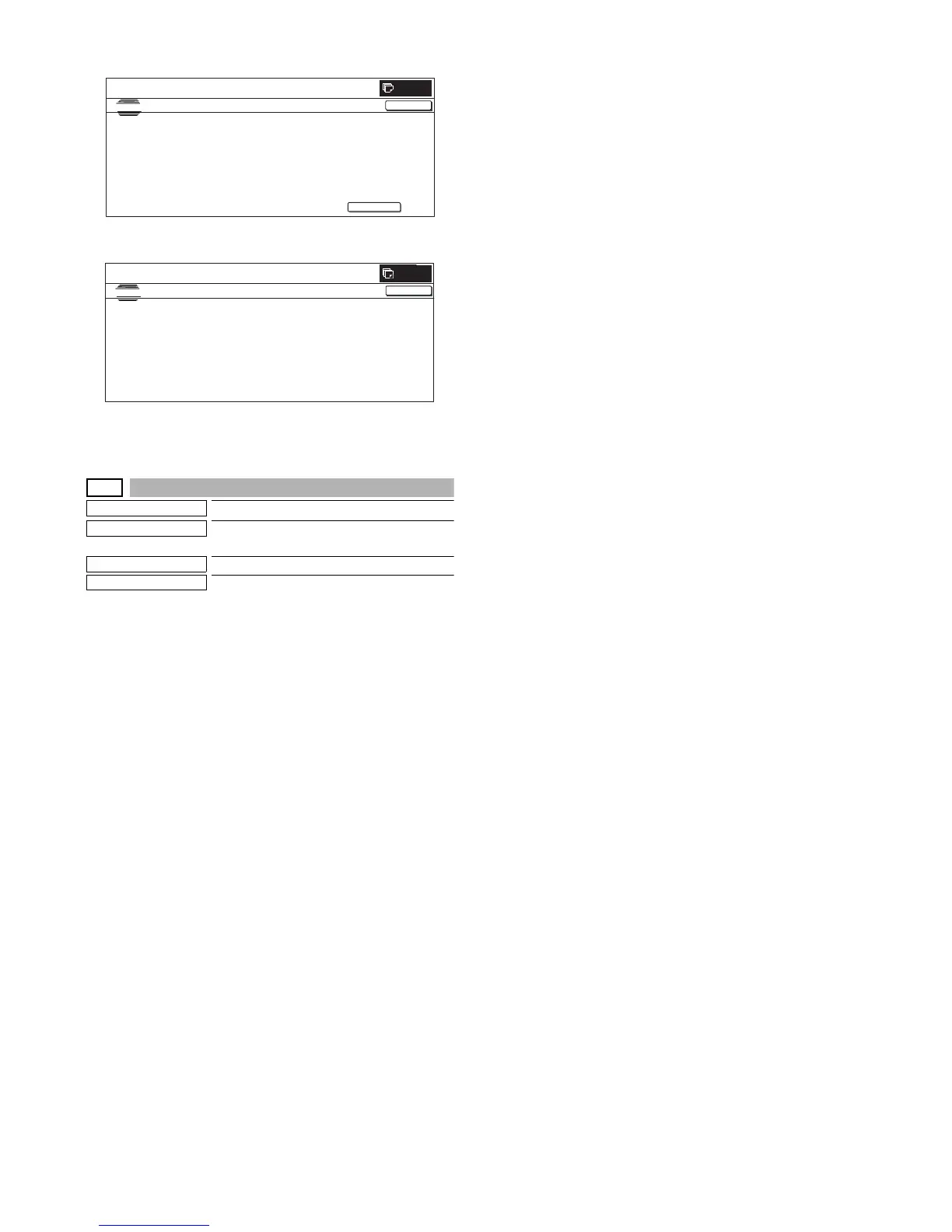
(Initial screen)
(Completion of scan = ACS judgment result screen)
*Press [↓] to display the image process statistic amount, and
press [NEXT] to display the judgment result of "COLOR
AE","ORG RECOG", and"SCR RECOG".
46-33
Purpose
Setting
Function (Purpose)
Used to execute the color auto mode
adjustment.
Section
Image process (ICU)
Item
Image quality
Operation/Procedure
NOTE: Unless a special change is required, keep the default val-
ues except for the following items. For the following items,
change the set values according to the necessity.
COLOR AE(SW MODE 1 - 7 / TH MAX MONO / TH MAX
COLOR / SW NEWS / TH MODE SCR)
ACS(SIM LEVEL)
1) Select a category to be set with [NEXT] and [BAC] buttons. (In
this example, "ACS4 digits or less" is set.)
2) Select the set item with [↑] and [↓] buttons.
The highlighted set value is switched and the value is dis-
played in the setting area.
* If there is any item over [↑], an active display is made and
item is shifted.
If there is no item over [↑], the display grays out and the
operation is invalid.
If there is any item under [↓], an active display is made and
item is shifted.
If there is no item over [↓], the display grays out and the
operation is invalid.
3) Enter the set value with 10-key.
* Press [C] key to clear the entered values.
4) When [OK], [↑], [↓] button, [COLOR], or [BLACK] key is
pressed, the currently entered data are saved to EEPROM and
RAM.
5) Select a desired button.
The selected button is highlighted and the value is displayed.
(In the default state, [TH_ACS5 ENLARGE] is highlighted.)
6) Enter a new value (000000002 in this example) with 10-key.
* The number of digits is max. 9. The 10th digit cannot be
entered. Entry is made after clearing.
* 10-key: [0] to [9]
* Press [C] key to clear the entered values.
7) When [SET] button is pressed, setting is revised.
* The display in the frame of [NEW] is deleted, and the value
entered in the procedure 6 is displayed in the column of
[PRESENT].
* If a new value if less than 9 digits, revision is not made.
* Switch the category sequentially with [NEXT] and [BACK]
buttons.
SIMULATION NO.46-28
TEST
AUTO EXPOSURE/ORG AUTO RECOG/MESH LINE RECOG OF CONFIRM
PRESS [EXECUTE] TO SCAN START
0
CLOSE
EXECUTE
CLOSE
SIMULATION NO.46-28
TEST
AUTO EXPOSURE/ORG AUTO RECOG/MESH LINE RECOG OF CONFIRM
NOW READING THE ORIGINAL.
PLEASE WAIT…
0



 To Next Page